Using a document in a Bluetooth-compatible cellular phone or PDA
2
2-46 ineo+ 220/280/360 (Version 3)
2.9
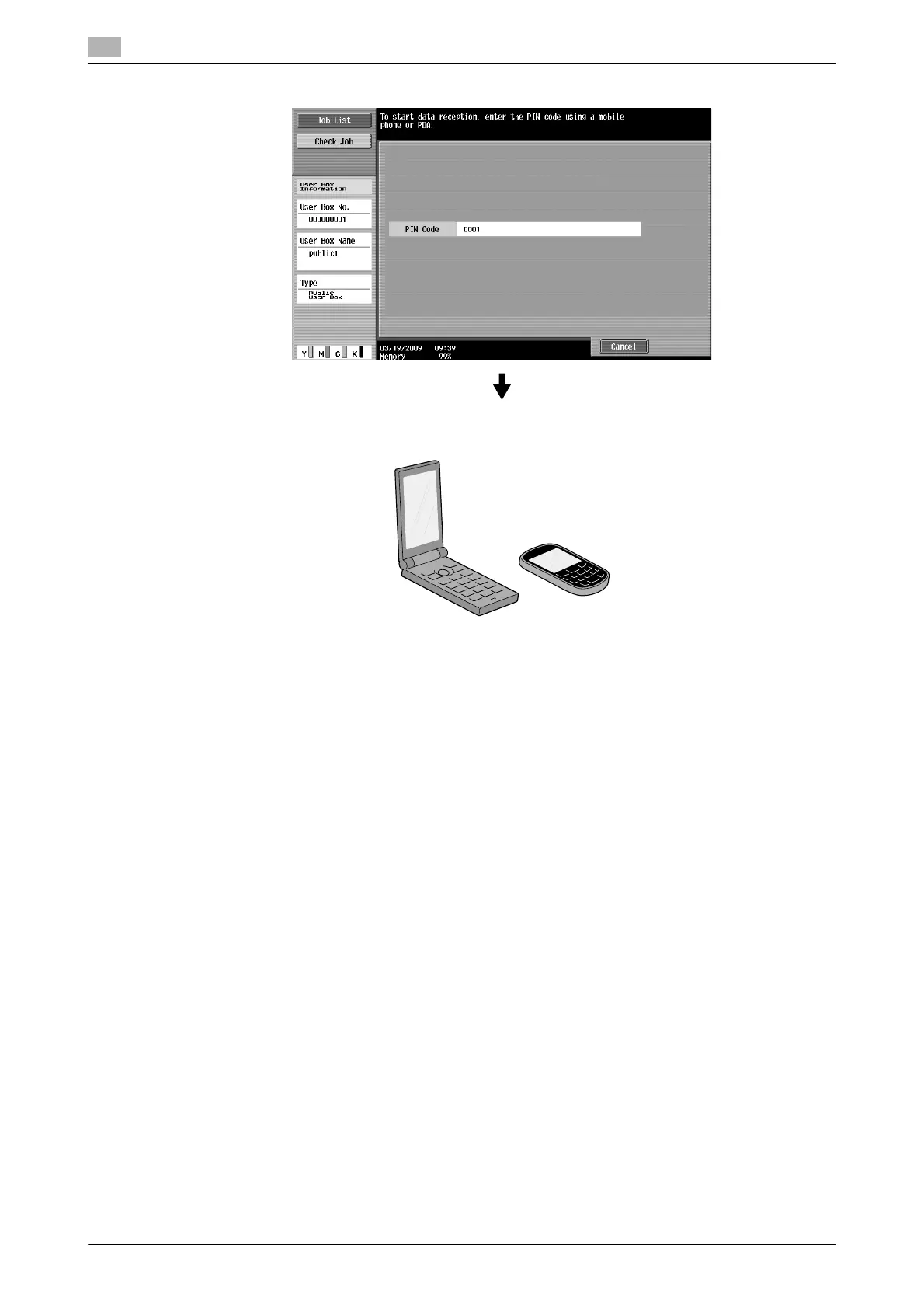
4 Check the PIN code, and operate the cellular phone or PDA.
d Reference
To receive a file from a cellular phone or PDA, select this machine, specify the file, and enter the PIN code in
the cellular phone or PDA after the PIN code has been displayed on the control panel.
Cellular phone or PDA operations vary depending on the model.
For details on cellular phone or PDA operations, refer to the manual of the cellular phone or PDA.









 To Next Page