ineo+ 220/280/360 (Version 3) 1-31
1.12 Guidance function
1
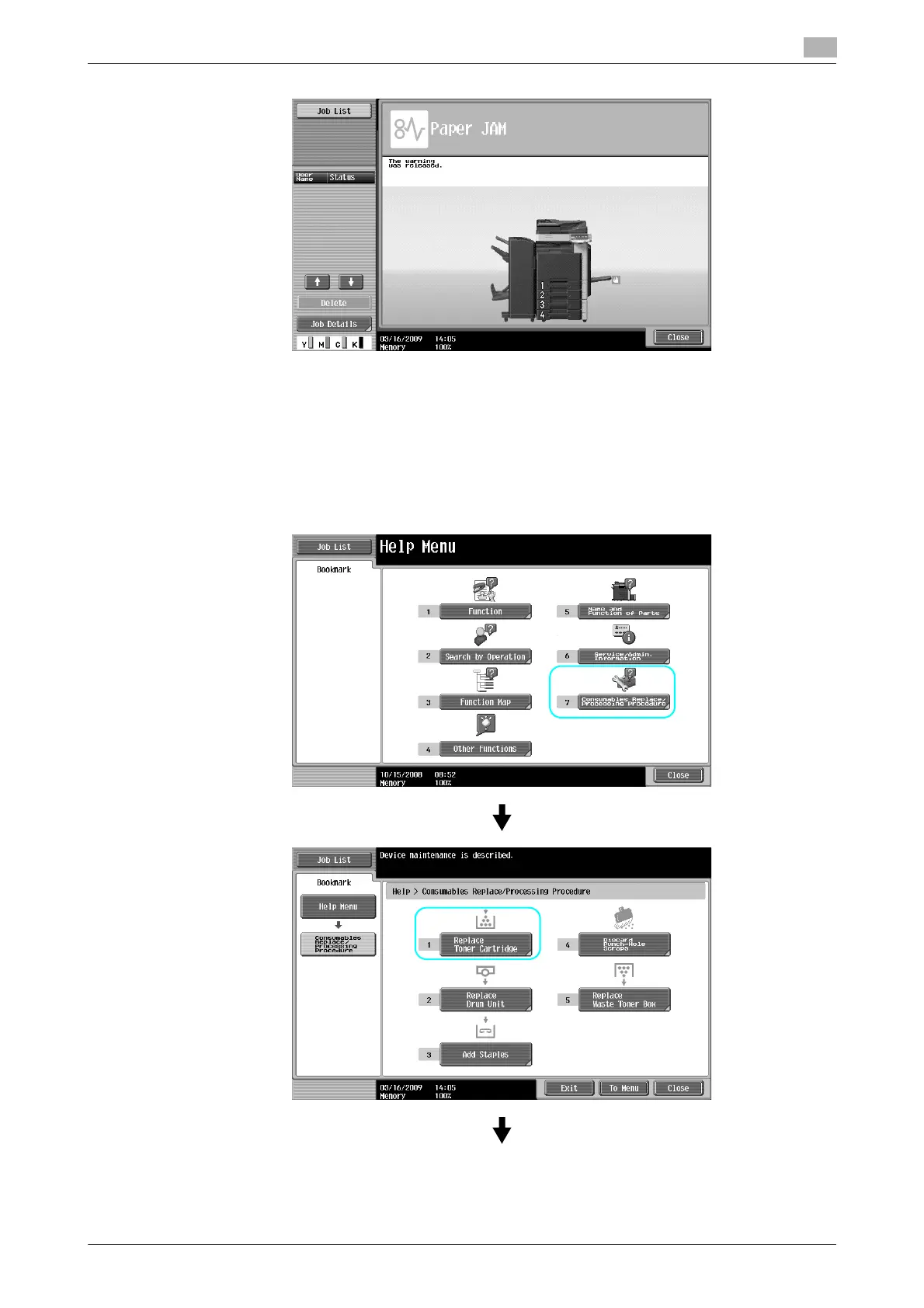
When a paper jam is correctly cleared, the warning release screen appears.
d Reference
For details on how to clear paper jams or staple jams, refer to page 1-41 of this manual.
Example of consumable replacement (Replacement of toner cartridge)
1 Press [Start Guidance] to check the replacement procedure.
% Press the [Guidance] key to display the Help Menu screen.









 To Next Page