ineo+ 220/280/360 (Version 3) 2-5
2.1 Basic copy operation
2
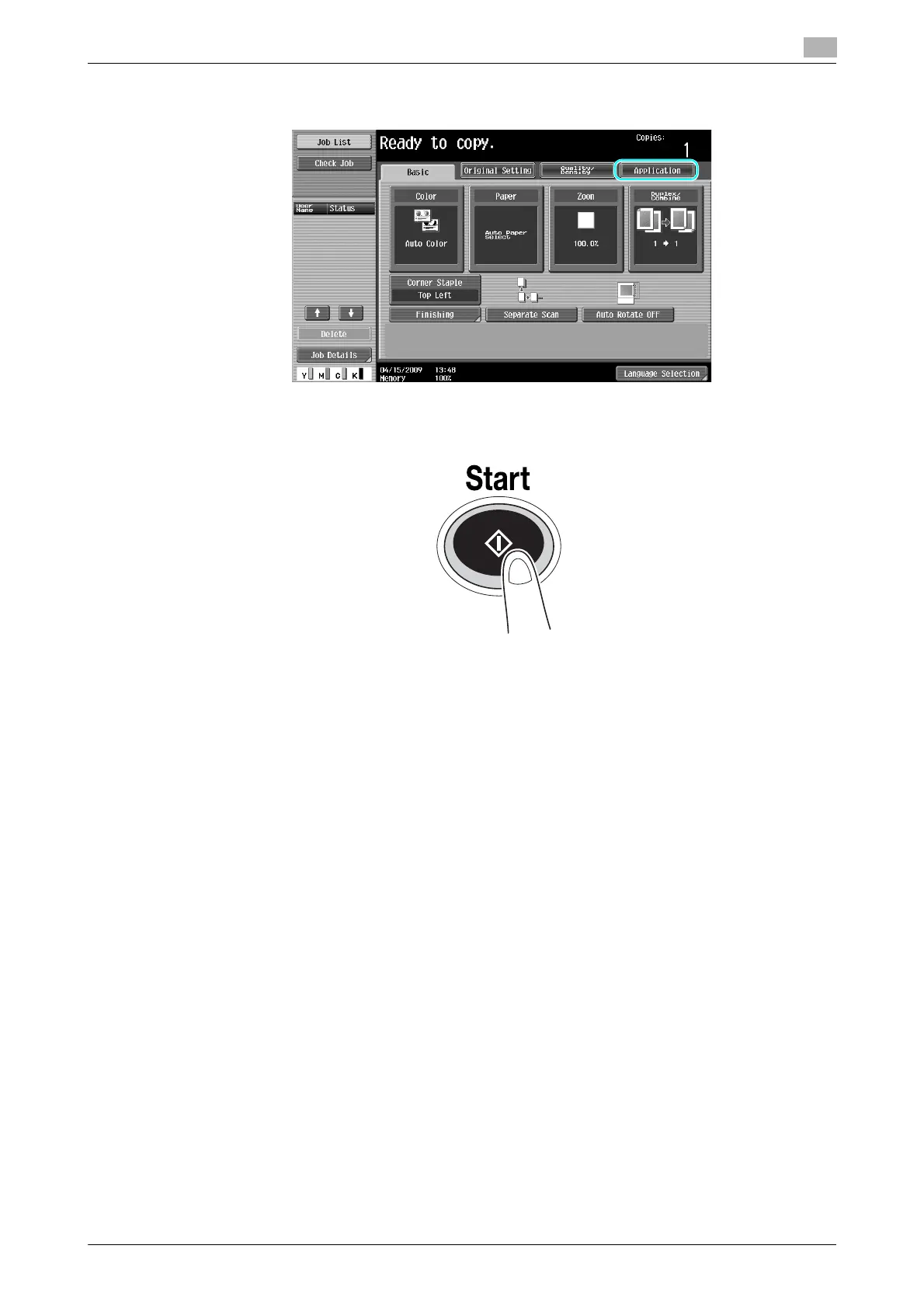
% To use the various copy functions, press [Application], and then specify the desired settings. For
details, refer to chapter 5 of the [User’s Guide Copy Operations].
4 Press the [Start] key.
% To scan multiple originals using the original glass, select [Separate Scan]. After scanning 1st page
of the original, load the 2nd page and press [Start] again. Repeat this process until all the pages
have been scanned.
After the last page has been scanned, press [Finish], and then press the [Start] key.
% To stop scanning or printing, press the [Stop] key.
% To interrupt the copy job, press the [Interrupt] key.
% To scan the next document while printing (reserve a copy job), position the next document, and then
press the [Start] key.
% For details, refer to chapter 4 of [User’s Guide Copy Operations].









 To Next Page