Morning
Day
Evening
Night
Timer function
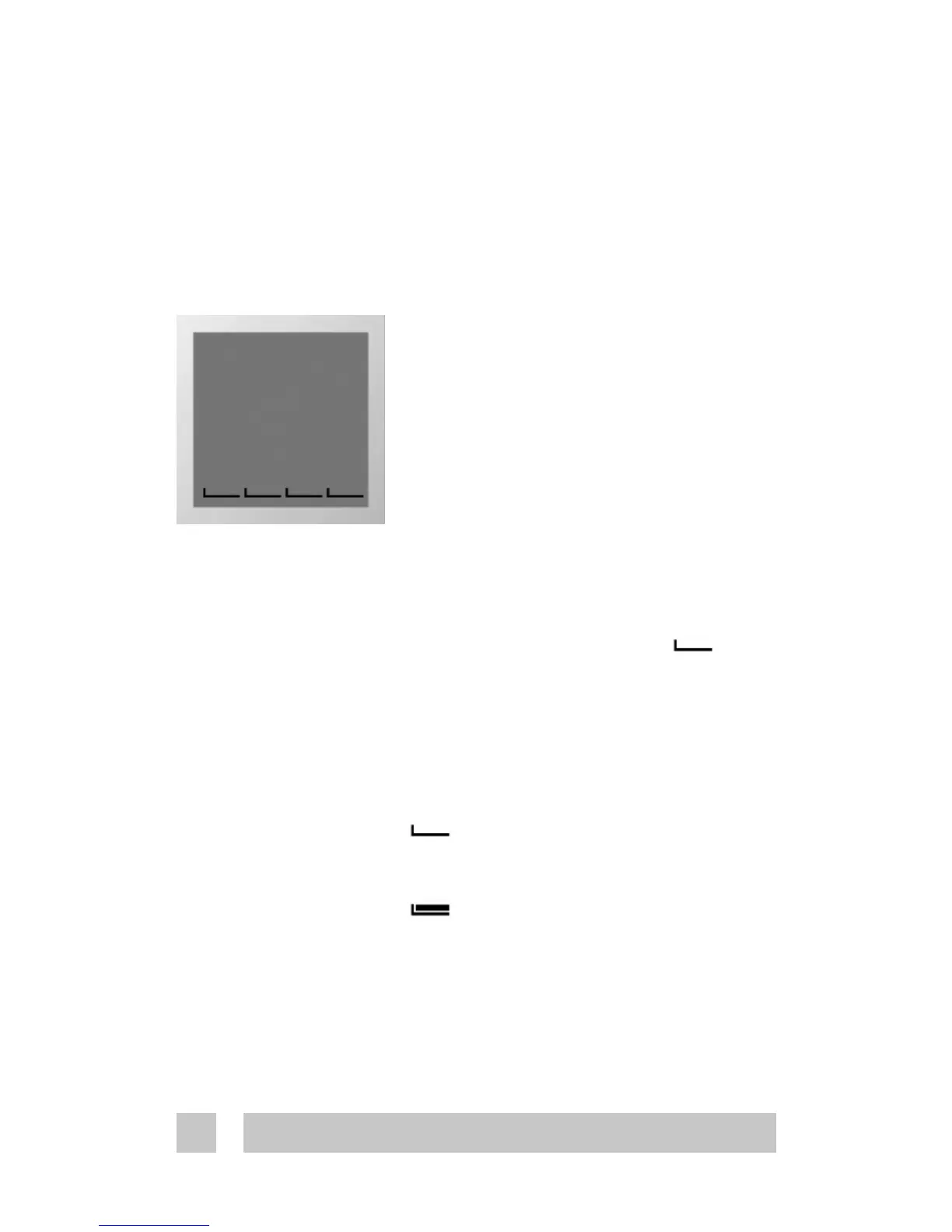
The day is divided into 4 time periods
analogous to the typical day pro-
gramming pattern:
- Morning
- Day
- Evening
- Night
These are indicated by the as
shown in the picture to the left. The
start time of each of these can be
configured.
The symbol can be:
Empty: Indicating that the
thermostat is in economy mode.
Full: Indicating that the
thermostat is in comfort mode.
The thermostat has a built-in timer function. A status bar in
the bottom of the display gives an overview of timer status.
Using the timer function
Program 1 Manual mode. The temperature is main-
tained constantly 24 hours all week.
Program 2
The temperature is lowered to economy
temperature during the day and night
period all week.
P2 is a day program for e.g. working days
where the temperature is decreased during
the middle of the day and at night. In the
morning and evening comfort temperature
is preferred.
Program 3
The temperature is lowered to economy
temperature during the night period all
week.
P3 is a program for days at home where
comfort temperature is preferred during the
day and a savings temperature at night.
Program 4 A week program where:
Mon – Fri: Program 2 and
Sat – Sun: Program 3
P4 is a week program with Monday-Friday as
workdays and Saturday-Sunday as days off.
The top 7 bars indicate Monday through
Sunday. On week days timer program 2 is
used and in weekends timer program 3.





 To Next Page