Special features
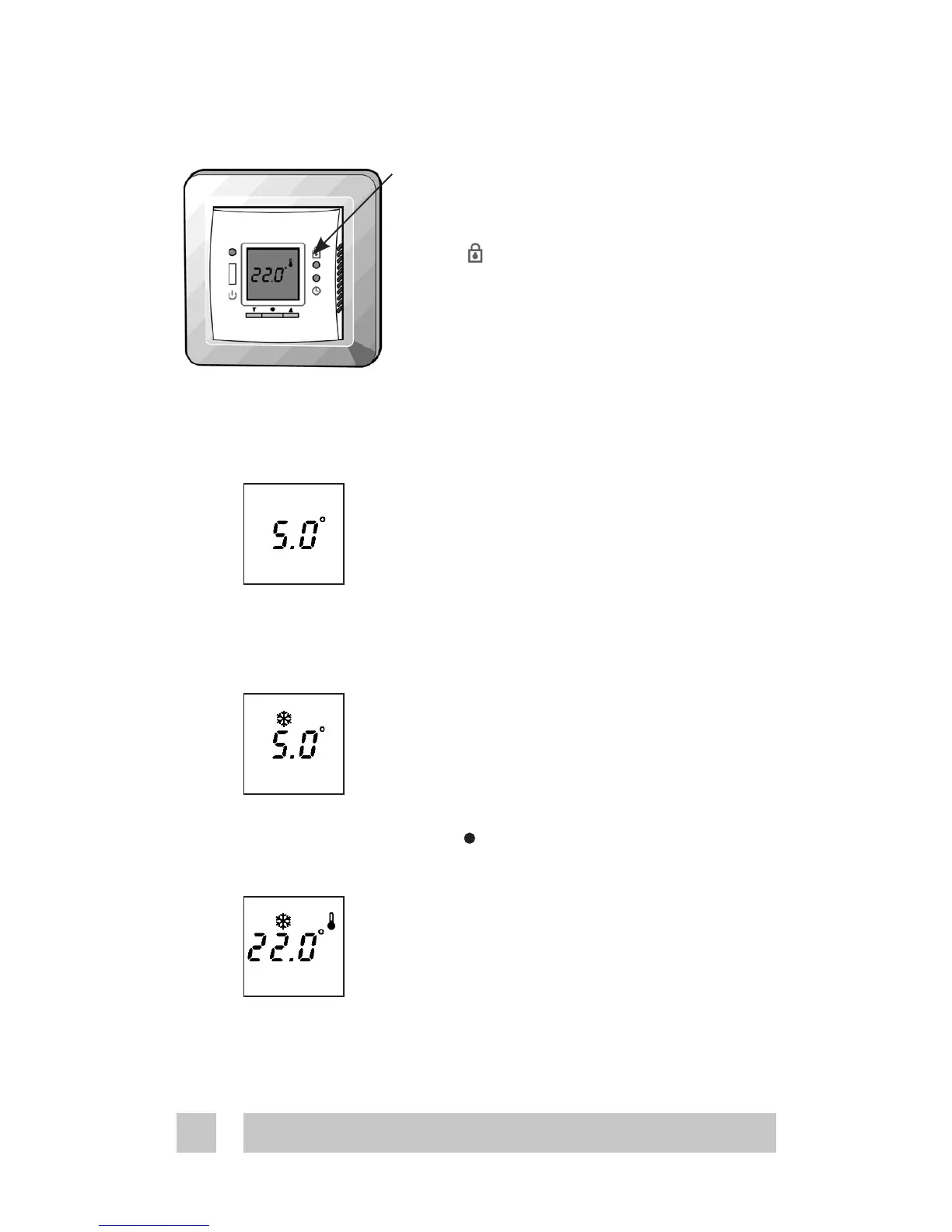
Childproof mode
You disable all buttons in child proof
mode by pressing the pinhole button
below with a small screw driver,
pencil, or needle.
A lock now appears in the display and
all other buttons are locked now.
To unlock press the lock symbol again
Frost protection mode
To set the thermostat in frost protec-
tion mode, you hold down ▼ until you
reach the lowest setting. Now press
▼ again to verify that you are not just
changing the comfort or economy
temperature, depending on the mode
or timer period the thermostat is in.
The frost icon now appears and 5.0°
flashes.
You accept the mode by
- Press • to accept
- Leaving it flashing for 10 seconds.
The thermostat is now in frost pro-
tected mode. Actual temperature is
shown.
You leave frost protection mode by
pressing ▲ (0.5sec).





 To Next Page