Special features / Trouble shooting
Switching displayed temperature
Depending on what mode the thermostat is
installed as (floor, or a combination of floor and
room) you can change which temperature is
displayed.
If installed as a floor sensor system only, you can
change the displayed temperature from floor
sensor temperature to room sensor tempera-
ture, if you wish to use the thermostat as a
thermometer. You change the display by
pressing ▲ and ▼ at the same time for 2 seconds.
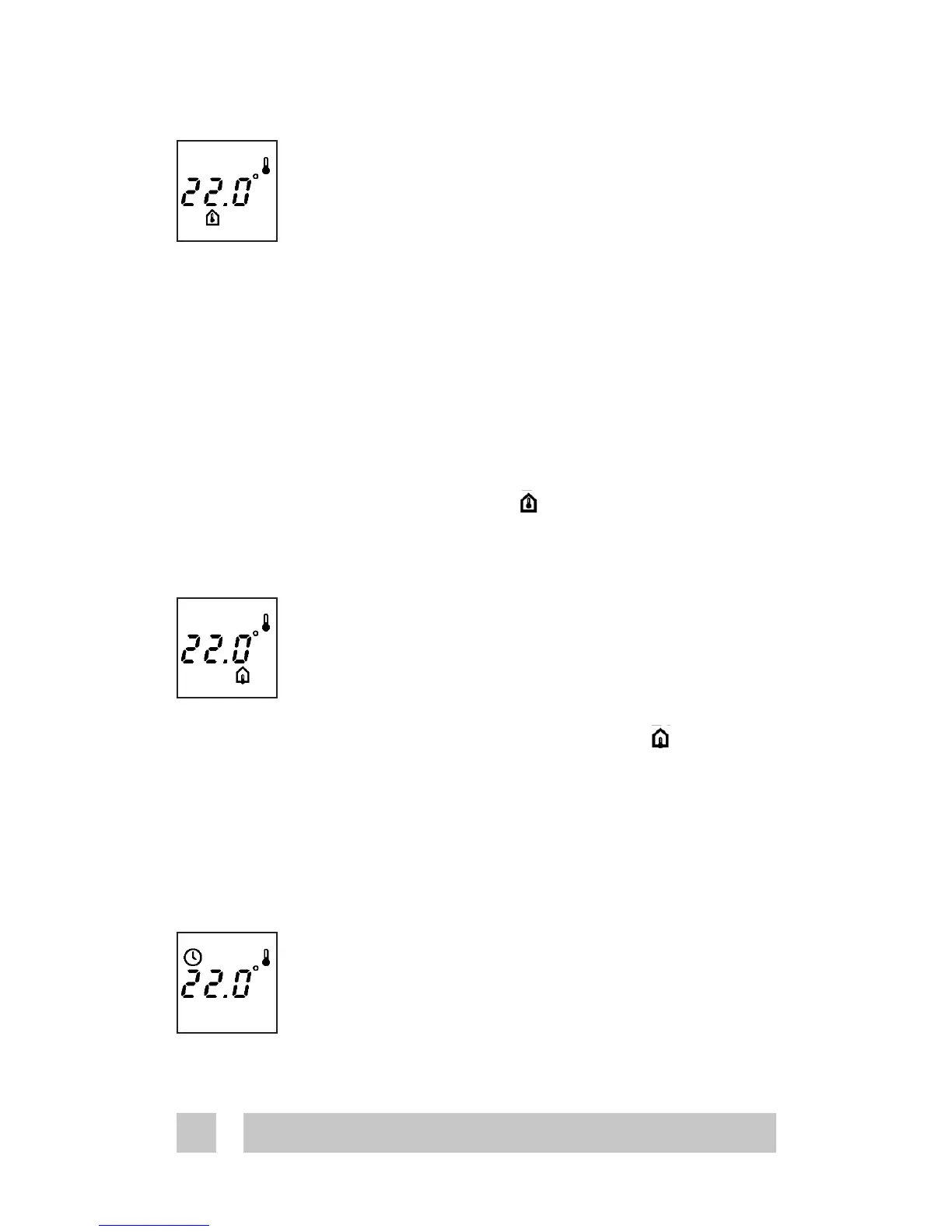
The room sensor icon is displayed.
You press them again to return to the default
display.
If installed as a combination thermostat, by
pressing ▲ and ▼ at the same time for 2 seconds,
the temperature in the floor sensor is displayed
for 2 minutes. The floor sensor icon is
displayed.
Clock symbol flashing:
Time settings were lost due to power cut.
The thermostat resumes to manual mode.
Trouble shooting





 To Next Page