Website: www.devicewell.com Email: support@devicewell.cn 25
Step 3: Set video capture device properties
① Set the video properties.
Device selection: Devicewell Digital Video;
Resolution/Pitch rate Type selection: custom; resolution can be selected: 1920*1080, 1280*720,
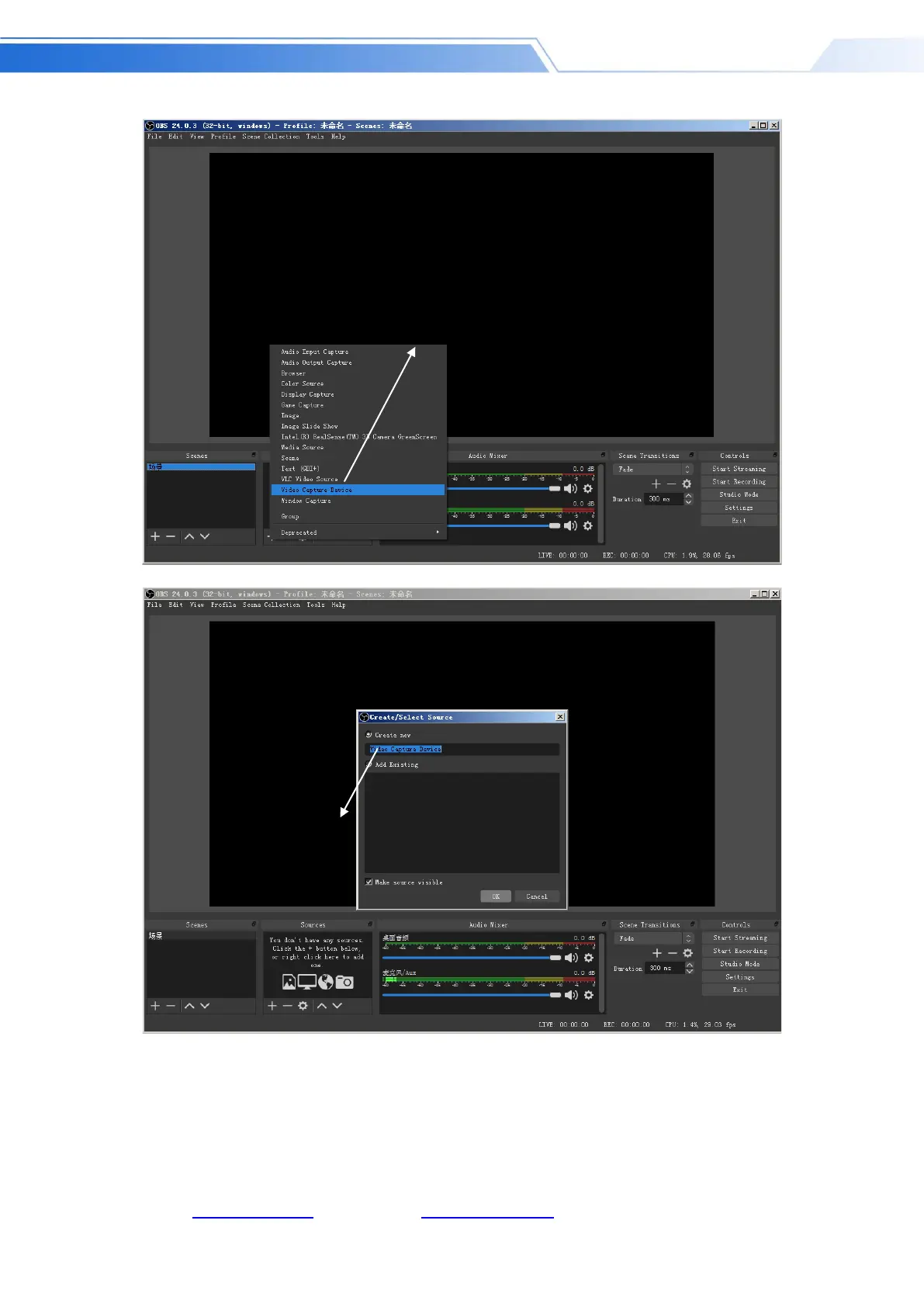
Add a video capture device



 To Next Page