Website: www.devicewell.com Email: support@devicewell.cn 22
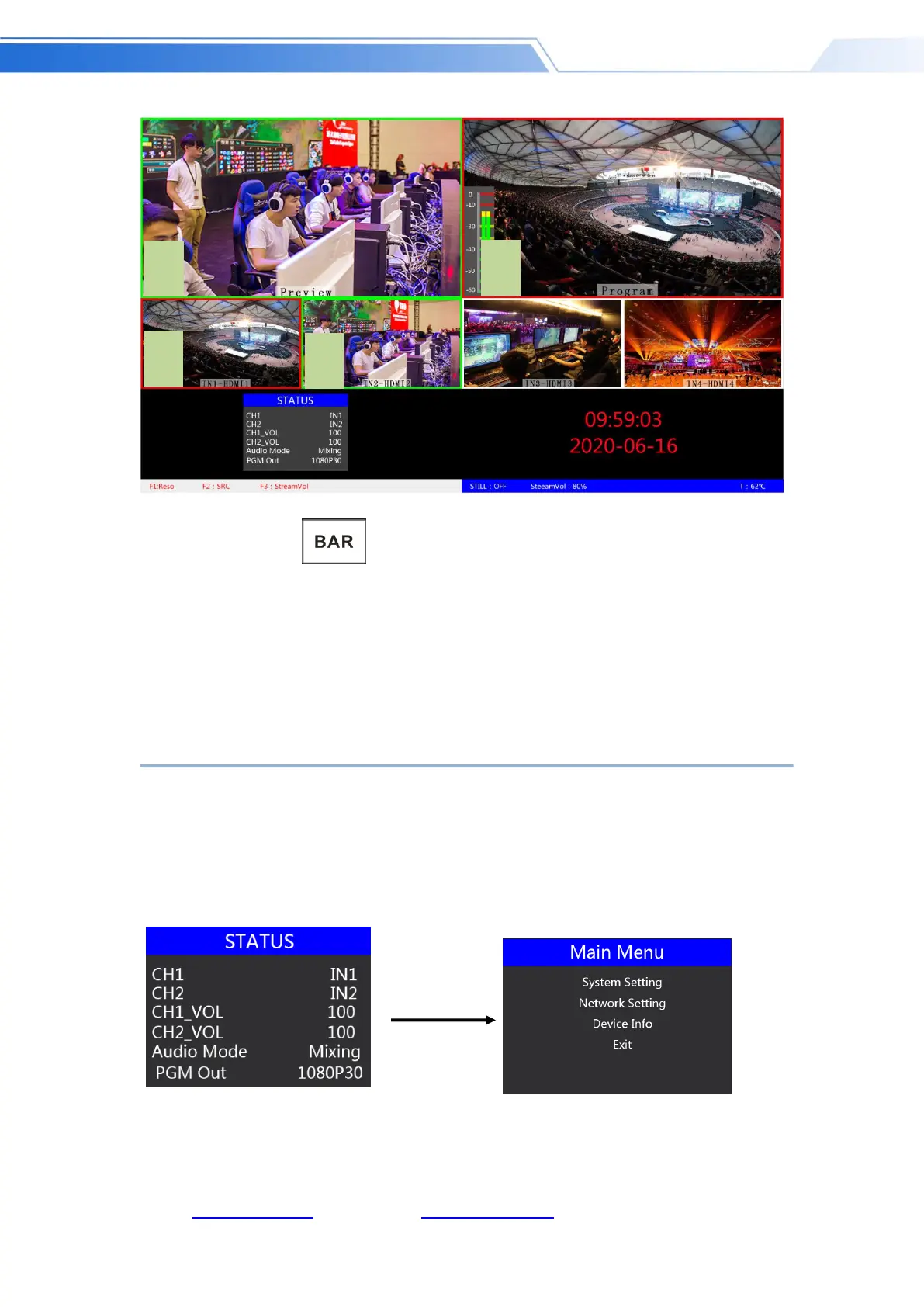
After pressing the BAR button in the key panel, the screen will output color bars.
6.1.2.6 Output resolution setting / input source
setting control area
7. System menu settings
Menu display
In the menu bar, you can perform IP settings on the device, restore the factory settings, and change
the language.
In the default state of power on, press the menu to enter the main menu, as shown below.
Press MENU under the status bar to set the audio mode and output resolution;
Audio mode; menu to select mix or follow;
Output resolution: menu can be operated, you can choose 1080p60 / 1080p50 / 1080p30 /



 To Next Page