Website: www.devicewell.com Email: support@devicewell.cn 21
PGM and PVW source switching
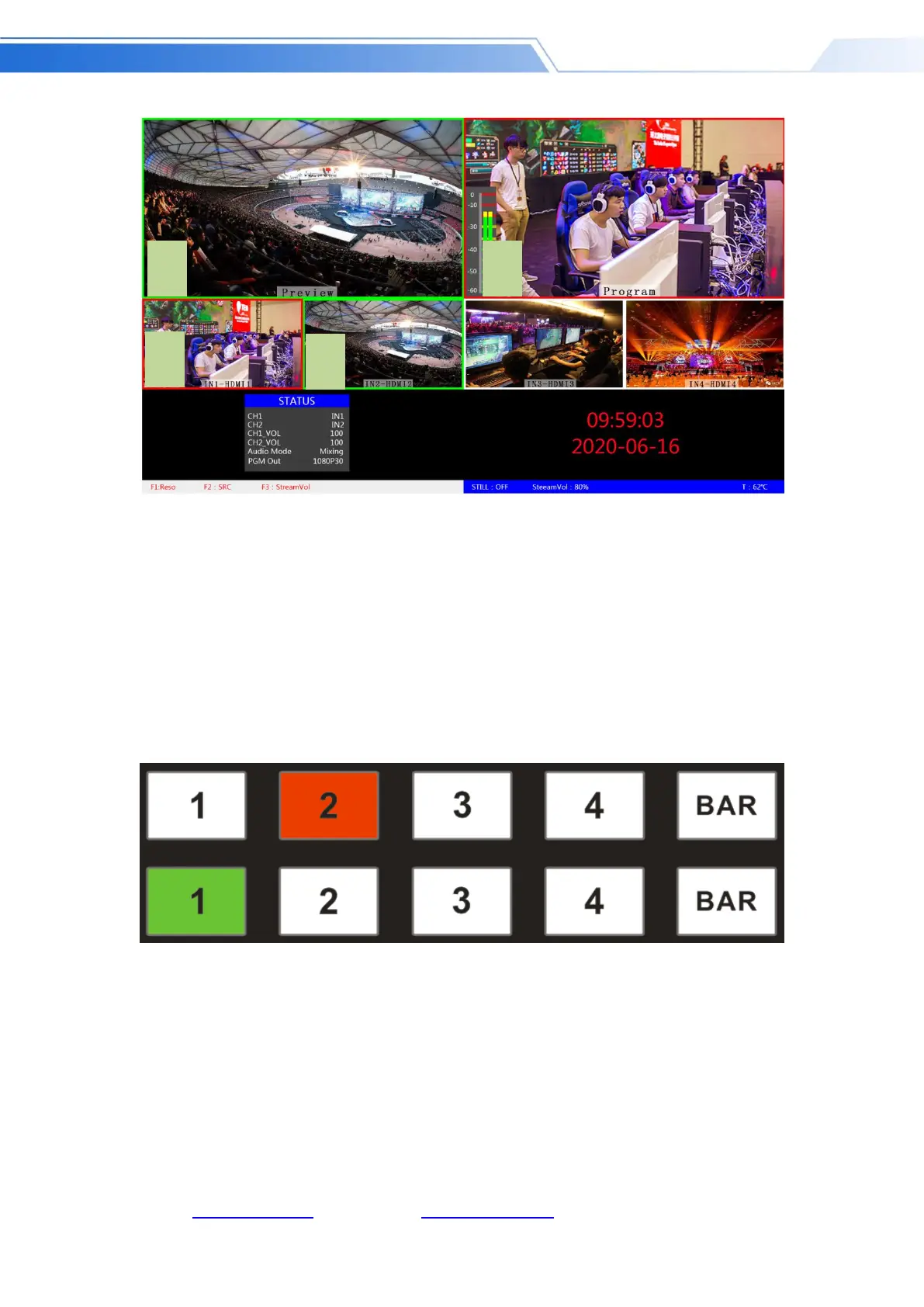
If you want to switch between PGM and PVW video sources in multiview (PGM ⇌ PVW)
Suppose you want to convert live signal source 1 (PGM) and preview signal source 2 (PVW) into 2
(PGM) and 1 (PVW) in a multiview. You only need to press 2 (PGM) and 1 ( PVW), and then use
the CUT or AUTO to switch. The live PGM signal sources 1-4 can be switched arbitrarily with the
preview PVW signal source.
The effect diagram is as follows:



 To Next Page