Website: www.devicewell.com Email: support@devicewell.cn 20
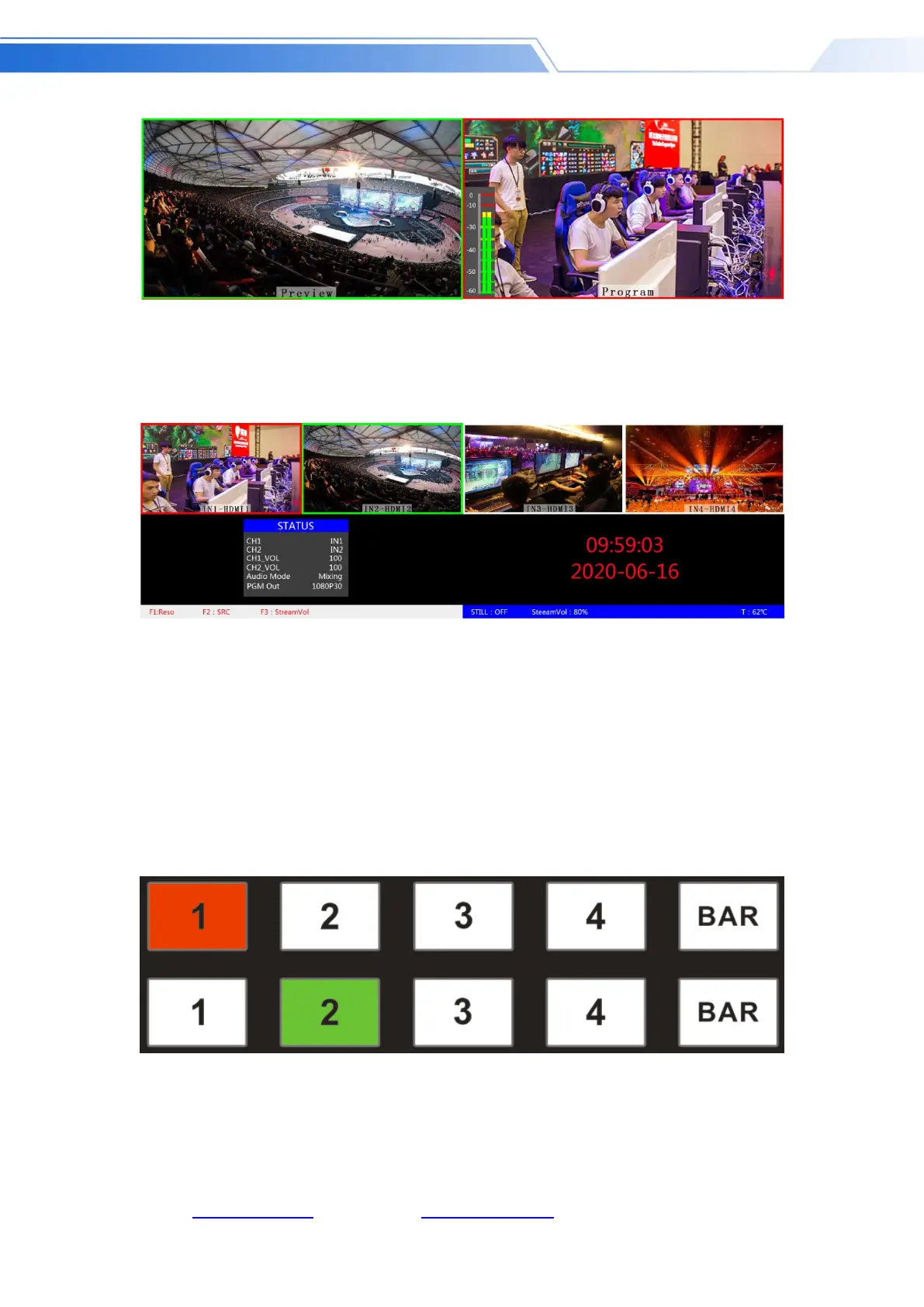
There are 4 windows below corresponding to the input source monitoring, which correspond to
the No. 1 to No. 4 buttons on the switcher control panel.
PGM and PVW output signals
After the device is connected to the video signal source, press 1 (PGM) and 2 (PVW) in the
keypad. The live and preview signal sources in the output multiview monitor are 1 (PGM) and 2
(PVW), respectively. The signal sources are HDMI IN1 and HDMI IN2.
The effect diagram is as follows



 To Next Page