Website: www.devicewell.com Email: support@devicewell.cn 27
Description:
1. The resolution setting needs to be customized to have a video display. If there is no image
display after setting, you need to set the video format to MJPEG. (The latest OBS version 25.0.1
can choose H264 in the video format, so the image quality will be improved)
2. You need to connect the device to the computer before each use, and then open the OBS
software, otherwise the OBS software cannot recognize the USB device.
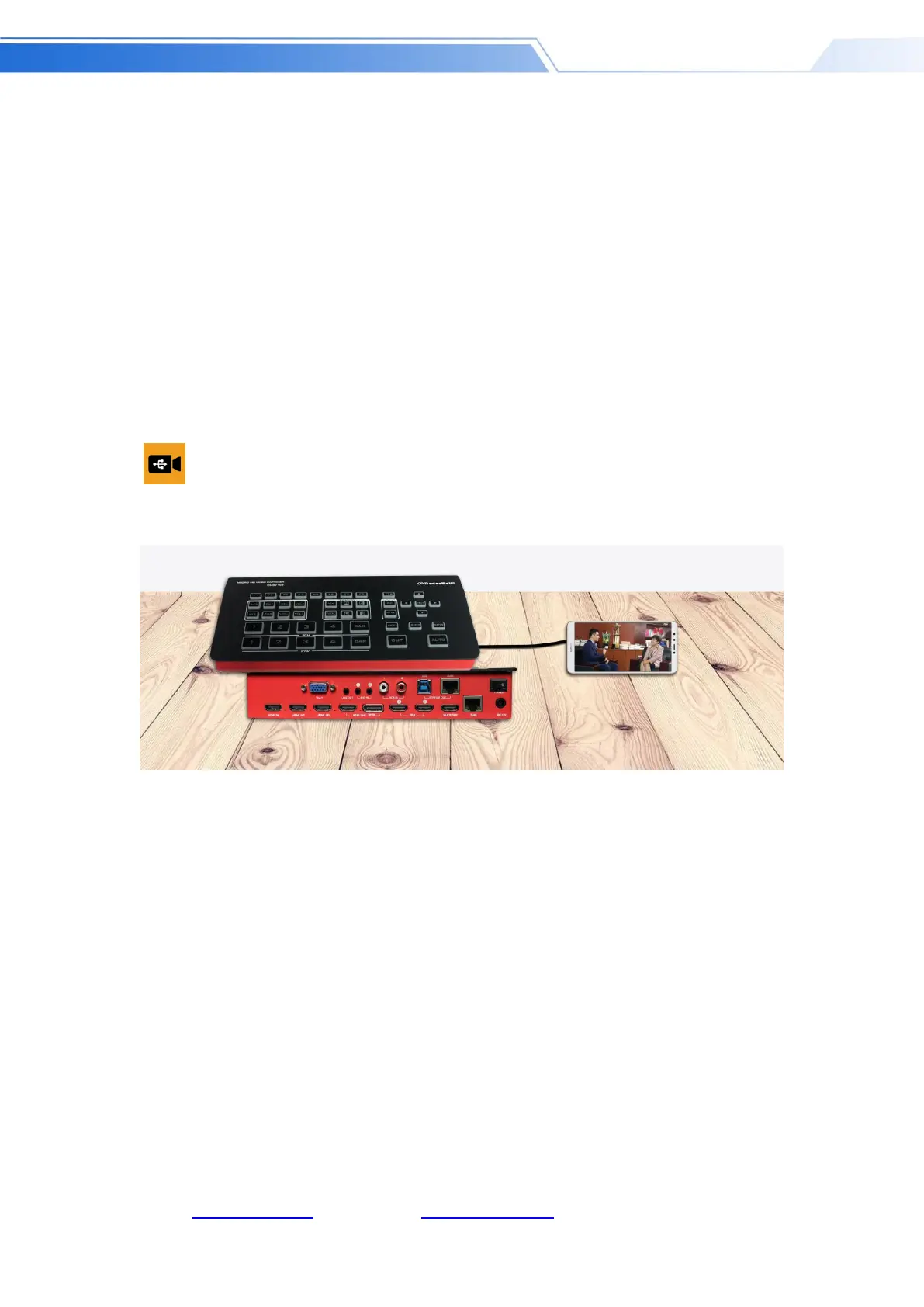
HDS7105 connection instructions with Android phone
Step 1: Install the APP: USB camera on the Android phone, as shown in the figure
Step 2: Connect the device and mobile phone with the adapter cable, as shown in the figure.
Note: You need to use a mobile phone that can support UVC



 To Next Page