35 Network configuration
devolo dLAN WiFi Outdoor
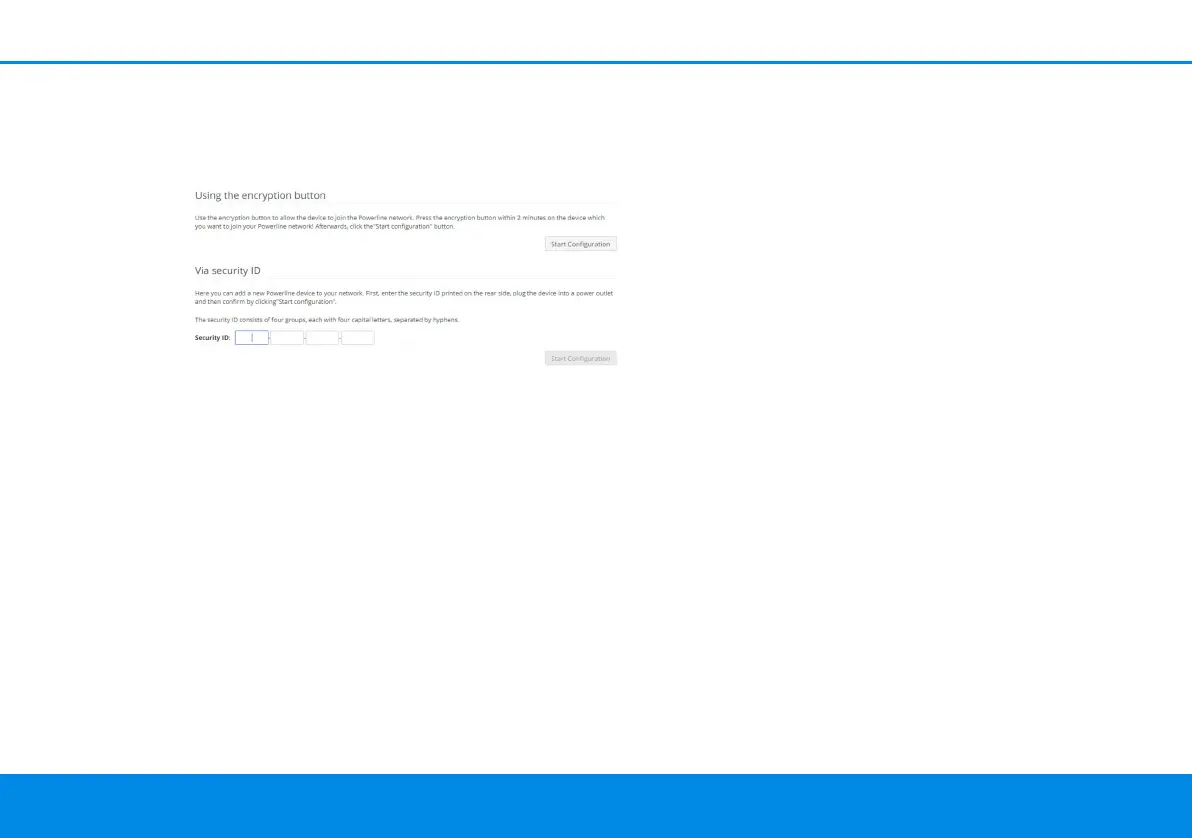
Via security ID
If you would like to manually add a new dLAN de-
vice, provide its security ID and confirm with Start
configuration.
4.6 LAN
You make changes to the network settings in the
LAN area.
4.6.1Status
You can see the current LAN status of the dLAN ad-
apters here.
IPv4/IPv6
Depending on how the dLAN WiFi Outdoor is
connected to the Internet, current network infor-
mation is displayed, such as Address, Subnet
mask, Standard gateway and DNS server.
4.6.2IPv4/IPv6
In the factory default settings, only the Retrieve
network settings from a DHCP server option for
IPv4 is enabled. This means that the IPv4 address is
retrieved automatically from a DHCP server. The
currently assigned network data are visible (greyed
out).
If a DHCP server is already present on the network
for assigning IP addresses (e.g. your Internet rou-
ter), you should leave the Retrieve network set-
tings from a DHCP server option enabled so that
the dLAN WiFi Outdoor automatically receives an
address from it.
If you want to assign a static IP address, make
entries accordingly for the Address, Subnet mask,
Default gateway and DNS server fields.
Confirm your settings by clicking the Disk icon.
Then, restart the dLAN adapter (see Chapter Con-
figuration) to ensure that your changes take ef-
fect.
dLAN WiFi Outdoor.book Seite 35 Mittwoch, 30. Oktober 2019 10:47 10



 To Next Page