Network configuration 36
devolo dLAN WiFi Outdoor
4.7 System
In the System area, you can configure the settings
for security and other dLAN adapter device functi-
ons.
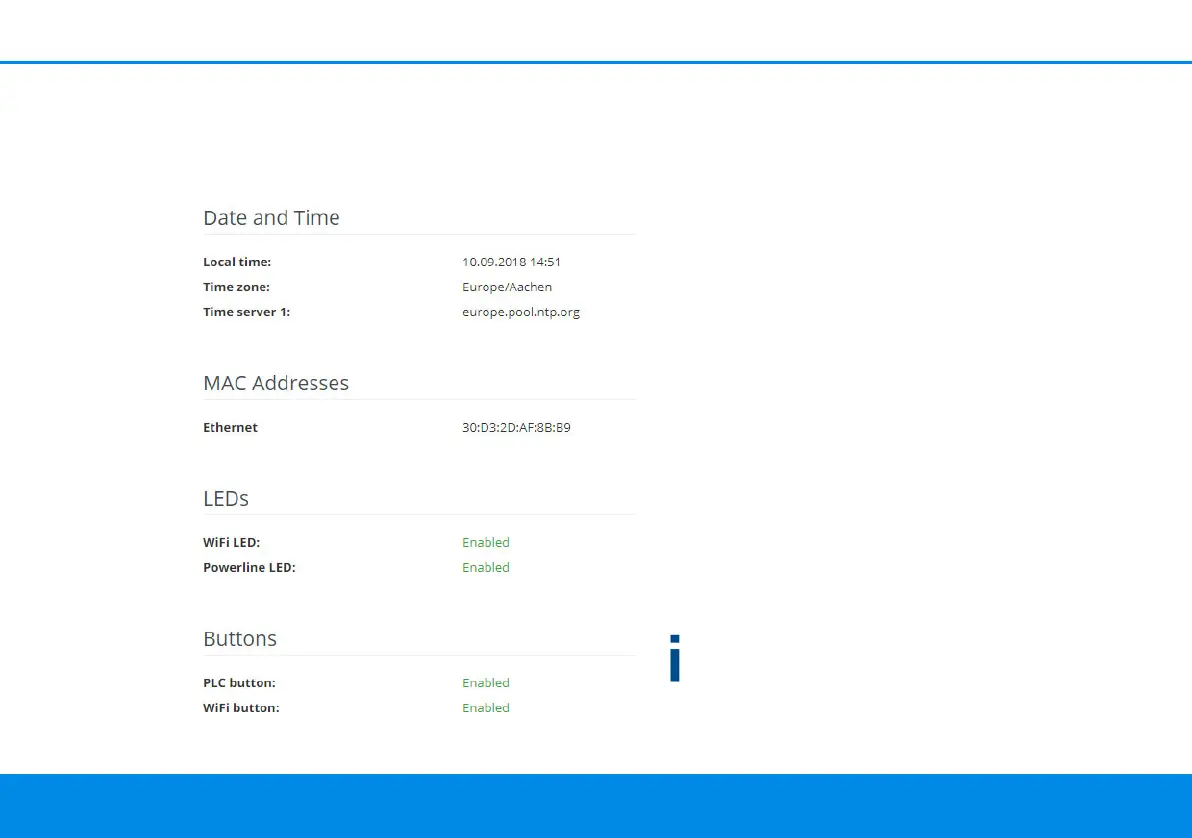
4.7.1Status
Here you can view the most important information
on the dLAN adapter, including the current date
and time, time zone, MAC address of the adapter,
status of the WiFi and Powerline LEDs and the two
operating buttons (PLC button and WiFi button).
4.7.2Management
System information lets you enter user-defined
names in the Device name (hostname) and
Device location fields. Both pieces of information
are particularly helpful if multiple dLAN adapters
are to be used and identified in the network.
Under Change access password, a login password
can be set for accessing the web interface.
By default, the built-in web interface of the
dLAN WiFi Outdoor is not protected by a
password. We recommend assigning a password
when the installation of the dLAN WiFi Outdoor is
complete to protect it against tampering by third
parties.
To do so, enter the desired new password twice.
Now the web interface is protected against un-
authorised access with your custom password!
dLAN WiFi Outdoor.book Seite 36 Mittwoch, 30. Oktober 2019 10:47 10



 To Next Page