www.dfi .comAppendix A BSP User Guide
33
Appendix A
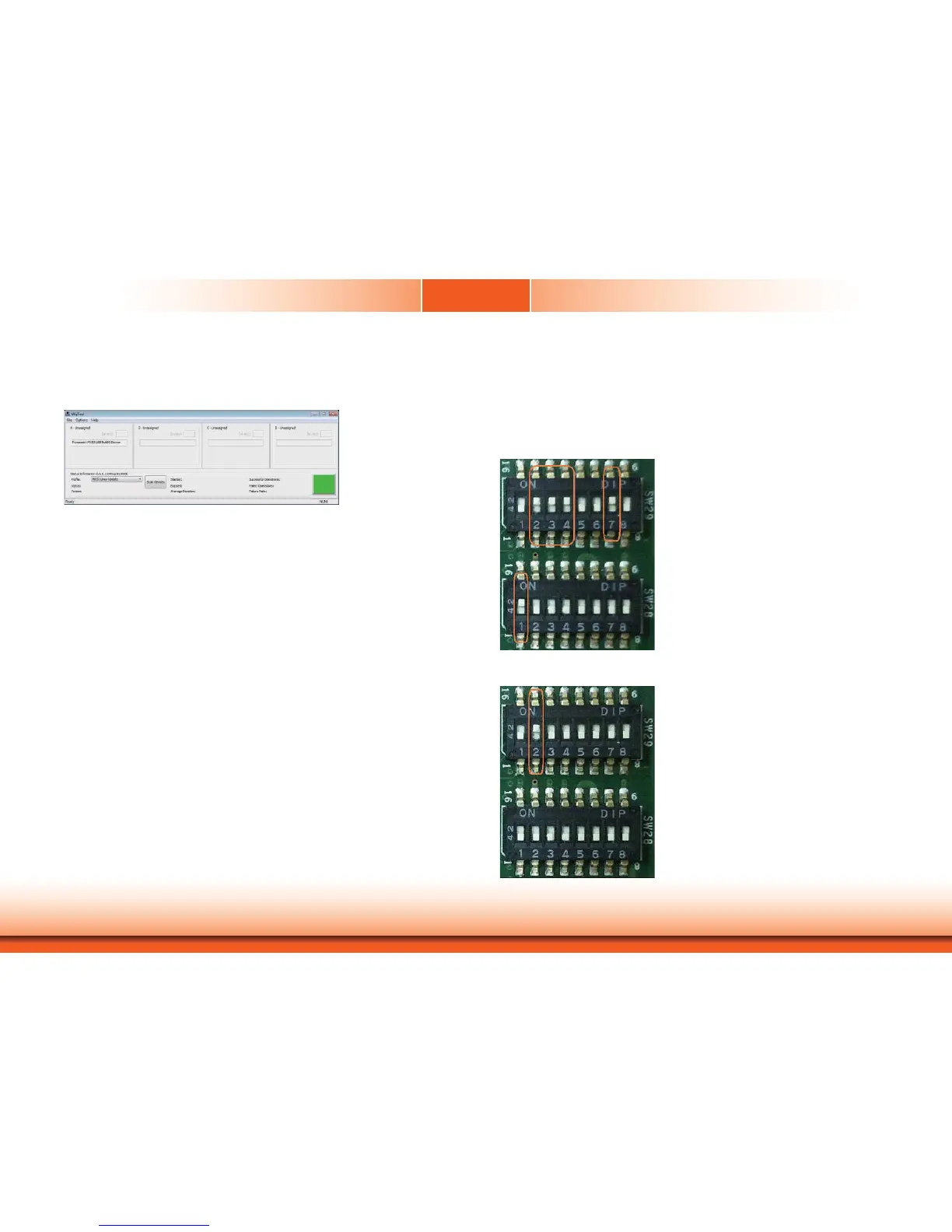
Choose your own setting and click “OK” to close the window. It’s done.
Then go back to the main menu after configurating and press the ‘Start’ icon to program the
specified images.
Boot from MMC/SD and eMMC
Before booting from the SD or eMMC device, please configure the jumper switch (SW28 and
SW29) to provide functions.
Booting from eMMC setting:
Booting from MMC/SD:


 To Next Page