70
2
Hardware Installation
Removing the Jumper Caps
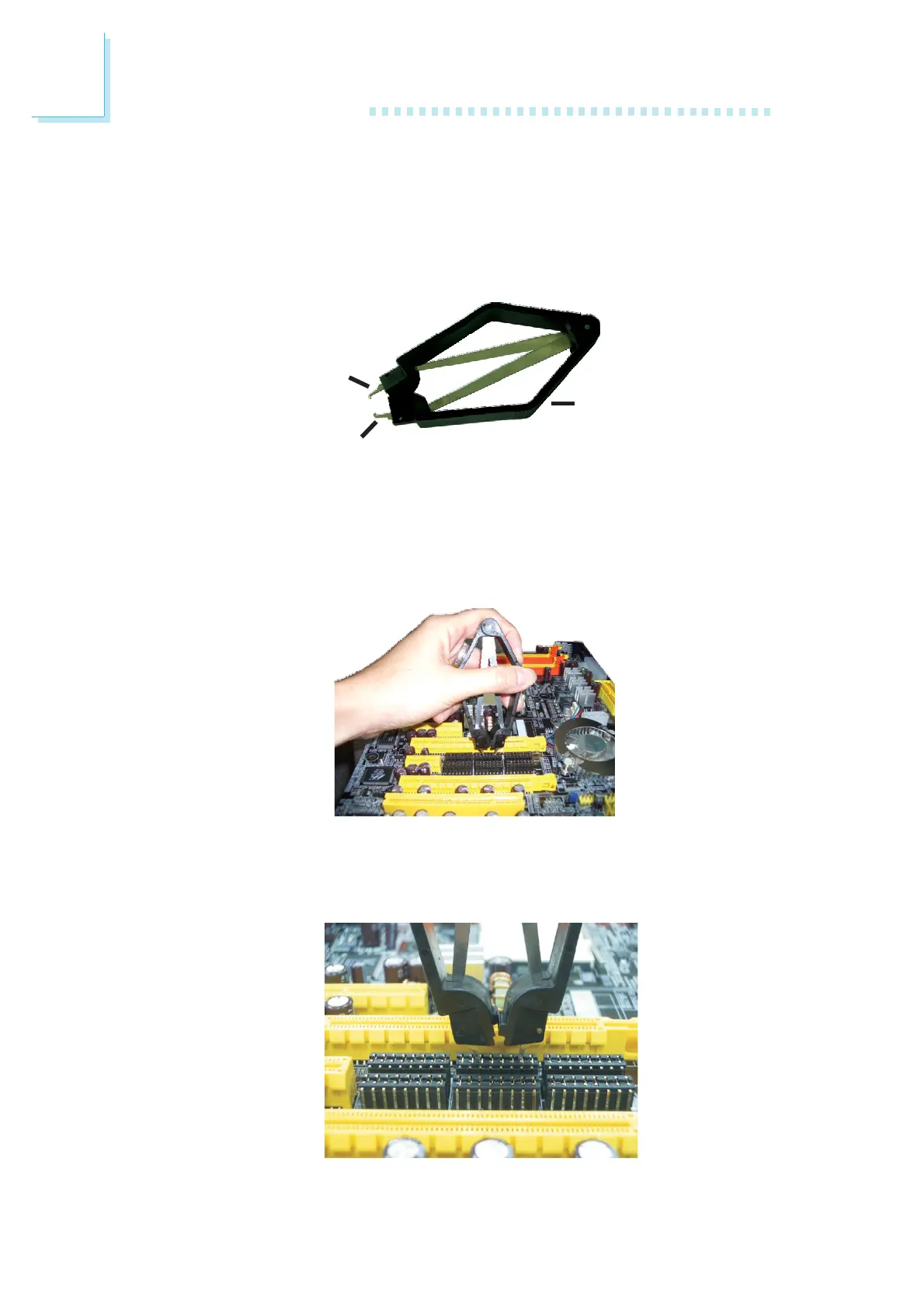
The steps below will guide you on how to use the provided jumper
cap clipper. The clipper is a gripping device for removing the jumper
caps.
Position the clipper above the jumper cap. Handle the clipper as
shown in the illustration below. Handling it this way will prevent
exerting too much pressure that might cause breaking the arms of
the clipper.
Insert the hooks of the clipper into the jumper cap. Grip the clipper
firmly, but not exerting pressure, then pull it upward.
Hook
Hook
Arm of the clipper













 To Next Page