75
2
Hardware Installation
Horizontal Stretch Mode - Multiple Display Support
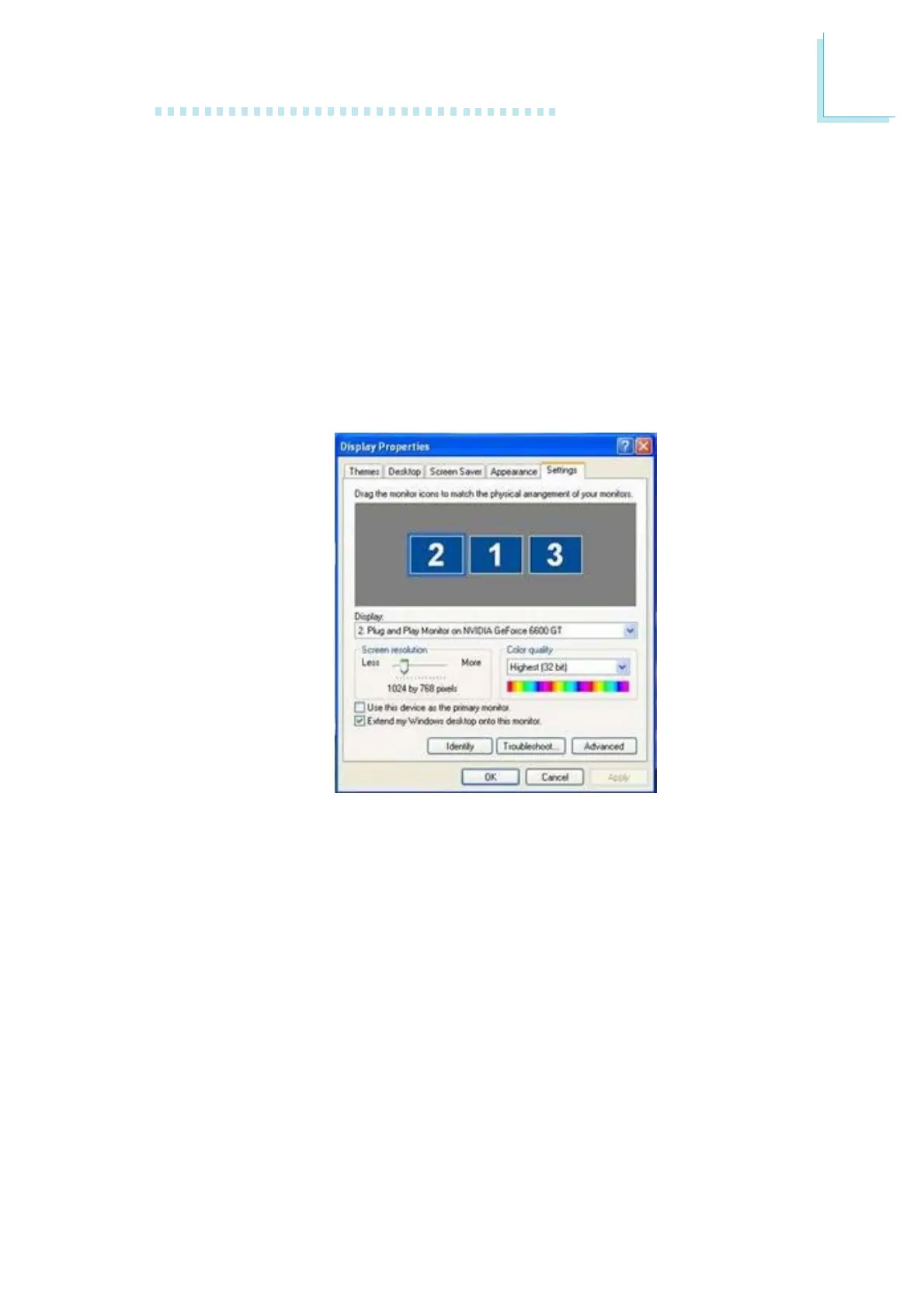
Under non-SLI mode, the system board can support simultaneous
display of up to 4 monitors by connecting monitors to two identical
or non-identical PCI Express graphics cards. Install all necessary utility
drivers then open the Display Properties dialog box. You will see a
list of monitors under the "Display" section. Aside from the first or
main monitor, you must select "Extend my Windows desktop onto
this monitor" for the other monitors. The "Horizontal Stretch Mode"
feature will take effect and work normally.













 To Next Page