GRYPHON
®
- S3 MANUAL
© 2006
17
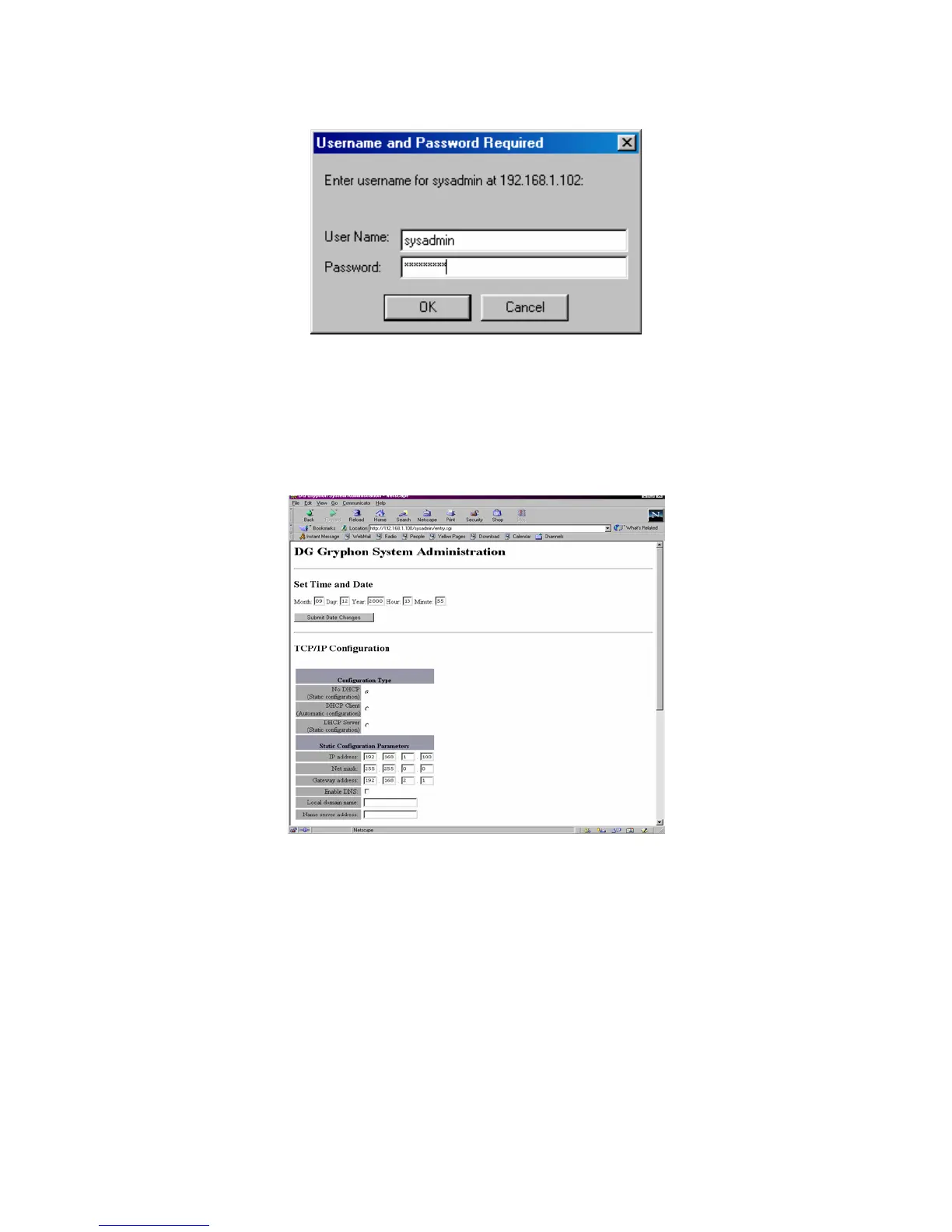
Once logged in, the DG Gryphon
®
System Administration page will appear: On this page, you can
configure the connection parameters and change the time and date.
You may set the following parameters:
• Time/Date - Enter the new values, and click Submit Date Changes. A screen verifying
the change should appear.
• TCP/IP Configuration – Enter your configuration type and any Static Configuration
Parameters, if necessary.
• Configuration Type By default the hardware is configured as a DHCP server. See
Appendix C for more information about what selection you should choose. All selections



 To Next Page