GRYPHON
®
- S3 MANUAL
© 2006
25
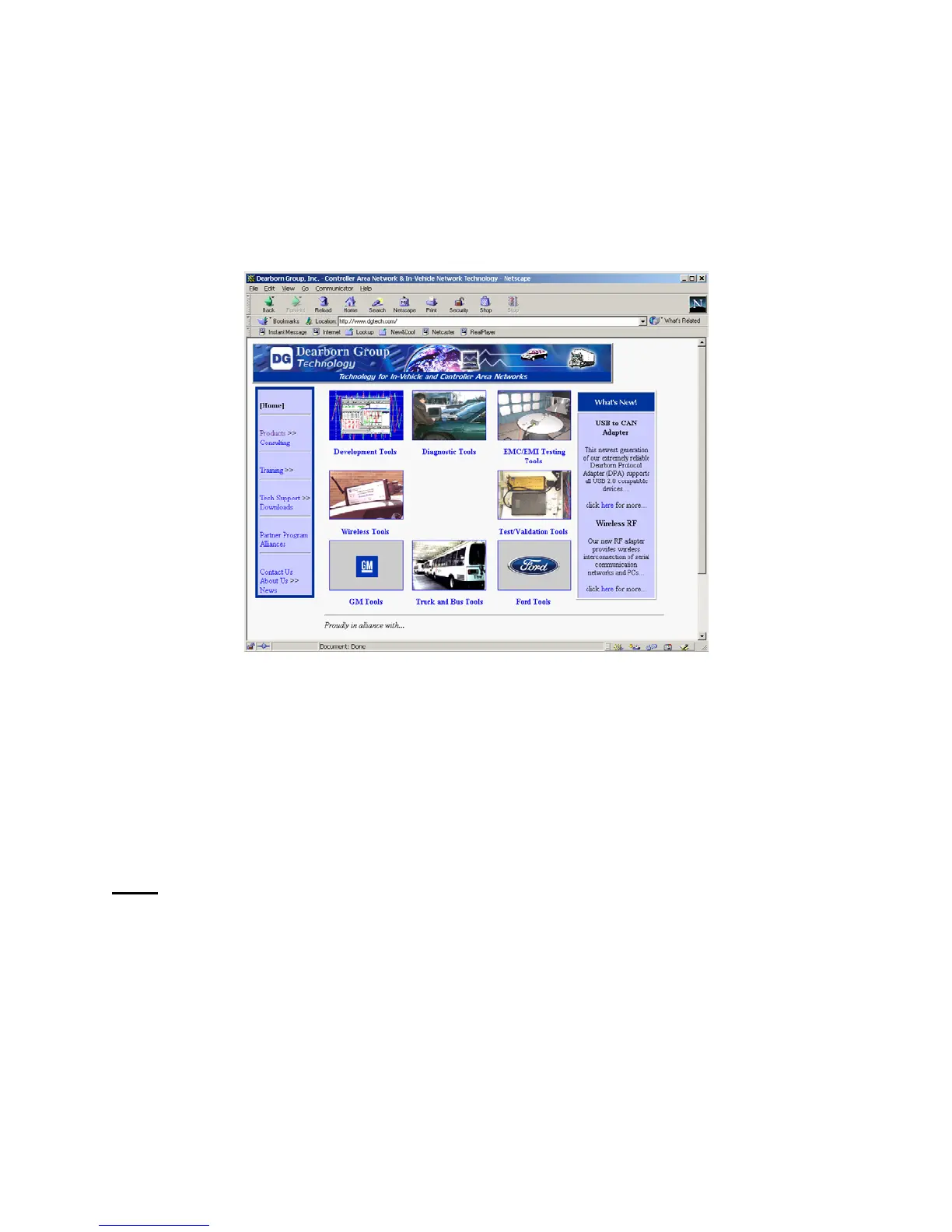
4.1.5 Dearborn Group link
A link to the Dearborn Group Web page, (functional if the hardware is connected to the “outside”
world.
4.2 Serial Connection Utilities
The following sections describe the procedure for establishing a serial connection to the hardware
and some of the on-board utilities. Other utilities, not listed here, can be located in the Gryphon
Protocol Manual.
NOTE
: If your current TCP / IP settings allow network communication, you also have the option of
using TELNET (rather than a serial cable connection and terminal emulator) to establish a
terminal session with the Gryphon and its Lynx browser. (Use telnet 192.168.1.1.)
4.2.1 Establishing a serial cable connection
With the hardware turned off, connect a null serial cable to the unit’s serial port and to your PC. Then
continue as follows:



 To Next Page