GRYPHON
®
- S3 MANUAL
© 2006
20
4. On-board Utilities
With an on-board Linux operating system, Gryphon users have a host of utilities they can access.
4.1 Using a Web browser to modify the Gryphon’s TCP/IP
parameters
You may access the webpage utilities via a forms-capable browser (like Netscape, IE, or Lynx) on a
network-connected computer. Please note
: this option requires that the current TCP/IP parameters
allow communication over the network. If communication over the network is not possible (as is often
the case when reconfiguration is required), then the TCP/IP parameters must be changed either
through the method described in section 3.3.1, or that described in section 3.3.2.
1. Verify that your PC’s TCP/IP settings do NOT match those set for the Gryphon
®
unit. (The
Gryphon’s default parameters are IP Address = 192.168. 1 . 1 , Netmask = 255.255.255. 0 .)
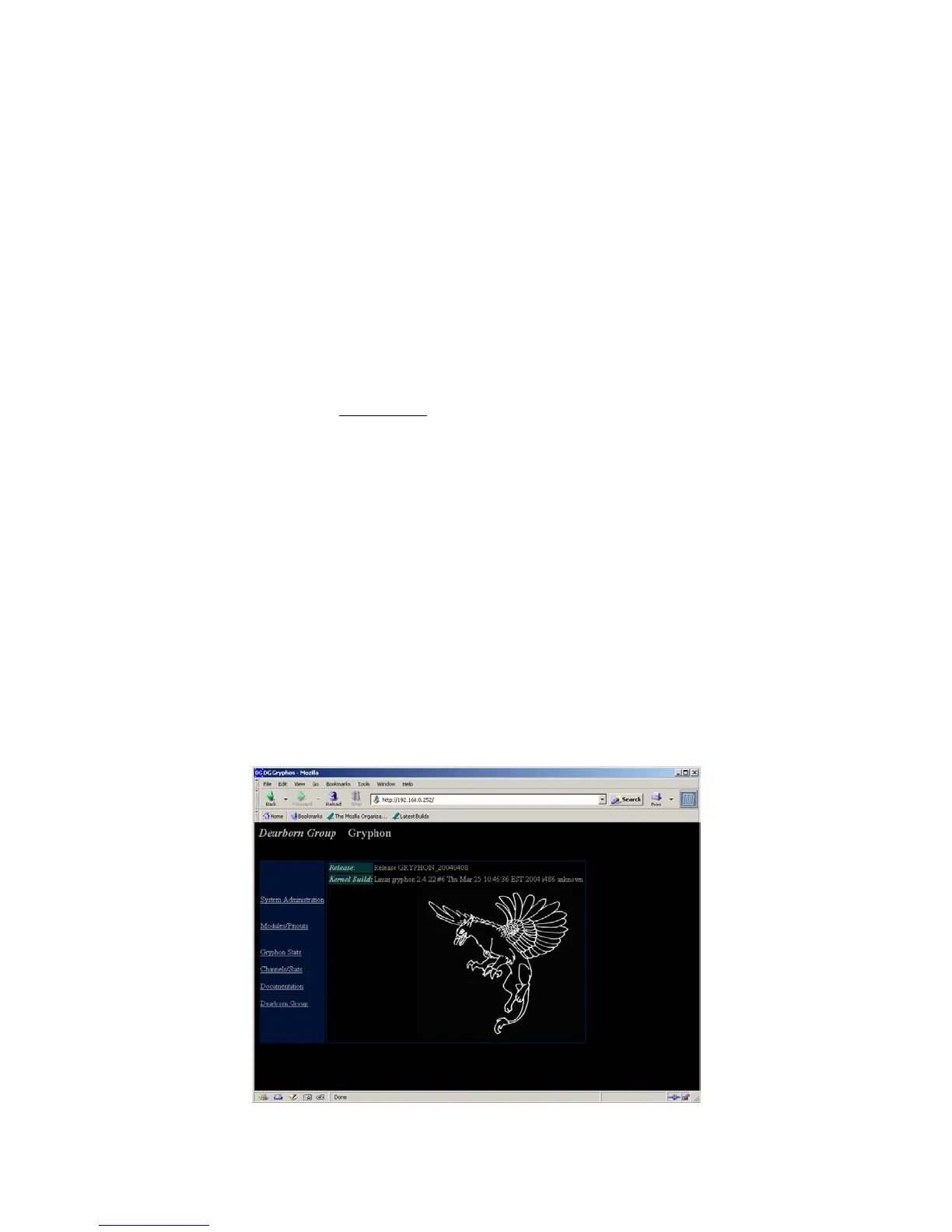
2. Start your Web browser. Type the following URL: http://192.168.1.1. The following Web
page, with its six areas for viewing (System Administration, Modules/Pinouts, Gryphon
®
Stats,
Channels/Stats, Documentation and Dearborn Group), appears as shown below.



 To Next Page