GRYPHON
®
- S3 MANUAL
© 2006
23
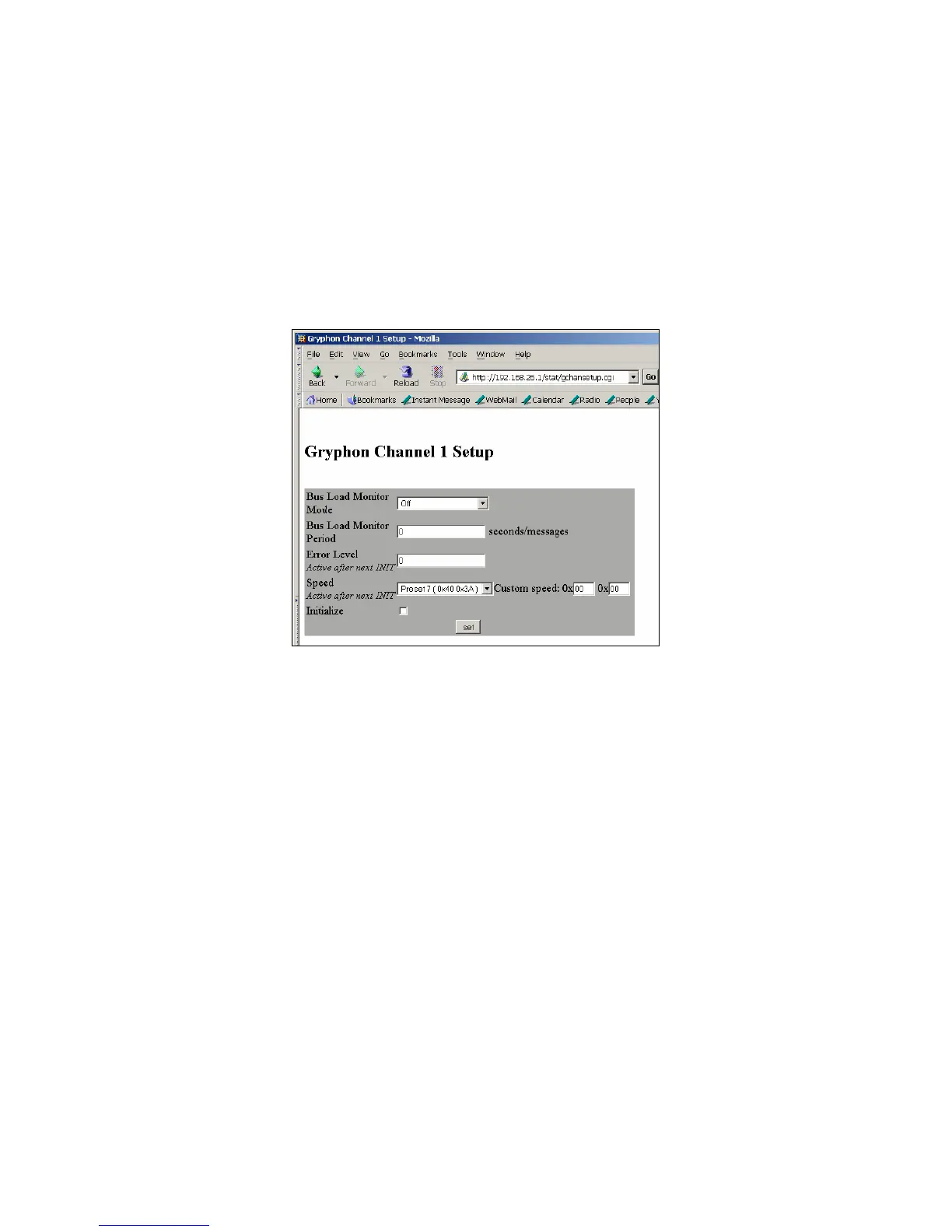
• Bus load monitor mode (Off, Time Average, or Msg Count Average)
• Bus load monitor period (needed for the busload monitor mode)
• Error reporting level
• Bus speed (customized or one of several presets, check appendix for values). For Speed
changes to become valid, check the Initialization box.
If you turn on the bus load monitor, the Installed Channel screen will now display as follows. The data
displayed is static and can only be updated by pressing “Reload” on the browser.



 To Next Page