GRYPHON
®
- S3 MANUAL
© 2006
33
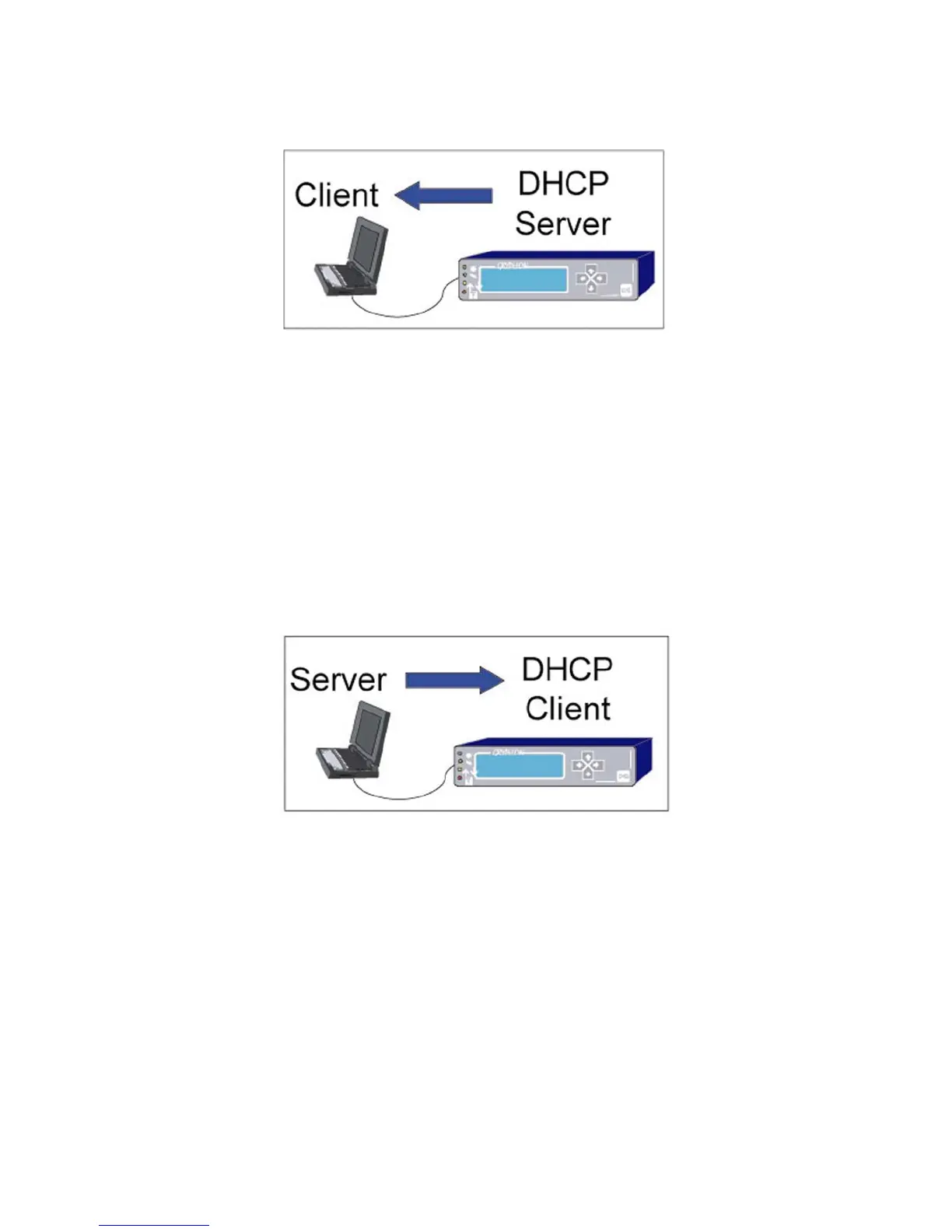
DHCP Client Mode
This mode is used when a DHCP server will be assigning IP addresses to a Gryphon – S3. It
assumes that the Gryphon and PC are connected to an Ethernet jack (or hub) which is then
connected to a network containing the DHCP server. Once an IP address is assigned, it is
shown on the Gryphon’s LCD display.
Recommendation: You may need to consult with your system administrator for assistance.
DHCP Off – Static IP Mode
This mode allows the Gryphon to be connected point-to-point or to a building network. A Static
(non-changing) IP Address is configured into the Gryphon. For point-to-point connection, it
assumes the PC is configured with a Static IP Address. For building a connection, it must be
assigned a non-conflicting address.
Recommendation: You may need to consult with your system administrator for assistance. If
connecting to a LAN, your system administrator may need to assign you a Static IP Address.



 To Next Page