After Sales Support TEL:1800 189 941 11
ASSEMBLY AND PARTS LIST
CONNECTING TO A STANDARD DEFINITION TELEVISION
iv. Using the provided Composite cables connect the yellow plug to the
corresponding yellow socket on the STB and TV. Connect the AUDIO L/R
(WHITE and RED) lead to the corresponding white and red sockets on the STB
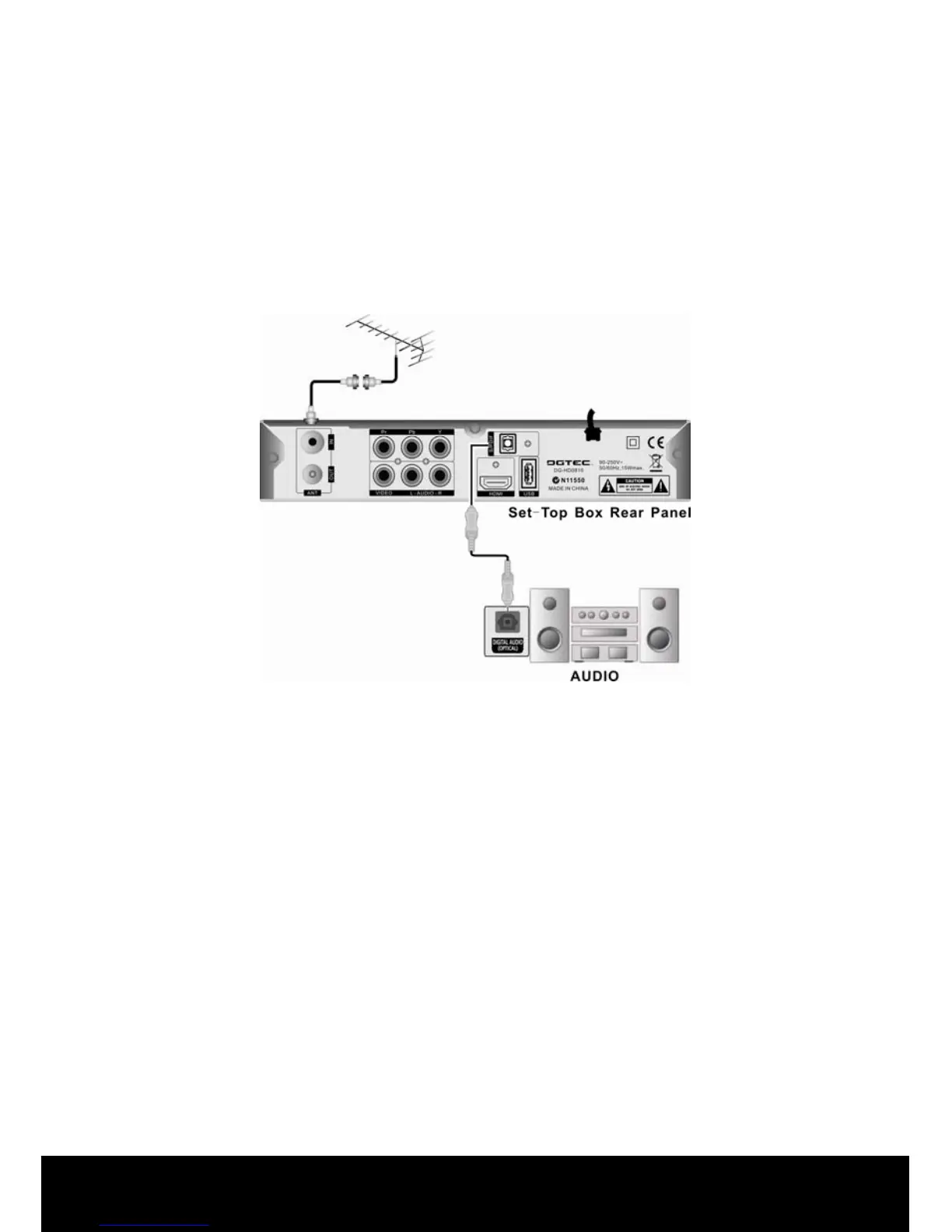
and the AV in sockets at the rear of the TV. Optional: Connect Optical S/PDIF
out connector on the STB to the Audio-Amplifier using optical cable. (Instead of
using L/R (WHITE and RED) RCA leads. )
Note: Please ensure that your TV is set to the correct input channel depending
on your connection type e.g. AV1, AV2, Component , Scart1 ,HDMI etc.
Use the TV remote control to select the TV input channel connected to the Set
Top Box. Refer to your TV user guide or technical helpline if unable to select
the input channel.



 To Next Page