After Sales Support TEL:1800 189 941 16
INSTRUCTIONS
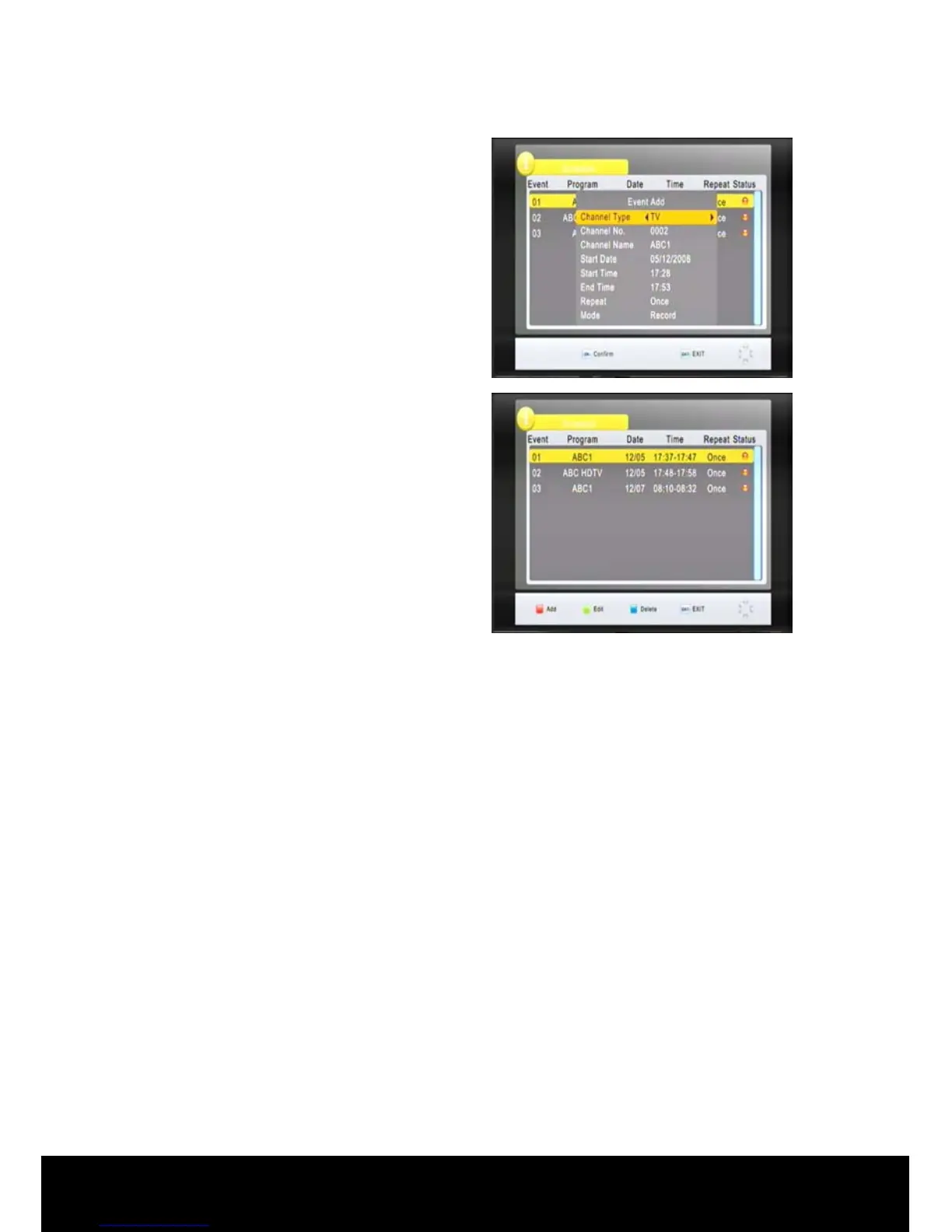
Press ◄/► keys or numerical keys to
change settings.
Press OK to confirm your settings.
In the EPG menu, press INFO key to
enter the book list menu. In this menu
you can view and edit all booking
events.
Press the RED key to add a new
booking, the Green key to edit the
highlighted booking and the BLUE key
to delete a highlighted booking.
Press the EXIT key to close the EPG menu.
< Sort >
In this sub menu environment use the ◄/► keys to select the Sort mode (By
LCN/By ONID/By Service Name/By Service ID). The default setting is Logical
channel Numbering (LCN). These are the actual numbers sent out by the
broadcaster as their channel descriptor, for example, ABC- 2, 21, 22, 23, 24 and 7
Network – 7, 70, 71, 72, 73.
< LCN >
In this menu use ◄/► keys to select LCN (ON/OFF).
2.3 Picture
Press the ► key on the remote control to select Picture in the main menu, then
press the OK key. The following screen will appear. In this menu you can set the
parameters for your display.



 To Next Page