After Sales Support TEL:1800 189 941 18
INSTRUCTIONS
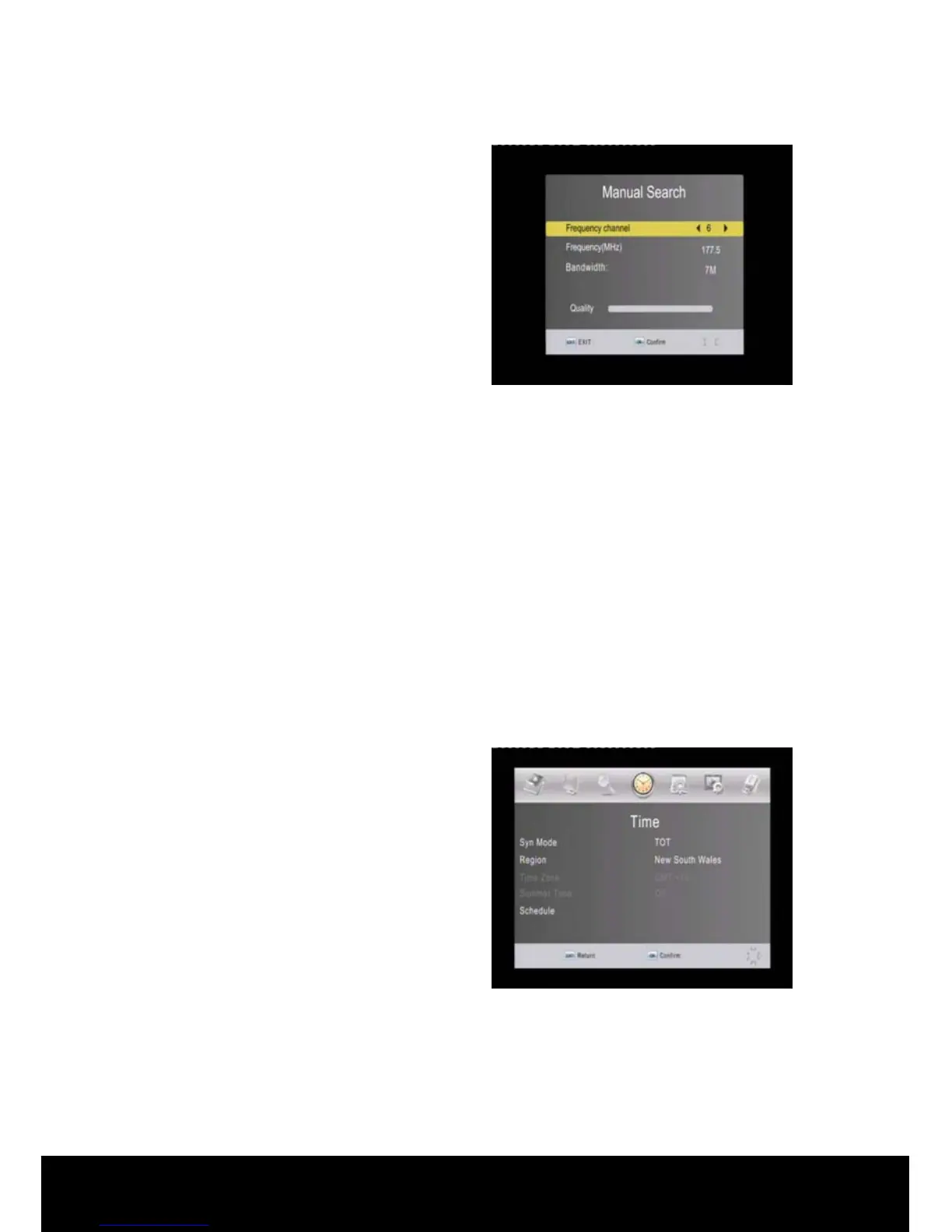
< Manual Search >
Press the▲/▼ keys on the remote
control to highlight the Manual Search
then press OK to activate the manual
search sub menu.
Use the ◄/► keys to navigate through
the Frequency channels, the Frequency
in the row below will change accordingly.
Repeat the process to manually scan all channels in your region.
< Country >
Press the▲/▼ keys on the remote control to highlight the Country option. Use the
◄/► keys to navigate through the available selections, in this case there are two
settings for Australia – Australia 7M (this is the default setting and the correct
setting for you set top box) and Australia 8M (this is for future use only)
< Antenna Power >
Press the▲/▼ keys on the remote control to highlight the Antenna Power option.
Use the ◄/► keys to navigate through the available selections - ON/OFF.
2.5 Time
Press the ► key on the remote control
to select Time from the Main Menu
options to display the Time sub menu. In
this menu, use the ◄/► keys to change
the Local Time and the settings, ▲/▼
keys to select an item or press EXIT to
cancel.
Syn Mode: Use ◄/► keys to navigate between available settings. In Time Offset
Table (TOT) mode the time is detected from the broadcasters transport stream, you
will still need to select your state.
Region: Use ◄/► keys to change the region setting.
Time Zone: Use ◄/► keys to set the time using GMT Time Zone setting.
Summer Time: Use ◄/► keys to select between ON/OFF.



 To Next Page