After Sales Support TEL:1800 189 941 17
INSTRUCTIONS
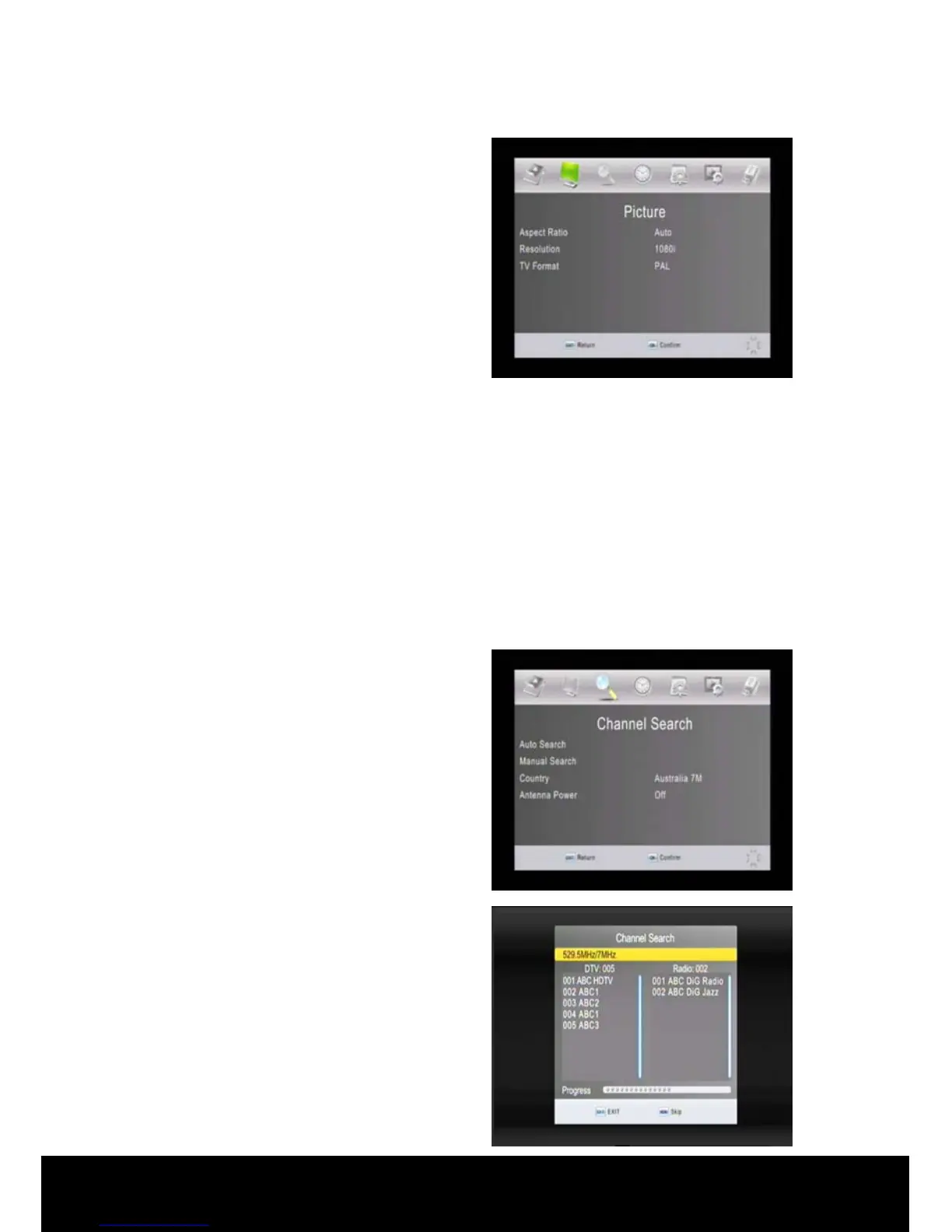
Aspect Ratio: Press the▲/▼ keys on
the remote control to highlight the
Aspect Ratio selection. Use the ◄/►
keys to select the aspect ratio setting to
suit your screen (16:9
Widescreen/16:9Pillar Box/16:9 Pan&
Scan/AUTO/4:3 Full/4:3 Pan&Scan/4:3
Letterbox).
Resolution: Press the▲/▼ keys on the remote control to highlight the Resolution
selection. Use the ◄/► keys to select the resolution setting to suit your screen and
connection method (1080i/576i/576p/720p).
TV Format: Press the▲/▼ keys on the remote control to highlight the TV Format
selection. Use the ◄/► keys to select the TV Format setting to suit your screen
(PAL [default for Australia] and NTSC).
2.4 Channel Search
Press the ► key on the remote control
to select Channel Search from the Main
Menu options to display the Channel
Search sub menu.
< Auto Search >
Press the▲/▼ keys on the remote
control to highlight the Auto Search
then press OK to activate Auto search
for digital channels in your region.
Press the EXIT key stop Auto Search at
any time.



 To Next Page