After Sales Support TEL:1800 189 941 14
INSTRUCTIONS
2.1 INSTRUCTIONS
< Starting up for the First Time >
1. Once the STB has been correctly set
up and channel scan is complete you
will need to make a few selections
from the menu to customise your set
up.
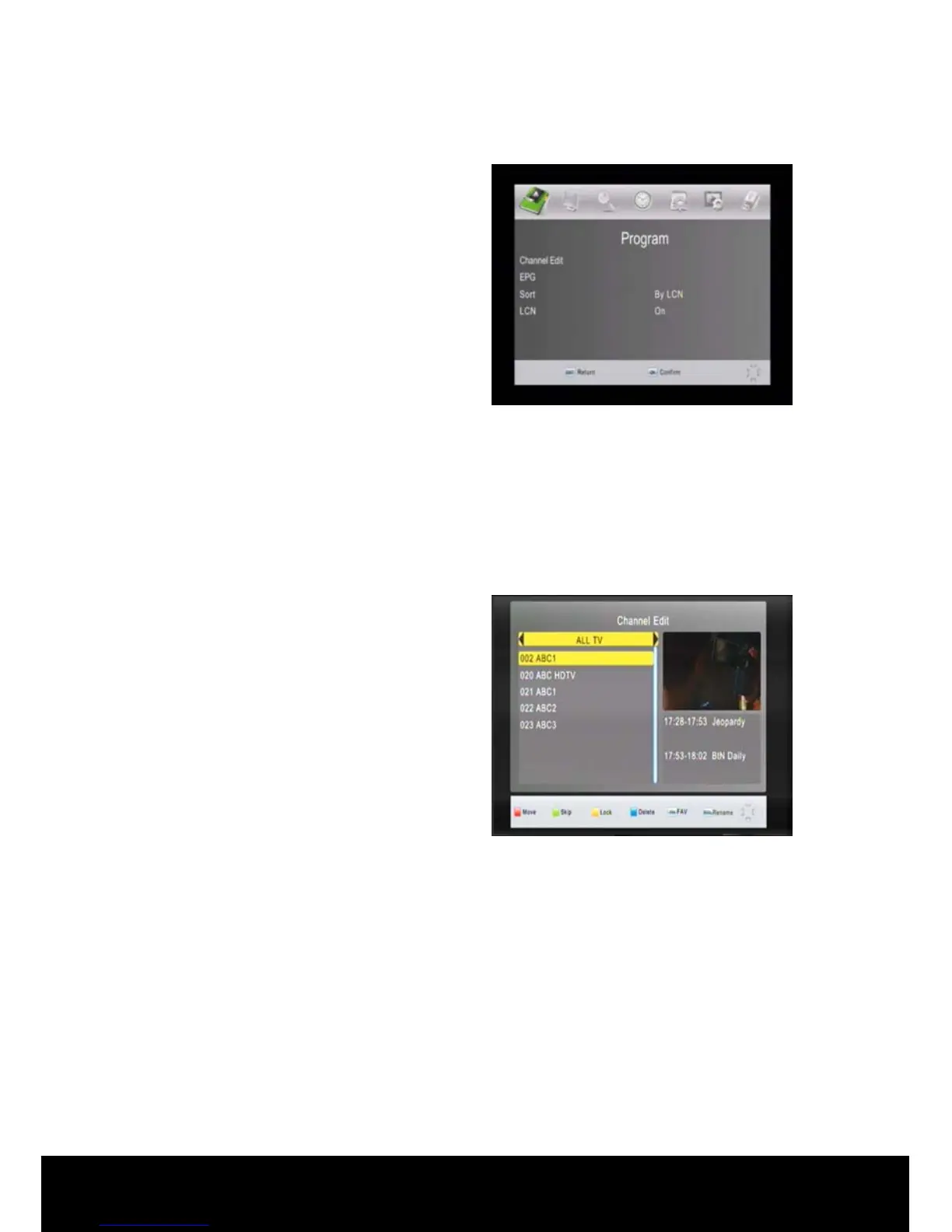
2. Press the MENU key on the remote
control to display the menu featured
below, use the ◄/► keys to navigate
between menu items.
< Menu Information >
2.2 Program
In this menu you can edit stored channels, view the EPG and set channel selection
parameters.
< Channel Edit >
In this menu, you can use the ◄/► keys
to change the settings, ▲/▼ to select
the item or press EXIT to cancel. (The
default password is 000000.)
Red Key: You can move a channel’s
position. First press the ▲/▼ keys to
highlight the channel. Press the RED
key to mark the channel to be moved.
Use the ▲/▼ keys to move the channel to the position you want and press the OK
key to drop the channel.
Green Key: Use the ▲/▼ keys on the remote control to highlight the channel to be
skipped then press the GREEN key. The SKIP symbol will be displayed alongside
the channel, press EXIT to leave the menu and save the SKIP setting. That channel
will be skipped when navigating through channels.
Yellow Key: Lock/unlock a channel. This means the locked channel will require a
password to access when this channel is selected. Use the ▲/▼ keys on the remote
control to highlight the channel to be locked then press the YELLOW key, A lock
symbol will be displayed alongside the channel.



 To Next Page