After Sales Support TEL:1800 189 941 20
INSTRUCTIONS
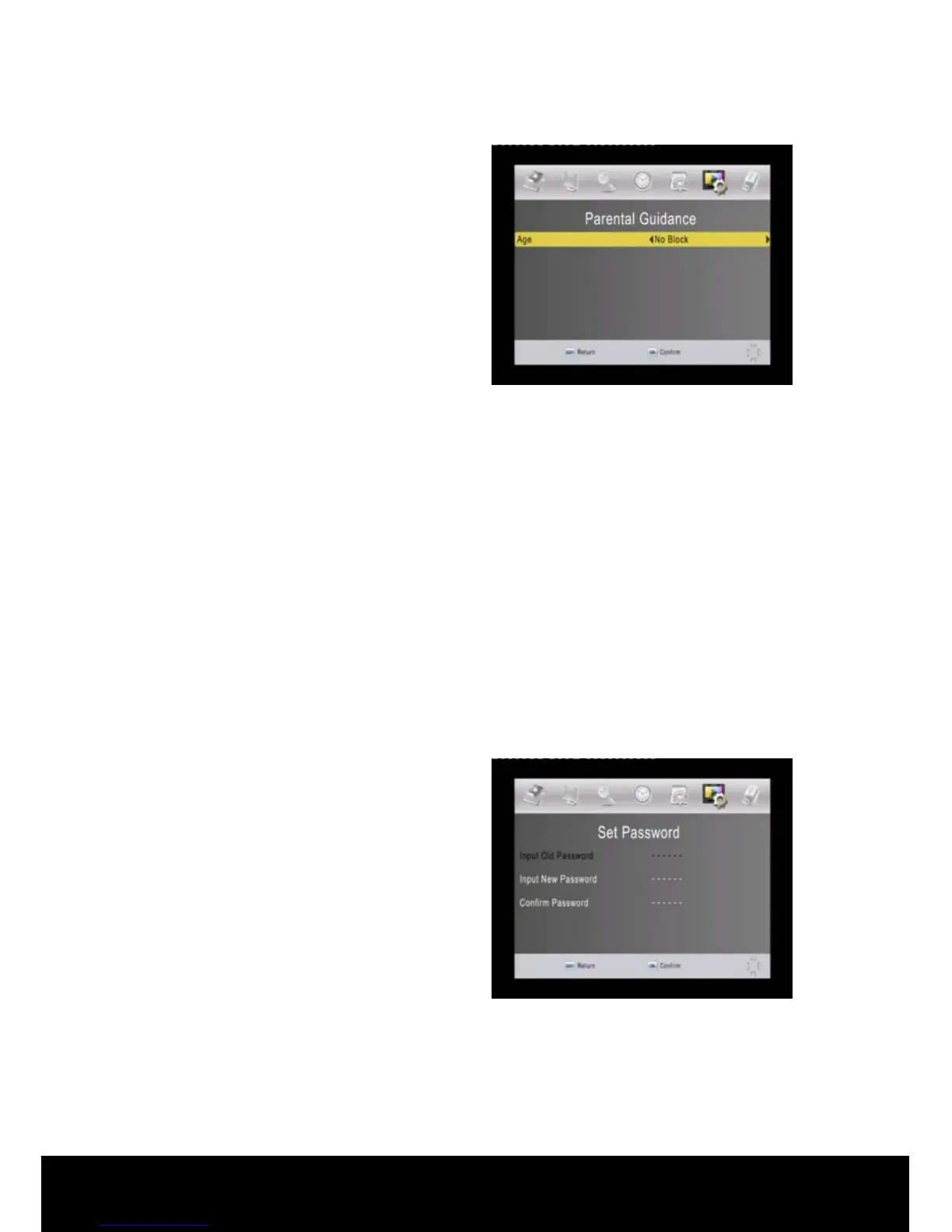
< Parental Guidance >
In this menu, you can use the ◄/► keys
to change the settings, or press EXIT to
cancel. (The default password is
000000.)
Parental Guidance ratings are
transmitted by the broadcaster in
accordance with the Australian
Standard.
After entering the password use the ◄/► keys to navigate through the following
ratings:
• No Block (this is the default setting)
• G and Above
• PG and Above
• M and Above
• MA and Above
• AV and Above
• R and Above
• Block All
Once you have selected the level of the Parental Block required press the EXIT key
to save the setting. When watching Live TV you will be required to enter the
password to view programs at the level of the Parental Block set or above.
< Set Password >
To change the current password, input
the old password then input the new
password you want to use, then confirm
it. Press ▲/▼ keys to select the item,
use numerical keys to input password.
Press OK to confirm the operating or
EXIT to cancel.
< Restore Factory Default >
Deletes all the data and settings currently saved and brings the system to the initial
status. (The default password is 000000.)
Input the password to enter the menu, and then press OK key to commence the
default operation, EXIT to cancel.



 To Next Page