After Sales Support TEL:1800 189 941 24
INSTRUCTIONS
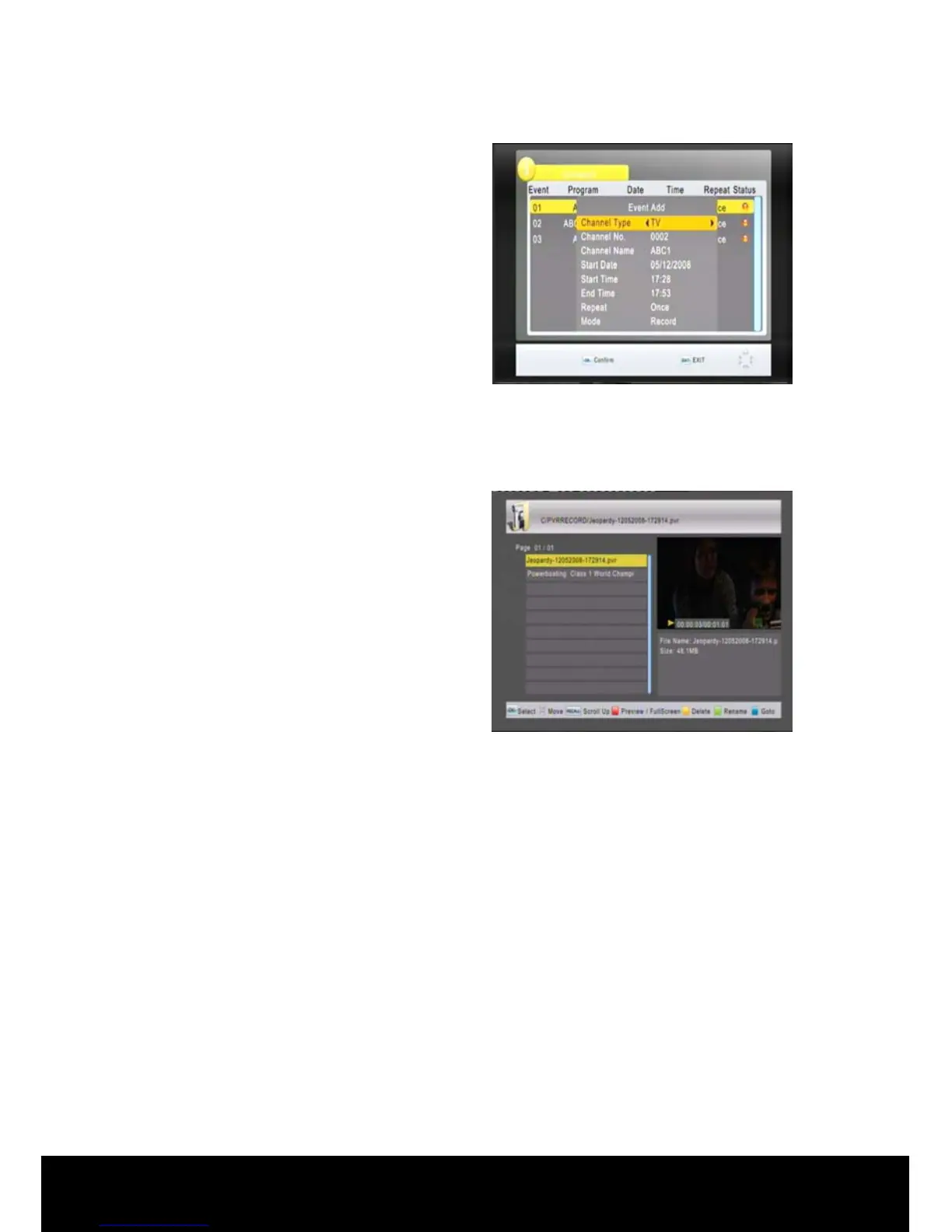
The system will display the schedule
menu, you can add or edit the bookings.
If you set the Mode to record a record
symbol will appear next to the booked
program title.
You can schedule multiple recordings by
repeating the above steps.
You can schedule recordings for future
dates by changing the start date in
Schedule menu.
Press OK to save the scheduled events and EXIT to exit the menu.
< Playback Recorded Programs >
Insert a USB storage device that
contains programs recorded on your
STB.
Press the USB key on the remote
control. Select Multimedia in the USB
menu environment then enter the PVR
menu item. All the recordings made in
this STB will be stored here in the
PVRRECORD folder.
Navigate ▲/▼ to the desired program title and press OK to play the file.
Press STOP to stop.
You can use the FF and REW keys to Fast Forward/Skip and Rewind/Review
recorded contents and music files.



 To Next Page