Tel/Fax: 0755-82734836 www.dh-robotics.com
7
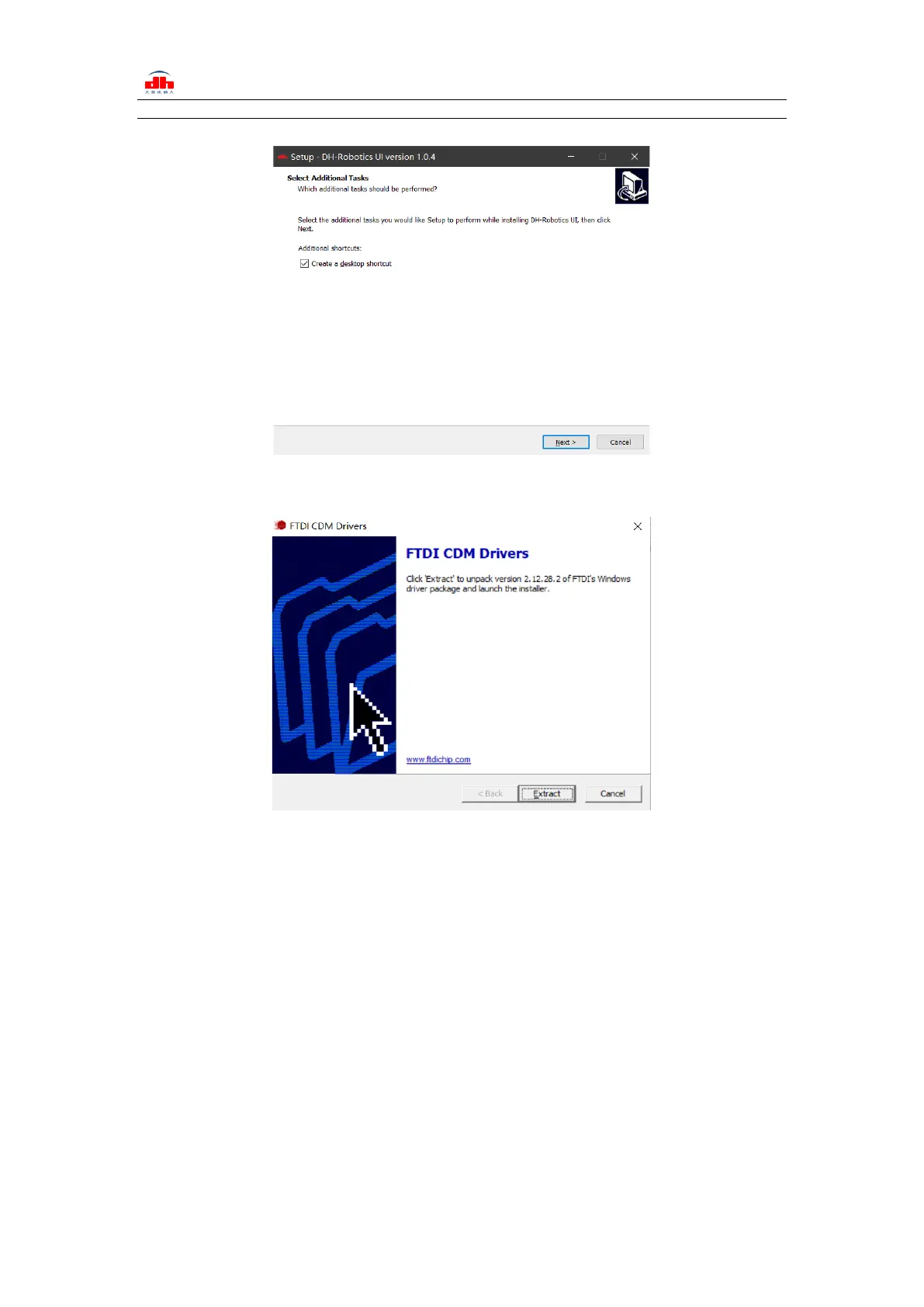
create shortcut during installation.
Figure 2.2 (a) installation interface 1
Figure 2.2 (b) driver installation interface
2.1.2 Debugging software instructions
‘ Before use, it is necessary to connect the corresponding wiring according to the instructions
(see 2.1.1 Installation and wiring of debugging software).
Open the software, the software will automatically identify the serial port, baud rate, ID number
and other information of the gripper for automatic connection. As shown in the figure below:


 To Next Page