DV300/DV301B 30" Multimedia Information Display
Icon Menu Name and Sub-menus Description
Each time the OSD opens, it displays in the same location on
the screen. ‘OSD Settings’ (horizontal/vertical) provides
control over this location.
EXIT: Exit this menu
HORIZONTAL: Adjustable from 0 to 100.
VERTICAL: Adjustable from 0 to 100.
OSD HOLD TIME: The OSD stays active for as long as it is
in use. The range of time setting is from
5 to 60 seconds.
OSD LOCK: Controls user access to adjustments.
Show key icon after selecting lock.
OSD SETTINGS
Note: When the OSD is locked, pressing the menu button
again and it will take user to OSD LOCK menu. Press
(+) to unlock and allow user access to all applicable
settings.
28
Icon Menu Name and Sub-menus Description
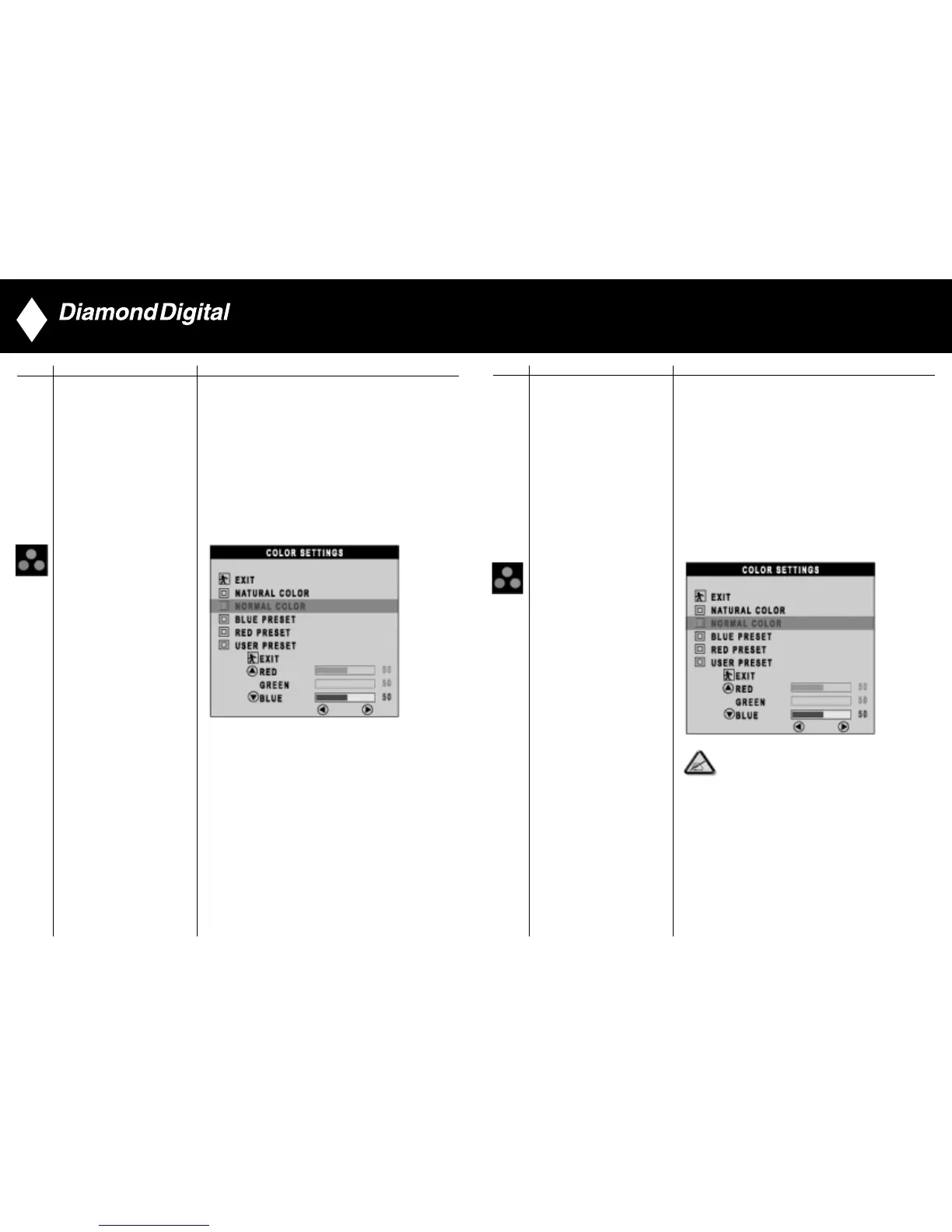
Colour Settings adjusts the colour temperature.
EXIT: Exit this menu
NATURE COLOUR: Equivalent to original panel colour.
NORMAL COLOUR: 6500K (Same as sRGB)
default from FACTORY
BLUE PRESET: Equivalent to 9300K
RED PRESET: Equivalent to 5700K
USER PRESET: Adjust red, green, blue three colours
from 0 to 100.
COLOUR SETTINGS
27



 To Next Page