DV300/DV301B 30" Multimedia Information Display
Icon Menu Name and Sub-menus Description
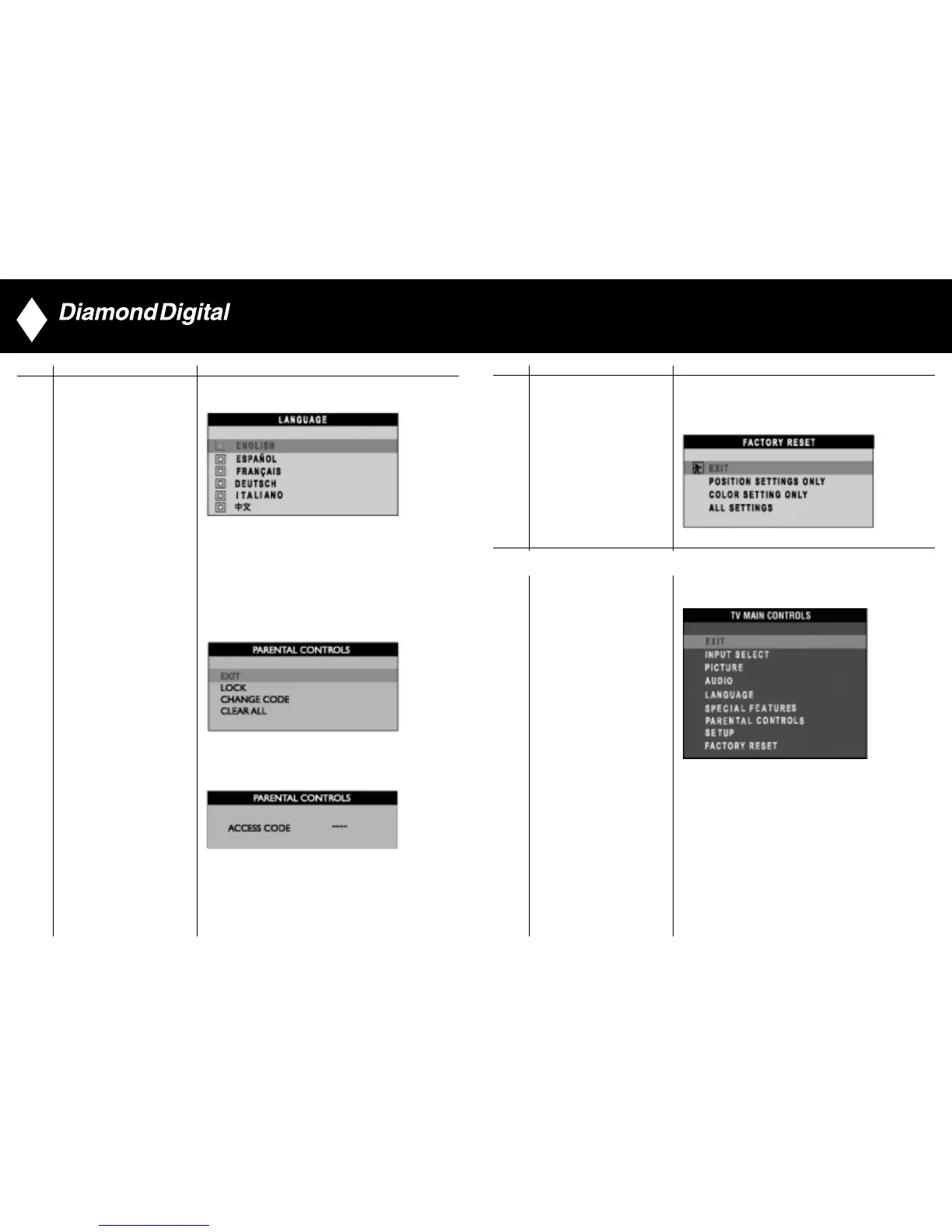
Reset the setting to default values.
NO: Keep the setting as current.
YES: Load factory setting
FACTORY RESET
Exit from this menu
EXIT
36
Icon Menu Name and Sub-menus Description
1) When users first enter the PARENTAL CONTROLS, the
screen will show the window asking user key in the code.
2) Users will see the window “Access code” when they enter
this function.
• EXIT
• LOCK
• CHANGE CODE
• CLEAR ALL
PARENTAL CONTROLS
3) Enter Master code “0711” twice or the code entered in step 1.
35
TV Mode (DV300 Only)



 To Next Page