DV300/DV301B 30" Multimedia Information Display
Icon Menu Name and Sub-menus Description
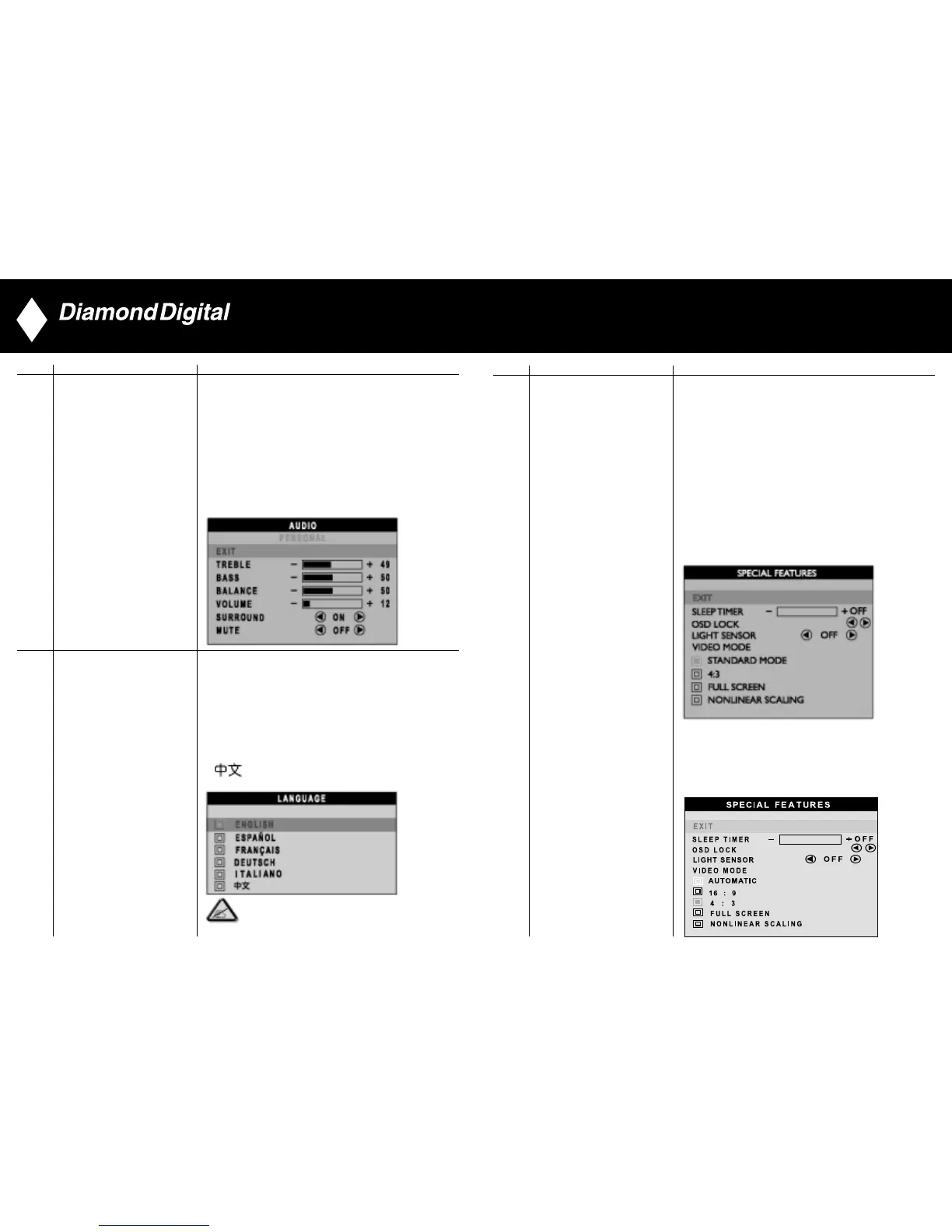
Activate special control features:
EXIT: Exit from this menu.
SLEEP TIMER: Slide bar to select
off/15/30/60/90/120/150/180.
OSD LOCK: Show key icon after selecting lock.
LIGHT SENSOR: Push the buttons to toggle
Light Sensor function.
VIDEO MODE: Set the screen scaling mode to suit
personal preference:
FOR DV301B
• STANDARD MODE • 4:3
• FULL SCREEN • NONLINEAR SCALING
SPECIAL FEATURES
FOR DV300
• AUTOMATIC • 16:9
• 4:3 • FULL SCREEN
• NONLINEAR SCALING
34
Icon Menu Name and Sub-menus Description
AUDIO Adjust audio characteristics to suit personal preference.
EXIT: Exit from this menu.
TREBLE: Adjustable from 0 to 100
BASS: Adjustable from 0 to 100
BALANCE: Adjustable from 0 to 100
VOLUME: Adjustable from 0 to 100
SURROUND: Switch Surround Sound On/ Off
MUTE: Switch Mute On/ Off
Set language for OSD.
There are 6 languages of OSD display.
• ENGLISH
LANGUAGE • ESPANOL
• FRANCAIS
• DEUTSCH
• ITALIANO
•
NOTE: In AP/China models, Simplified Chinese is supported.
33
▼
▲



 To Next Page