DV300/DV301B 30" Multimedia Information Display
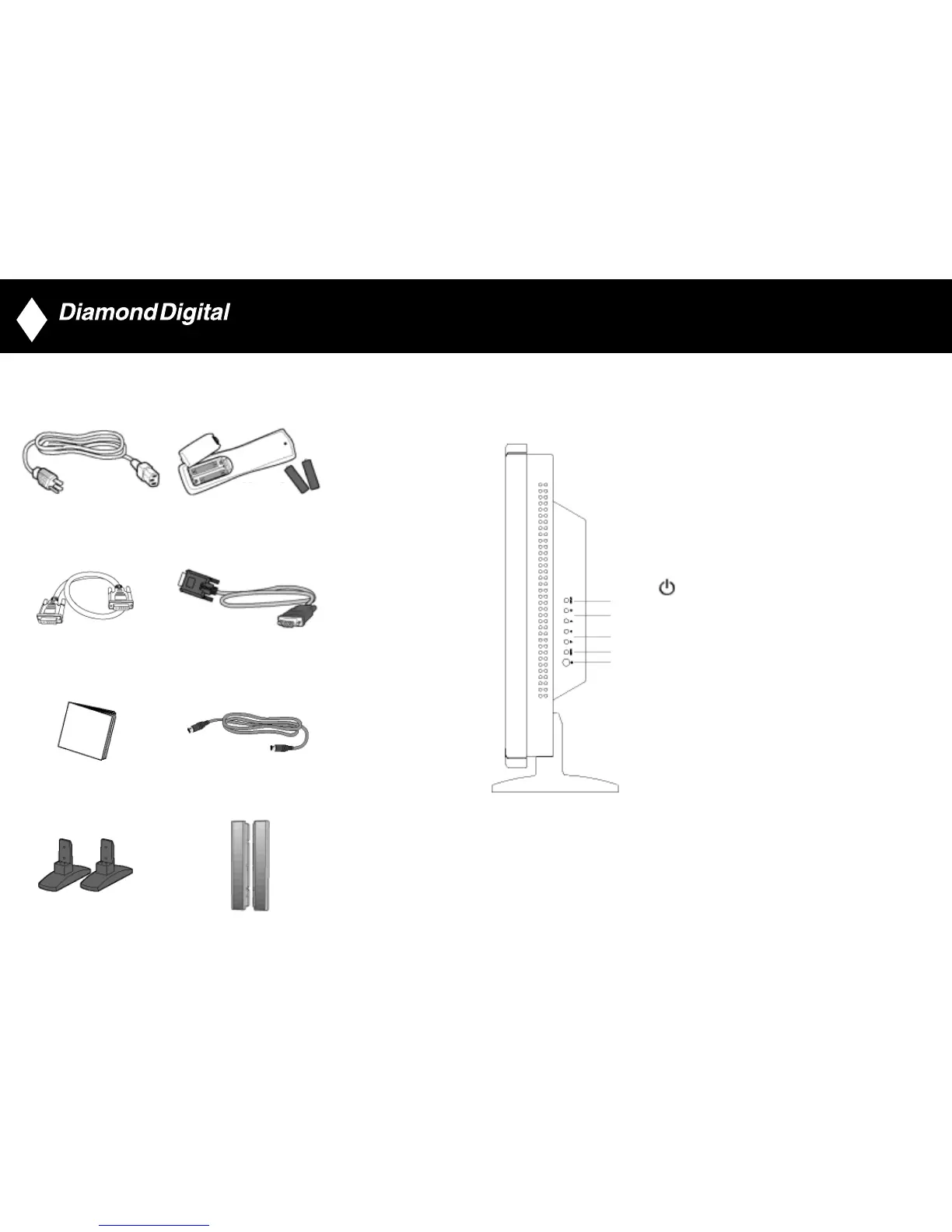
4. Accessory Pack
Unpack all the parts.
Power cable Remote control & batteries
DVI-D cable VGA signal cable
Instruction Manual S-video cable (DV300 only)
Base 2x 5W Detachable Speakers (DV300 only)
7
5. Installing your LCD Monitor
Product Description
Side View (Left)
1 INPUT INPUT Selecting input source
2 Increase or decrease the channel number
or moving up or down to highlight the function in OSD
3 Increase or decrease the level of audio volume
or moving left or right to highlight the sub-menu in the
selected function of OSD
4
MENU MENU Open the OSD or confirm the selected function
5 DC power switch On/Off
8
▼
▲
▲▼
AA type x2
•
•
•
•
•
1
2
3
4
5



 To Next Page