17
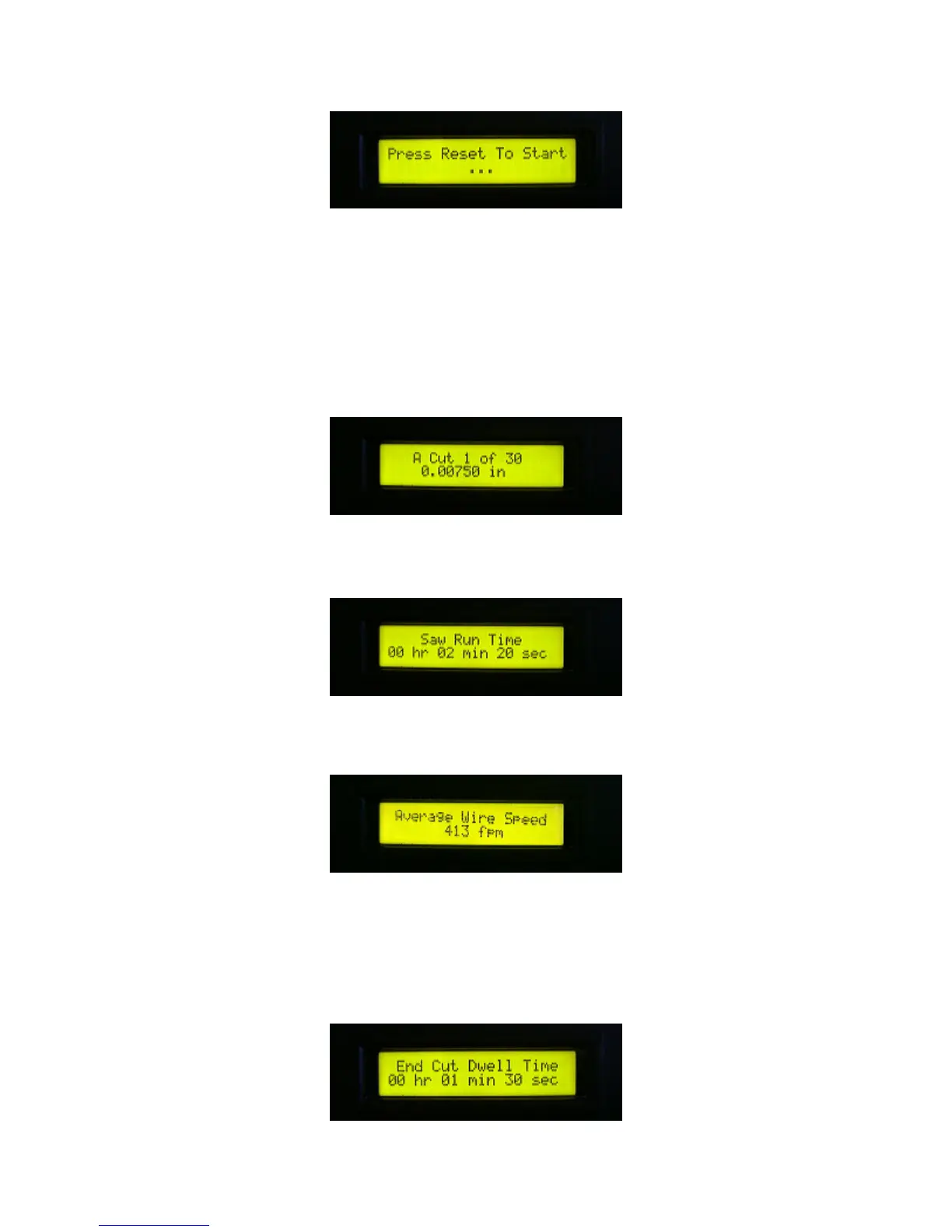
23. As the display indicates, press the RESET button to begin the cut program. The RESET button
illuminates and the wire drive is operational. You can adjust the speed of the wire drive at any time.
The AUX output is active if you have employed it.
While cutting is in progress, the display indicates progress as follows:
Every 15 seconds, the display automatically changes to one of the three following informational
screens:
The first line indicates the current cut, and the total number of cuts that are to be made in the
program. The second line shows the current depth of cut.
This screen indicates the total amount of time elapsed since the program began.
This screen indicates the average linear speed of the cutting wire, calculated each time the capstan
changes direction.
You can manually toggle between each of these three screens at any time by pressing either the up
or down arrow key. When the yoke has reached the programmed cut depth, the display changes to
the dwell countdown timer.



 To Next Page