18
To stop a program currently in progress, press the left arrow key.
Wiring the Saw
When the wire wears out or breaks after many hours of use, it must be replaced.
One possible exception is if the wire breaks off at either retaining hole. In this case you can loosen
the thumbscrew, discard the small broken piece of wire, and thread the free end back through the
retaining hole after pulling a small amount of slack from the capstan. Do not attempt this if you
counter-rotate the capstan more than one revolution. To properly align the wire, push the wire over
one groove. No more than two empty grooves should be visible between either side of the capstan
winding.
Wire Break Detection
The bow sensor detects wire breakage through the sudden absence of the wire that normally passes
in front of the sensor. Because of this, it is necessary that the bow sensor be properly adjusted and
calibrated even if it is not used to control the cutting velocities. When there is a wire break, saw
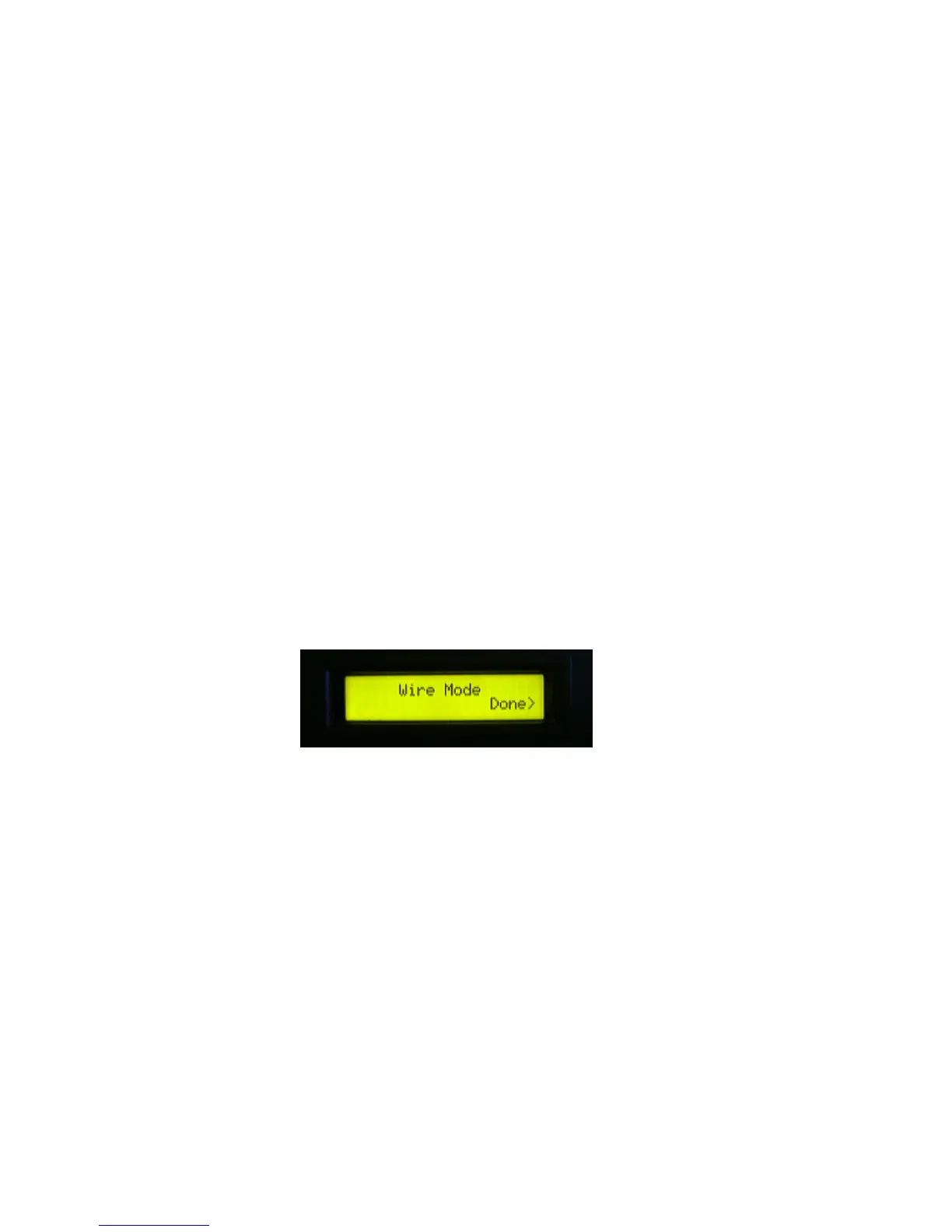
motion ceases and the following message appears on the LCD screen:
Switch the AUTO/MANUAL switch to
Manual mode and the rear panel Capstan RUN/WIRE switch to WIRE. Wire break detection is
disabled when running the saw in Wire Mode. This permits running the capstan for the wiring
process but it is not recommended that you run the capstan in Wire Mode for more than this. Note
that you cannot exit this mode if the Capstan RUN/WIRE switch is in the wire position.
Removing a Worn Wire
1. To remove a wire that is still intact, run the capstan to either end of its travel and stop.
2. Rotate the capstan in the same direction the last few revolutions by hand.
3. Reduce wire tension to about 10psi.
4. Grasp the wire near the capstan-retaining hole and provide gentle tension in the same plane as
the wire as you switch the Tensioner RUN/WIRE switch to the WIRE position. The tension
pulleys move inward and user-supplied tension should take up the slack, preventing the wire



 To Next Page