10
knurled knob. You can rotate the lead screws manually if you wish, but be aware that such a
change in position is not reflected on the display.
Common Setup Actions
Two additional operations are accessed from the Select Action menu. Use the up and down arrows
to select either and then press the right arrow key.
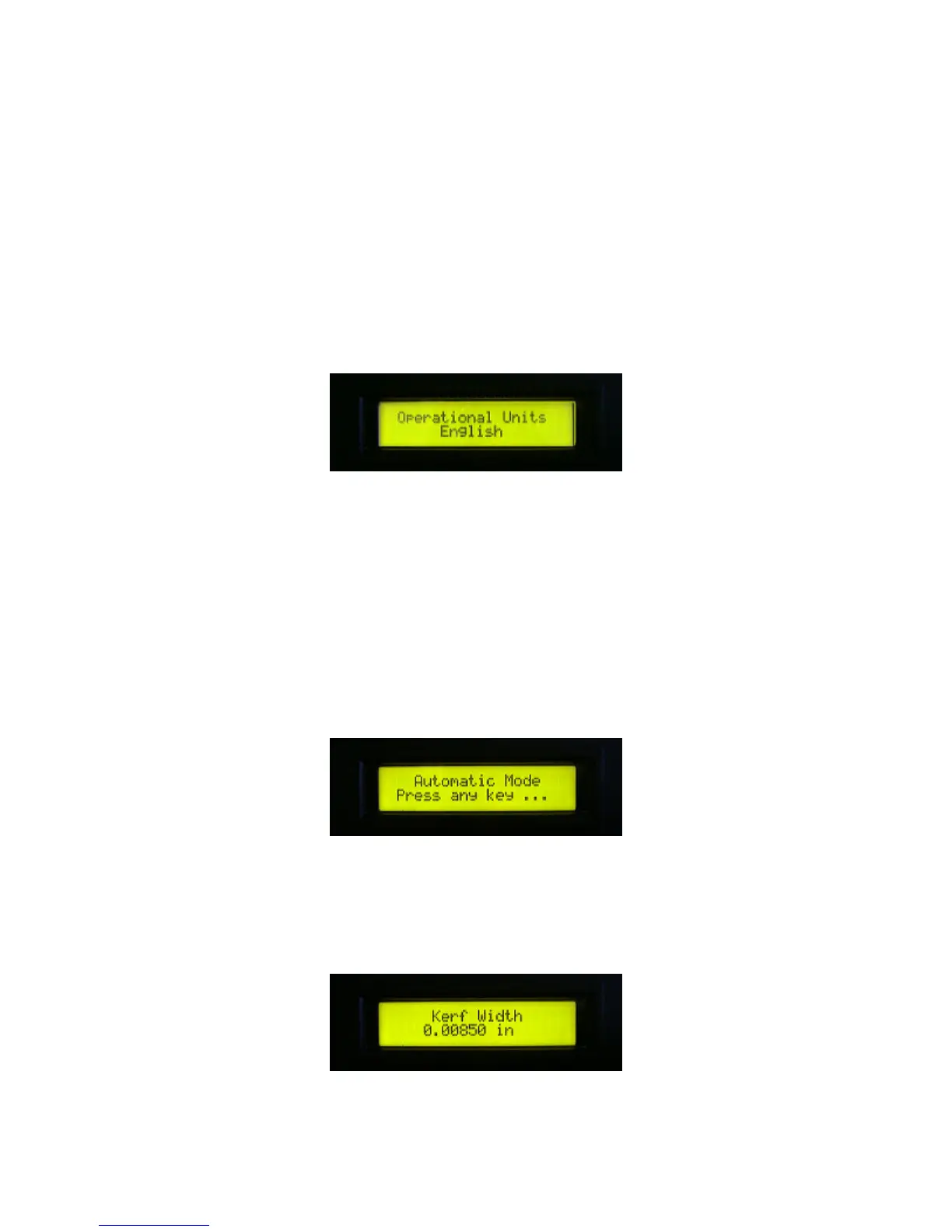
Set Operational Units:
The display indicates the currently configured display units.
Press the up arrow or down arrow to toggle your choice between English or metric. This parameter
affects display units only. Actual program parameters are stored internally in machine units.
Therefore, you can change the display units at any time and the stored program functions as
intended in either case.
Calibrate Bow Sensor
This function is explained under Bow Sensor Calibration in the Adjustment and Maintenance
section.
Automatic Mode
Automatic mode steps the operator through a series of menus that define the parameters of a cut
program. After all parameters have been defined, the operator initiates the cut program and
automatic cutting operation begins.
1. Use the up and down arrow keys to specify the kerf between each cut. This is typically set to the



 To Next Page