PURCHASER’S REFERENCE INFORMATION
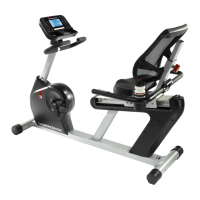
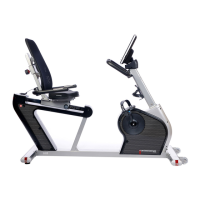
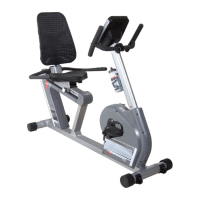
Product Name Diamondback Fitness Apex R8 Upright
Serial Number: E _ _ _ _ _ _ _ _ _ _
Record the serial number here.
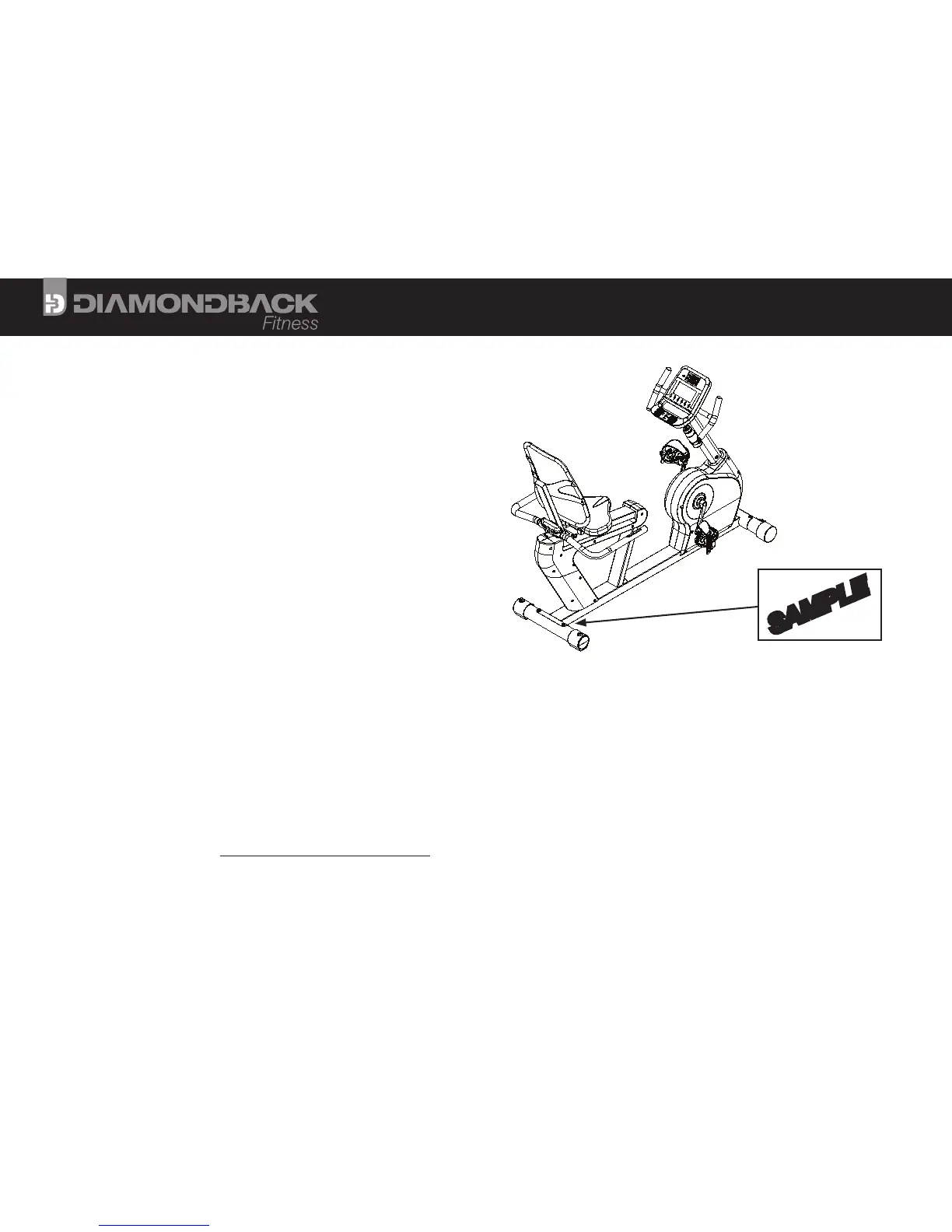
Serial Number Location
The serial number will be located on the right side of the lower main
frame, just forward of the rear stabilizer (see figure to the right).
Record of Purchase
NOTE: Please record details associated with the purchase of your Diamondback Fitness Apex R8 below. This
information will be required in the event the unit requires future service. ATTACH THE PURCHASE RECEIPT.
Dealer Name: ___________________________________________ Dealer Telephone Number: ( ) _____________________________
Dealer Address: _________________________________________________________________________________________________________
Date Purchased: ________________________________________ Dealer Contact Name: ________________________________________
To Activate Your Warranty
Please register the unit at www.diamondbackfitness.com. Failure to comply may limit or void your warranty coverage.
SERIAL NUMBER
||||||| |||| |||||| |||||||||||
E000000000
WARNING: REMOVAL OR
DESTRUCTION OF THIS
LABEL VOIDS WARRANTY
SAMPLE
2


 To Next Page