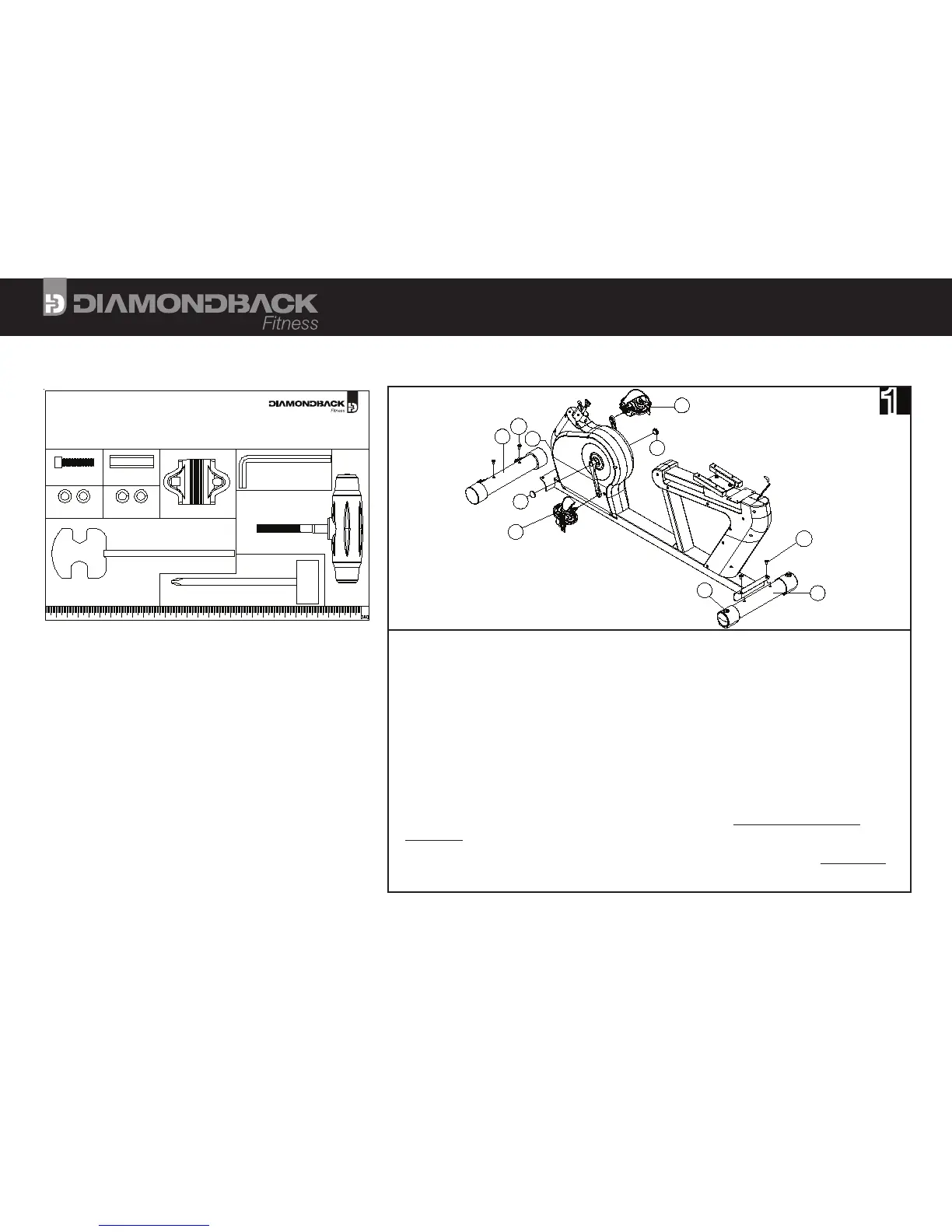
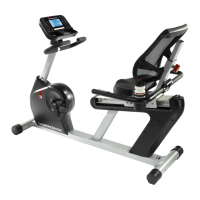
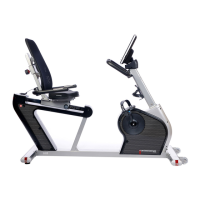
Remove the hex fixing bolts (B) from the front stabilizer (A) and rear
stabilizer (C). Align the holes in the main frame with the recessed nuts in
the stabilizers and reinstall the fixing bolts.
Level the base by adjusting the leveling feet integrated into each of the
rear stabilizer end caps (D). Rotate the knobs counter-clockwise to raise
the feet and clockwise to lower them.
Remove the left and right crank caps (EE), un-threading them counter-
clockwise. Tighten both crank nuts (clockwise) with the enclosed box
wrench and replace the crank caps.
Thread the left pedal (E1) into the left crank in a counter-clockwise
direction. Tighten firmly with the spanner wrench.
Install the right pedal (E2) into the right crank, tightening in a clockwise
direction. Reinstall the crank caps (EE).
1
Notes:
• Please read the entire Apex R8 Owner’s
Manual prior to beginning the assembly.
• Review the package contents to ensure
all listed parts are included.
• The assembly will require a 15 mm box
wrench, a 6 mm hex wrench, a 15 mm
pedal wrench, and a Phillips screwdriver.
All required tools are included.
• The estimated assembly time (of the
Apex R8) for a person familiar with basic
tool usage is thirty (30) to forty-five (45)
minutes.
Assembly Instructions
Allen Bolt
M7 x 1.0 x 30 mm (1)
Lock Washer
ID 7.0 mm (2)
Pedal Wrench / Screwdriver (1)
Crank Bolt & Nut Wrench / Screwdriver
Allen Wrench (1)
Flat Washer
ID 7.0 mm (2)
Apex R8 Assembly Hardware Kit
DP #22-10-1040
Bushing
ID 7.0 x OD 12.0 x 40 mm (1)
T-Handle M7 x 65 mm (1)
Handlebar Clamp (1)


 To Next Page