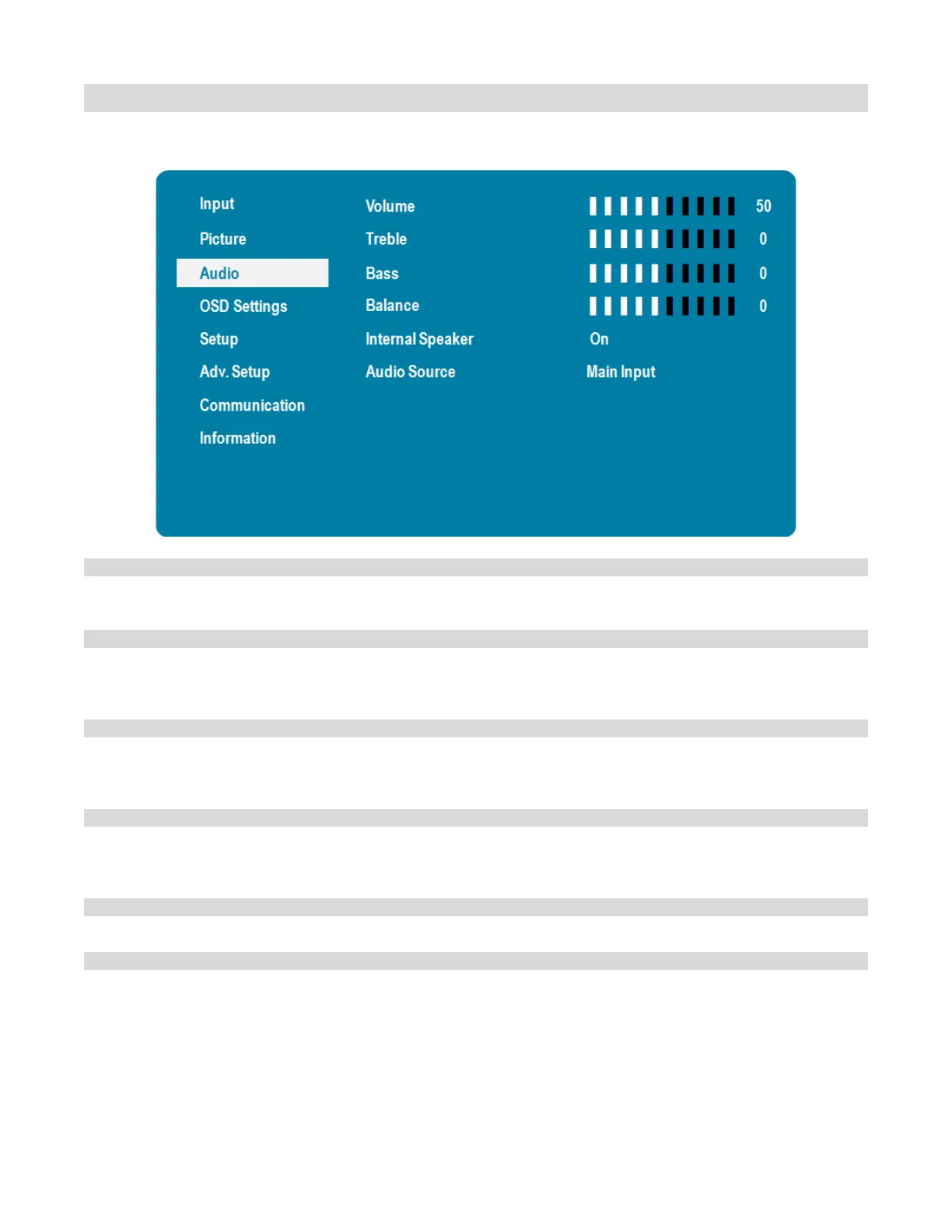
Audio Menu
This menu is used for adjusting volume settings.
Adjust the sound. Press or , select the desired level, and then press ENTER.
Range: 0~100
Adjust the sound in high tones (treble). Press or , select the desired level, and
then press ENTER.
Range: -6~+6
Adjust the sound in low tones (bass). Press or , select the desired level, and
then press ENTER.
Range: -6~+6
Adjust the balance of the left and right speakers. Press or , select the desired
level, and then press ENTER.
Range: -6~+6
Select the internal speaker audio on or off
Default: On
Select the audio source that is played through the display’s internal speakers, audio
out and digital audio out
Options: Audio In; Main Input; Source2; Source3; Source4
Default: Main Input
Note: Settings for Source 2, Source 3 and Source 4 will only be enabled when Multi-
Source Views mode is set to On.



 To Next Page