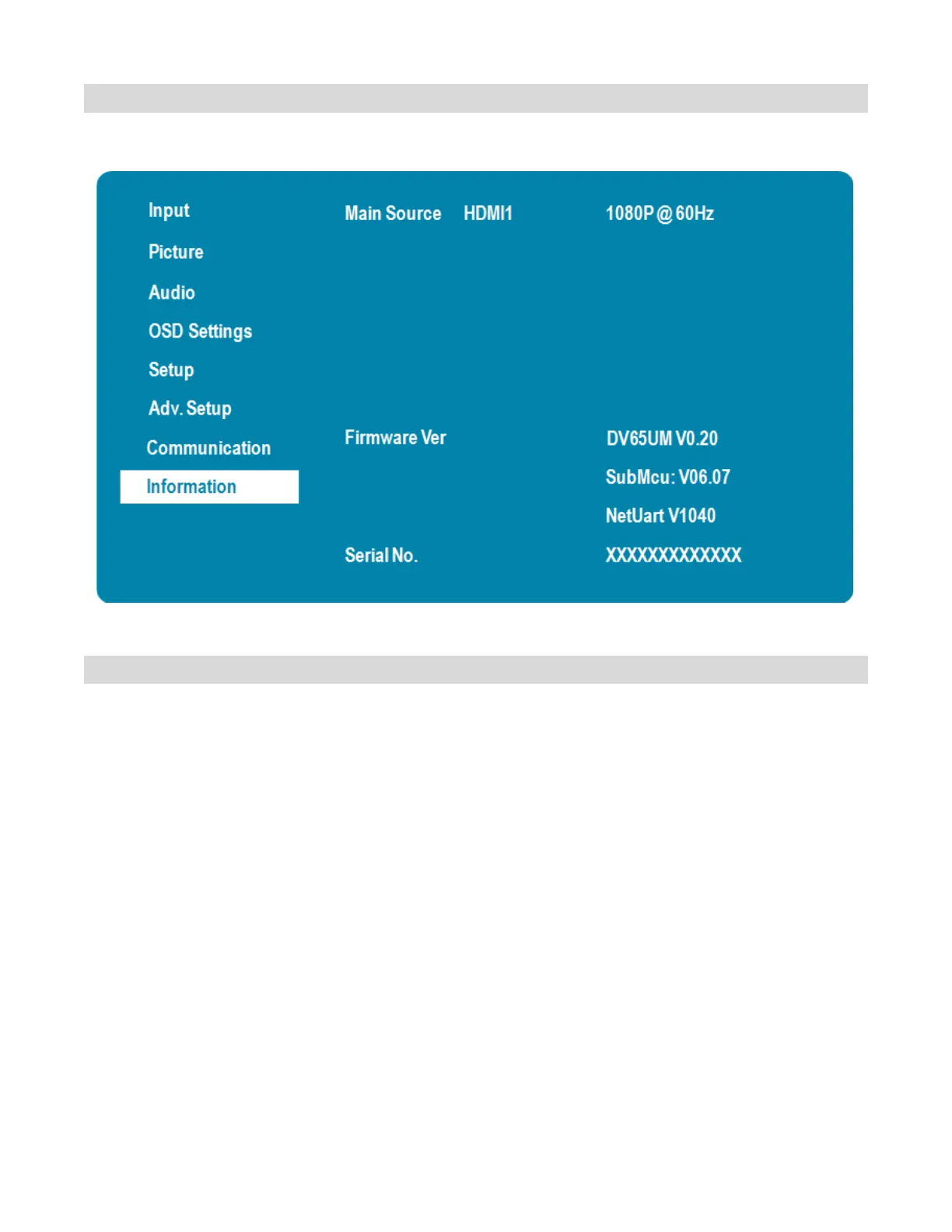
Information Menu
This read-only menu provides information on the active sources and the latest firmware version.
Wake Up from Sleep
By default, the display will enter power saving (Sleep Mode) if no signal is received for 5 minutes. Normally,
the RS-232, DisplayPort and HDMI inputs are inactive in Sleep Mode, to save power.
To change the behavior of Sleep Mode, change the “Wake up from Sleep” setting in the “Adv. Setup” menu.
• VGA Only (default) – The RS-232, DisplayPort and HDMI inputs are inactive when the display is in
sleep mode. The display will wake up when it receives a signal at the VGA input.
• VGA, Digital, RS232 – The RS-232, DisplayPort and HDMI inputs stay active when the display is
in sleep mode. The display will wake up when it receives a signal at the VGA, DisplayPort, or HDMI
input.



 To Next Page