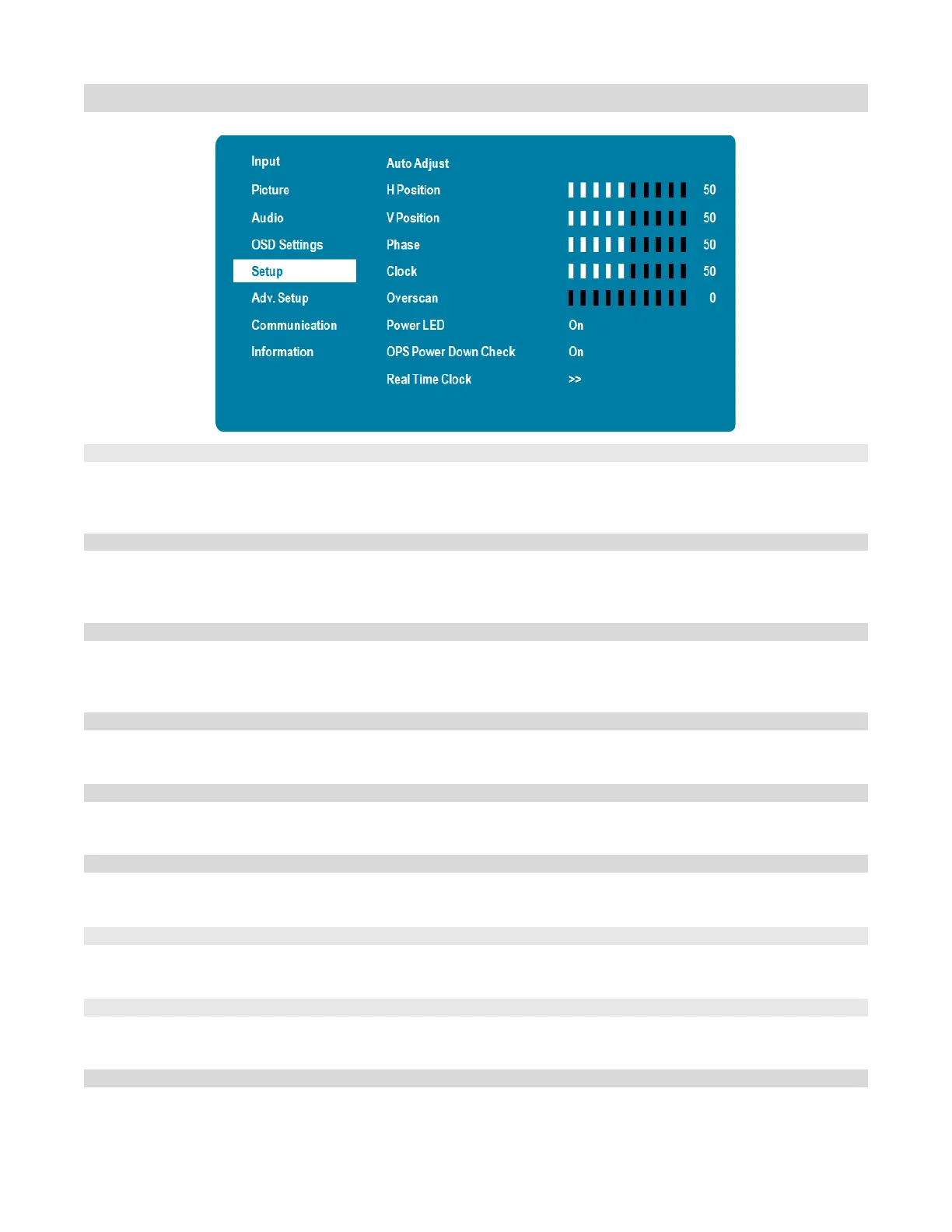
Setup Menu
Force the display to reacquire and lock to the input signal (VGA source only). This
is useful when the signal quality is marginal.
Options: No, Yes
Adjust the horizontal position of the image (VGA source only). Press or to select
the desired level.
Range: 0~100
Adjust the vertical position of the image (VGA source only). Press or to select the
desired level.
Range: 0~100
Adjust the phase of the displayed signal (VGA source only). Press or to select the
desired level.
Adjust the clock of the displayed signal (VGA source only). Press or to select the
desired level.
Adjust the zoom (overscan) of the image
Range:0~10
Enable or disable the status LED
Options: On, Off
Allow the display to skip waiting for the OPS module to power down when the
display is powering down
Configure settings of Current Time and Timer Mode
See next page for details



 To Next Page