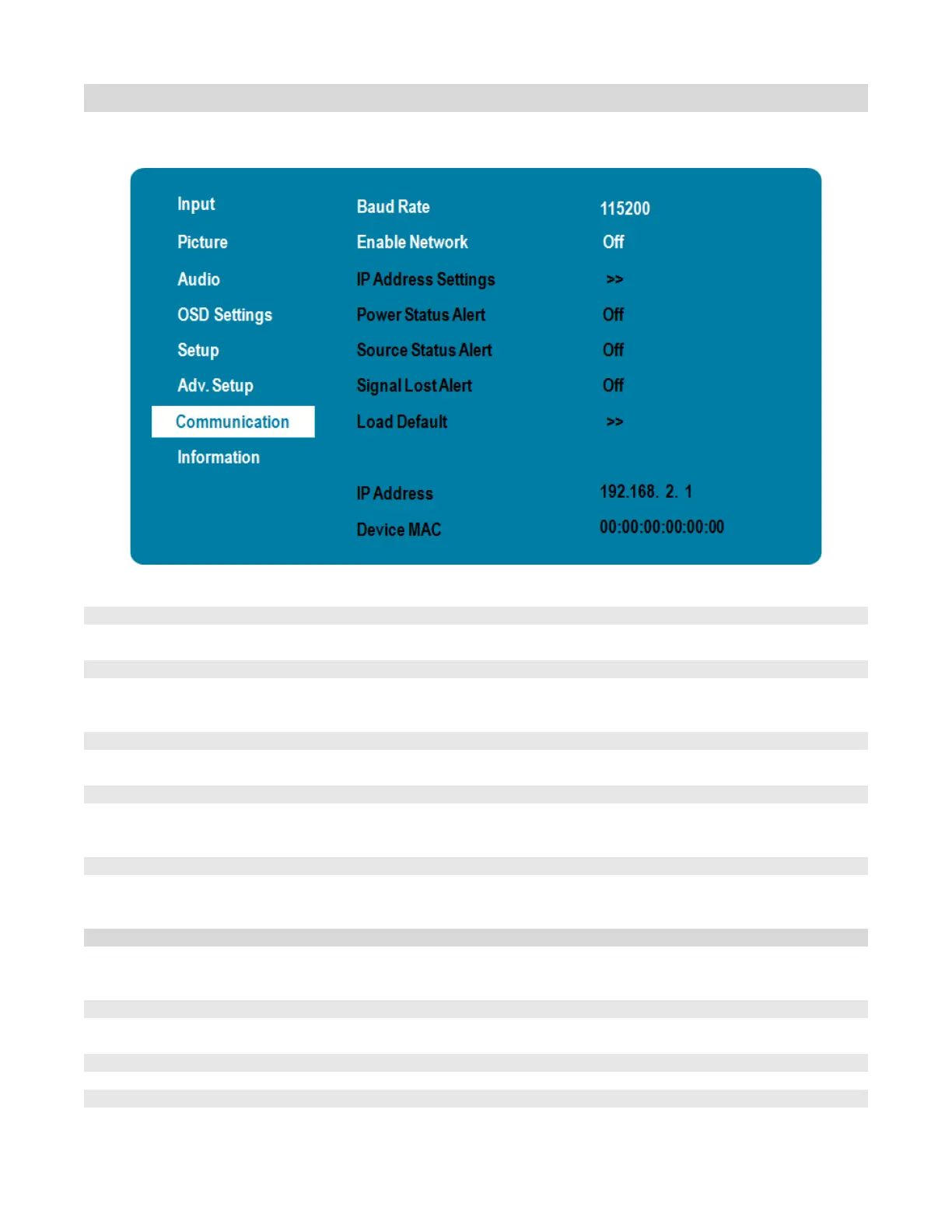
Communication Menu
This menu configures the display’s RS-232 and Ethernet communication ports.
Options: 115200, 38400, 19200, 9600
Default: 115200
Enable the display’s built-in Ethernet port
Options: Off, On
Enable Dynamic IP mode or set the static IP address of the display’s Ethernet port
See next page for more settings
Enable an automatic alert when the display is powered down
Options: On, Off
Enable an automatic alert when the source is changed
Options: On, Off
Enable an automatic alert when the video signal is lost
Options: On, Off
Load default communication settings
Options: No, Yes
Show the IP address of the display
Show the MAC address Info of the display



 To Next Page