500 Range
49
C)
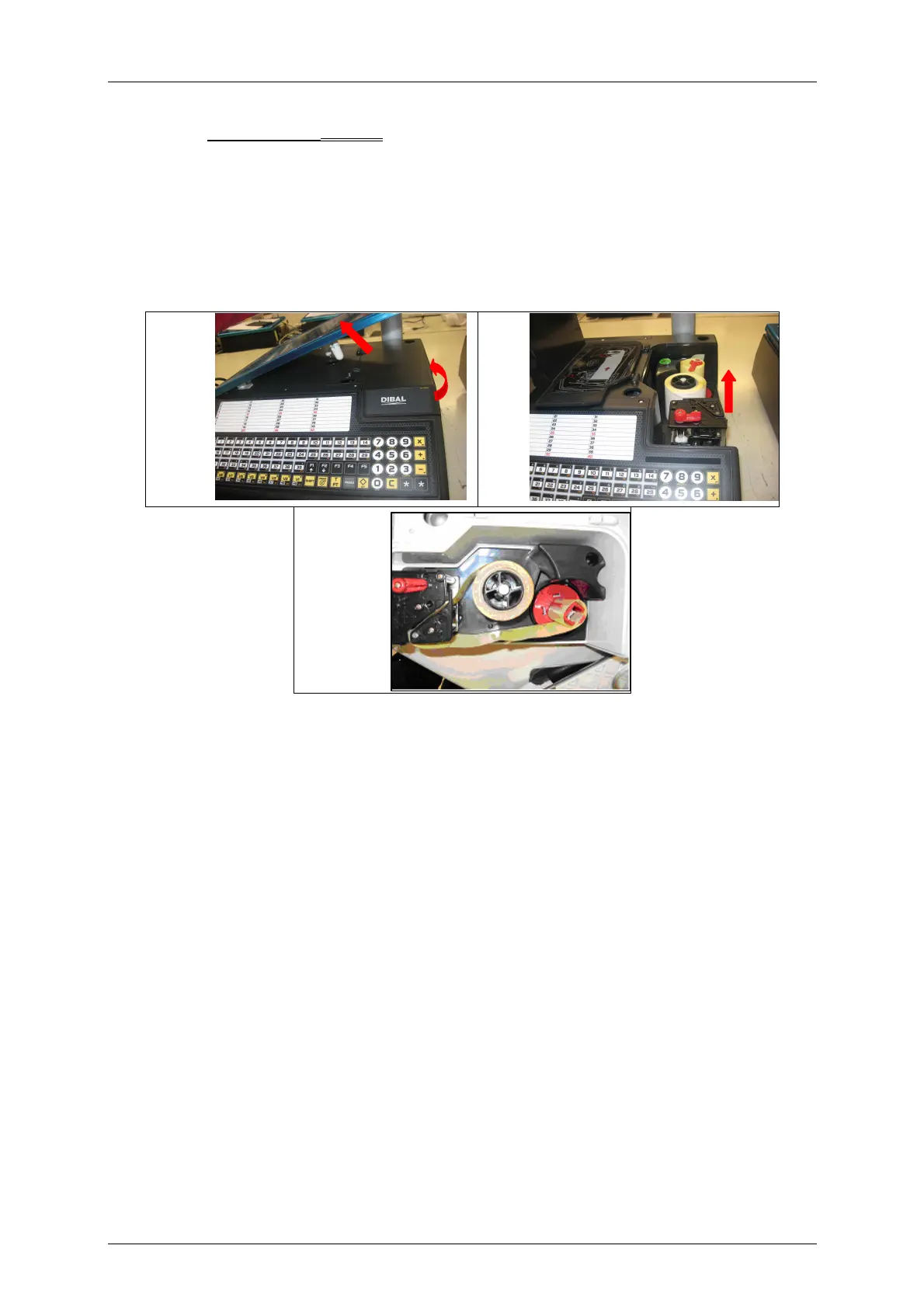
To replace adhesive paper (Labels):
1. Remove the weighing platform by lifting it from the right as described above.
2. Open the printer and release the paper from the head by working the lock. Remove the spent roll.
3. Fit the new roll as shown in the photo. Ensure that the heat-sensitive side of the paper is in contact
with the head (if not, receipts will come out blank).
4. Close the printer and fit the weighing platform, reversing the steps in point 1.
1 2
3



 To Next Page