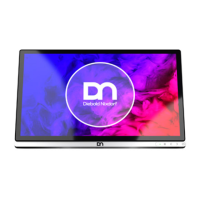
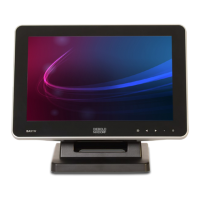
Initial Setup
8.2.2
8.2.2 Installing the Display to the Stand (With Cable Covers)
8.2.2.1
8.2.2.1 Preparing the Stand
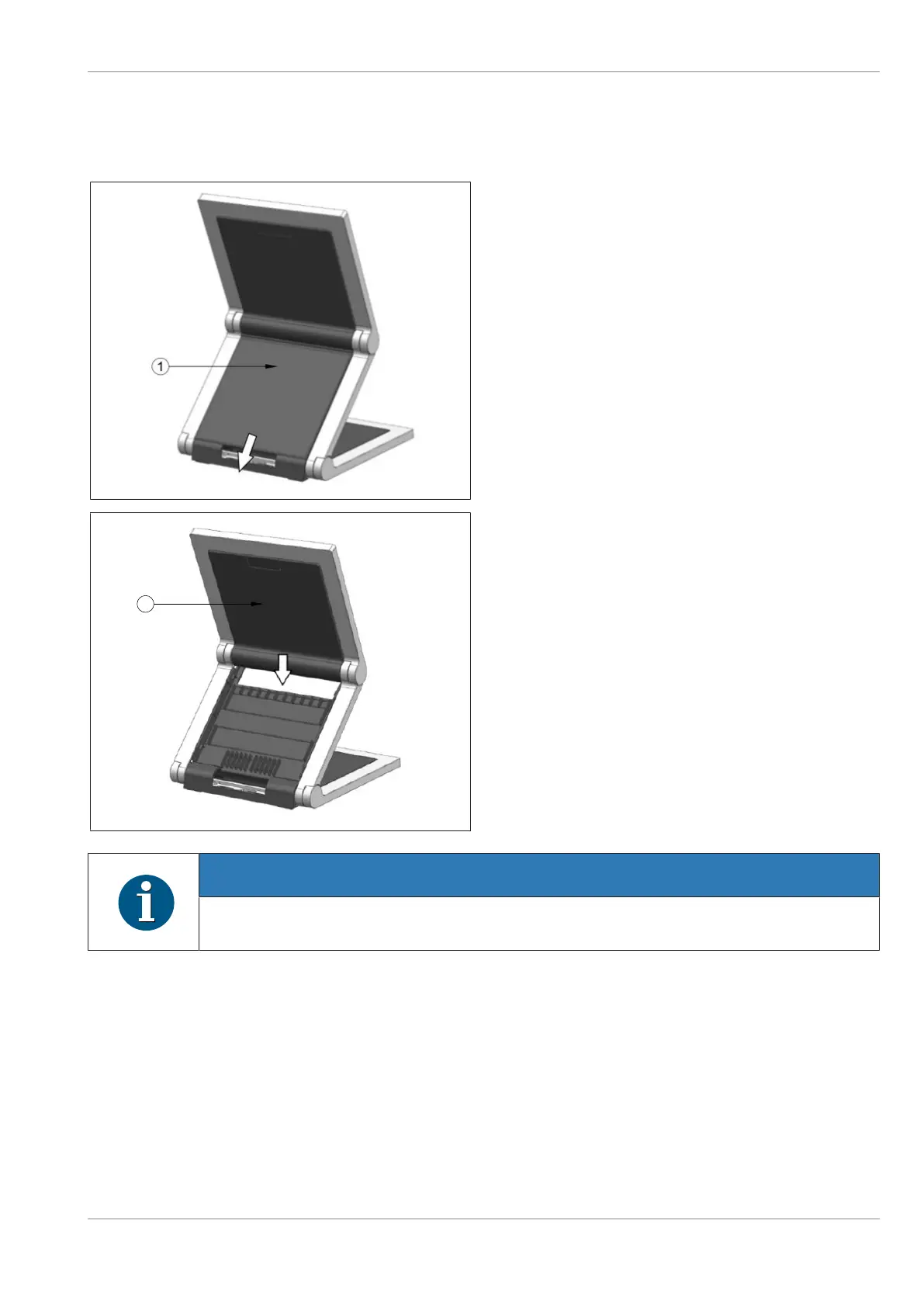
1. Remove the back cable cover (1) by sliding it
downwards (indicated by arrow).
From the stand:
2. Remove the VESA cover by sliding it down-
wards (indicated by arrow).
NOTE
Be careful when removing the VESA cover to avoid damaging it.
Confidential External
Copyright © 2023, Diebold Nixdorf
01750368517 B
8-5


 To Next Page