Peripherals (optional)
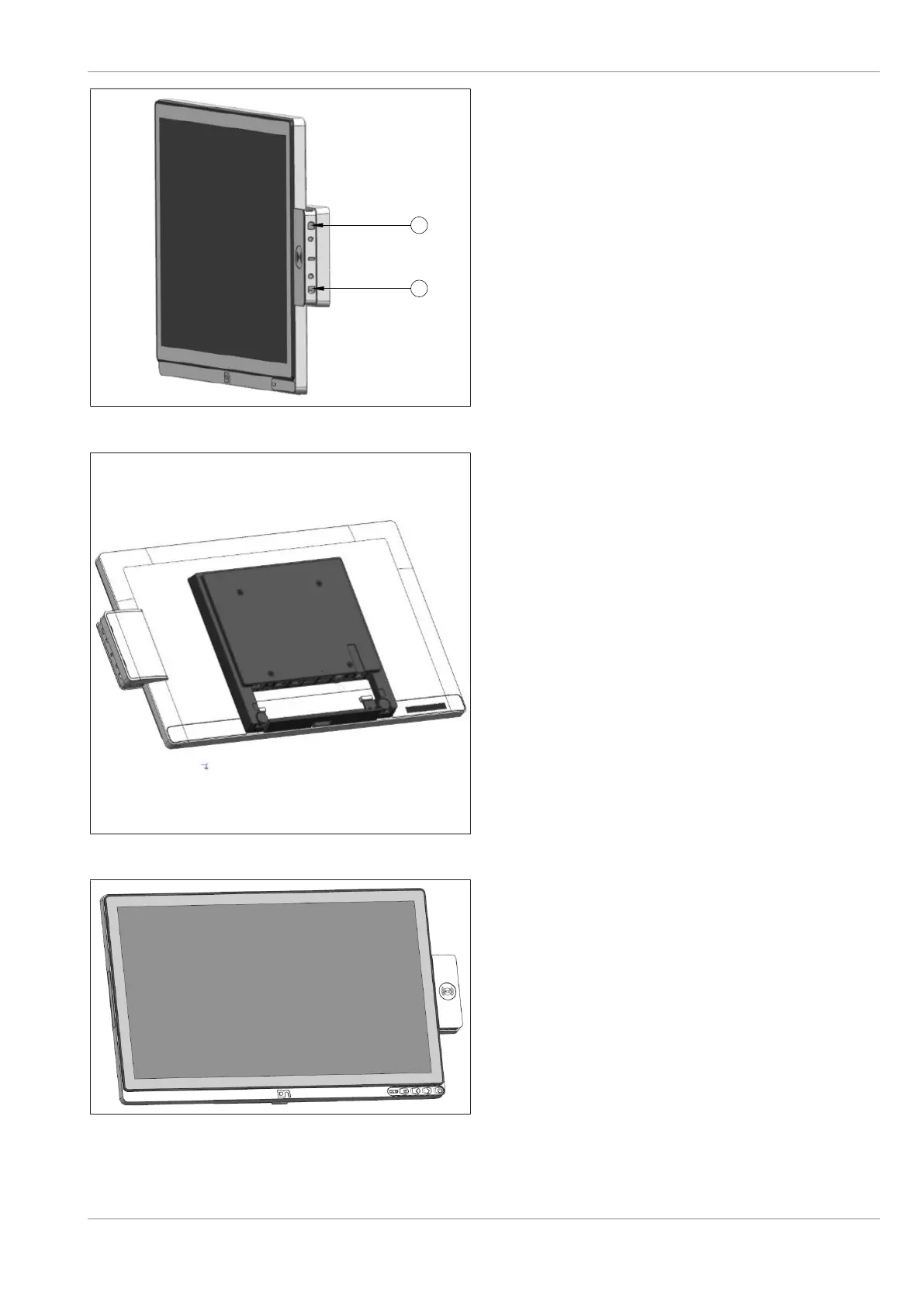
Figure10-23: Tightening the screws of the NFC module
8. Then put on and tighten two M3x4 screws at
(1) and (2).
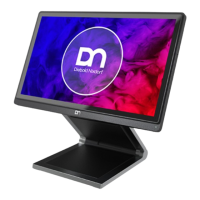
Figure10-24: NFC module installed
9. Re-attach the side-attach peripheral connec-
tion cover.
10. Re-attach the NFC Module side cover.
11. The NFC Module is now installed.
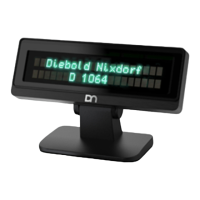
Figure10-25: Front view with NFC module
The front view of the with the NFC Module as
seen.
Confidential External
Copyright © 2023, Diebold Nixdorf
01750368517 B
10-12


 To Next Page