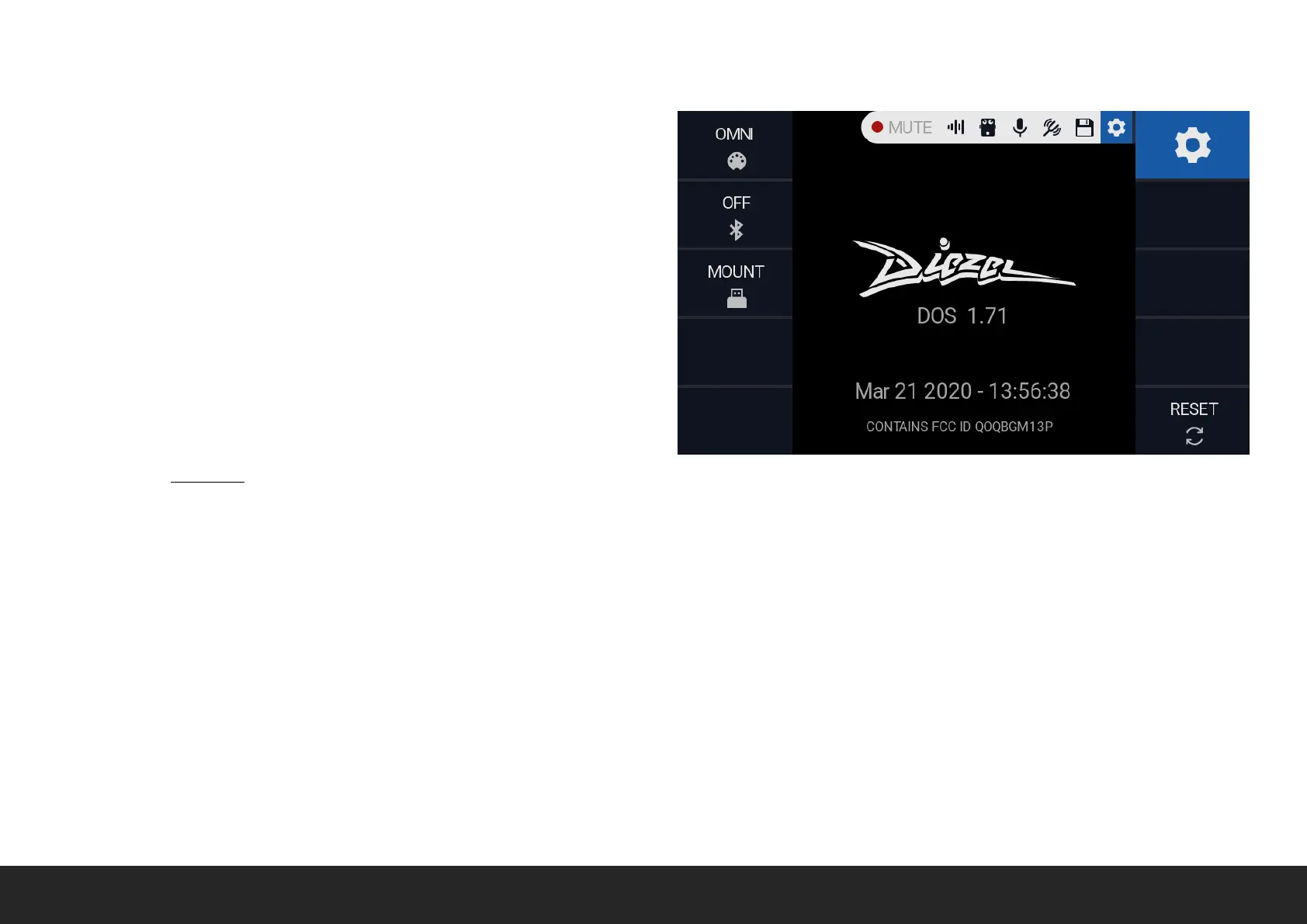
SETTINGS
The settings screen allows you to edit VHX global settings and it gives
information about the DOS (Diezel OS) version installed.
MIDI Rotate the relative encoder to select the MIDI channel. Please
note the it does affect all the MIDI input channels, so Columbus, BLE-
MIDI and USB MIDI.
BLUETOOTH Rotate the relative encoder to toggle the Bluetooth.
USB Push to MOUNT the VHX internal storage as USB MSC unit. Push
again to UNMOUNT. Please note that while the USB is mounted the
VHX UI is locked.
RESET Hold to RESET the VHX to default. WARNING: Doing so all your
preset will be DELETED.


 To Next Page