FX
FX SELECTION
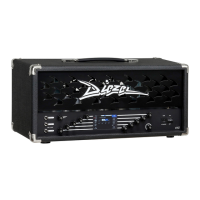
One of the most interesting features of the VHX is the integrated DSP.
It is placed between the PREAMP and POWERAMP, allowing for up to
7 simultaneous and completely programmable effects.
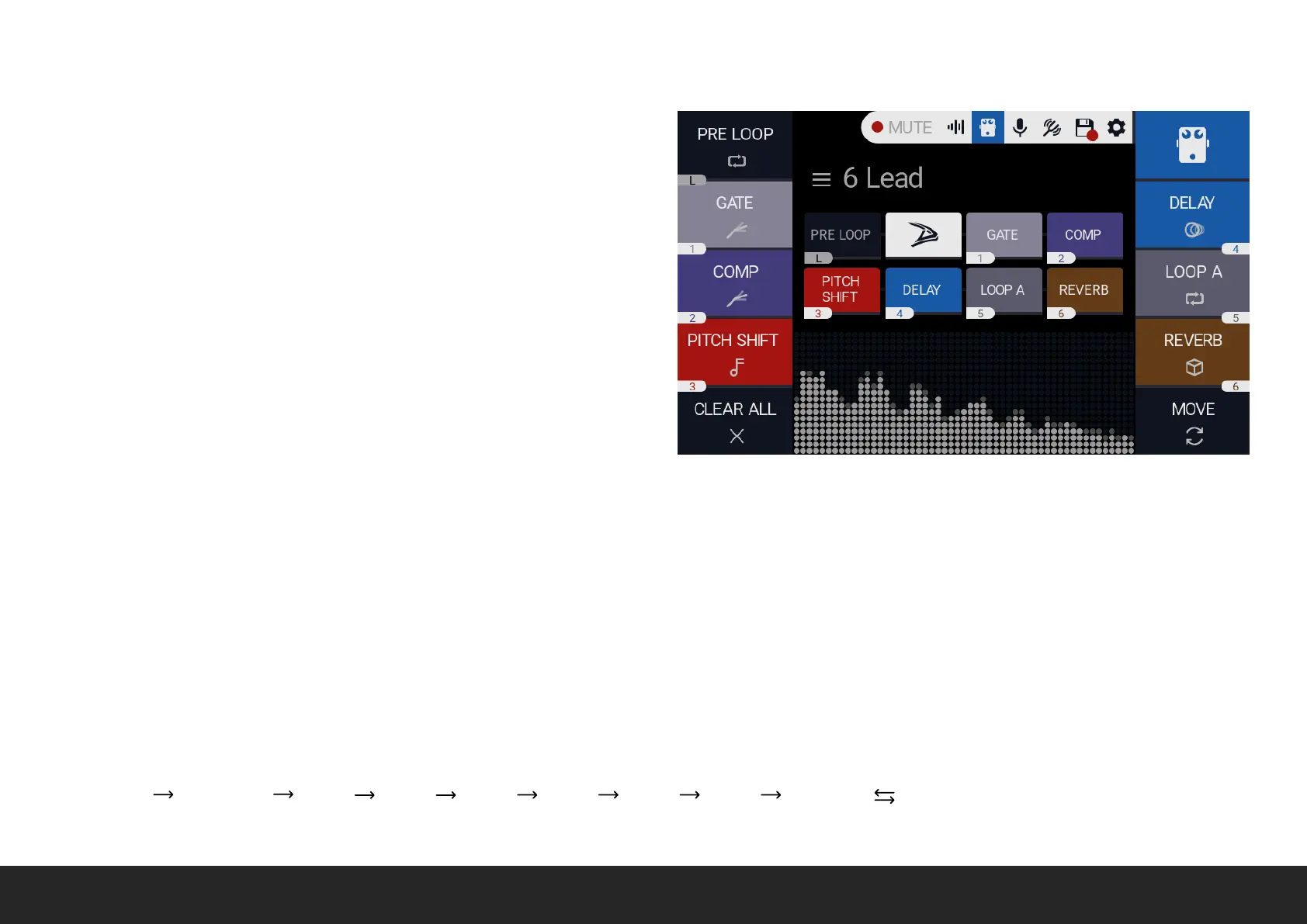
Each available SLOT is numbered from 1 to 6 except for the PRE LOOP,
labelled L as the position is fixed before the PREAMP.
TO ENABLE PRE LOOP Push the relative labelled encoder.
TO ASSIGN FX TO A SLOT rotate the relative numbered encoder to
scroll between all the available FXs.
TO EDIT FX PARAMETER, push the relative numbered encoder to
enter FX EDIT screen.
TO BYPASS FX, hold the relative numbered encoder.
MOVE Push the relative encoder to SWAP FX position between SLOTS: PUSH to enable the MOVE mode. ROTATE to move the blinking indicator
to the effect you need to move. PUSH to confirm the selection. ROTATE to move the selected FX to the new SLOT. PUSH to confirm.
LONG PUSH to CLEAR all effects.
CLEAR ALL Long Push to remove all the effects.
The signal path is SERIAL, and it is as follow:
PRE LOOP PREAMP FX 1 FX 2 FX 3 FX 4 FX 5 FX 6 CABSIM POWERAM


 To Next Page