PREAMP
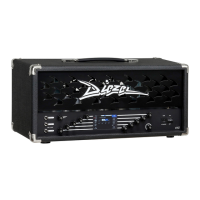
The VHX preamp is the result of 25 years of constant development and
innovation, and it brings you all the ICONIC Diezel tones from the amps
everybody’s in love with: VH4, Herbert, Hagen, Paul and more…
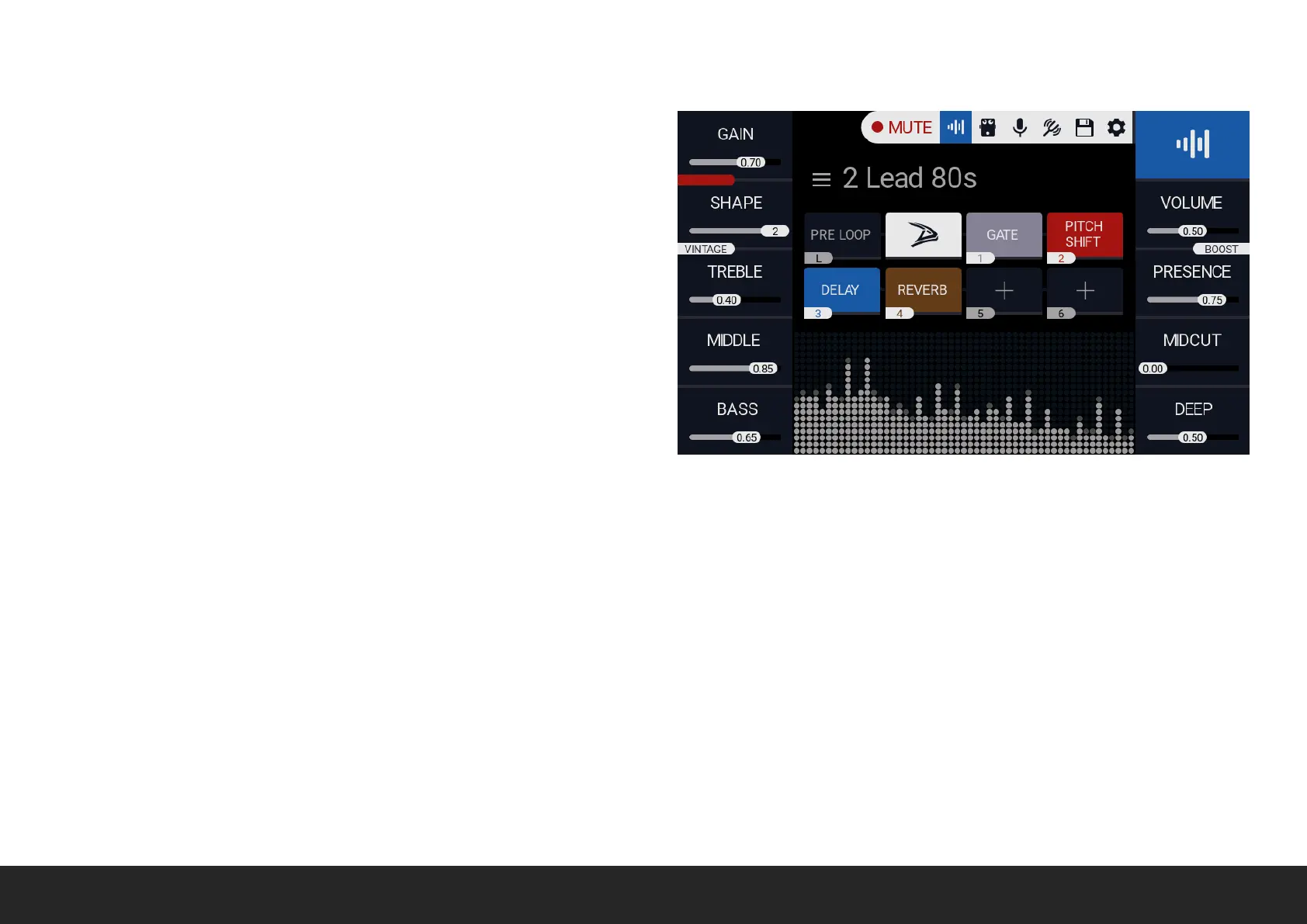
GAIN Rotate the relative encoder to select the amount of gain.
GAIN STRUCTURE Push the GAIN encoder to scroll between all the
available configurations: GREEN, YELLOW, BLUE and RED.
BRIGHT (For GREEN and YELLOW) Rotate the relative encoder to
toggle bright mode.
SHAPE (For BLUE and RED) Rotate the relative encoder to scroll
between all the shape mode. Shape control will morph the relative
gain structure, from TIGHT to FAT.
VOICE (VINTAGE/CLASSIC/MODERN) Push the SHAPE encoder to scroll between the available voices.
TREBLE - MIDDLE - BASS Rotate the relative encoder to adjust preamp EQ.
VOLUME Rotate the relative encoder to adjust preamp volume. This parameter could be remotely controlled with the MIDI control change
message CC7.
BOOST Push the relative encoder to enable +3db volume boost. This parameter could be remotely controlled with the MIDI CC6.
MIDCUT Rotate the relative encoder to adjust the midcut intensity, centred at about 400hz.
PRESENCE - DEEP Rotate the relative encoder to adjust POWERAMP presence and DEEP. Please note that PRESENCE and DEEP parameters affect
the CABSIM as well.


 To Next Page