13
Playlist
The playlist is a list of songs that you have added manually.
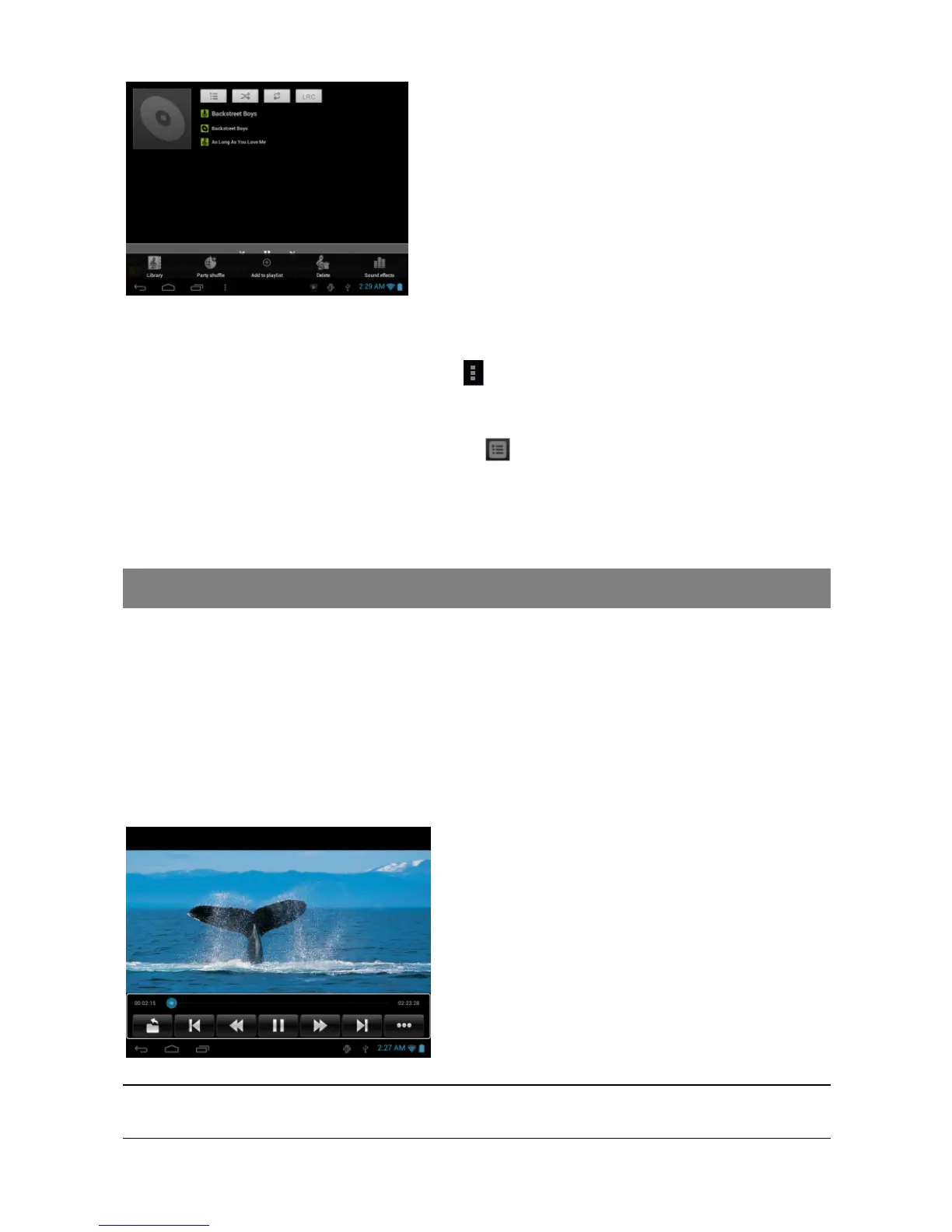
To add the current track to a playlist, tap during playback, selelect “Add to playlist”
and then choose a playlist or tap “new” to create a new playlist.
To play a playlist,
(1) In the Music menu, tap the Playlist icon to display all the playlist. All songs
that you have added are listed.
(2) Tap a song to start playing.
Playing Video
Tap the Video icon in the application page to launch the video player.
Navigate through Video Files
You should see the video list when you enter the video player.
You can drag your finger up and down on the video list to scroll the video list up
and down.
Tap a video to start playing.
Playback Screen
Note: Some video files may not be played correctly with the device. Refer to the Technical Specifications at
the end of the manual, and make sure the video resolution, encoding format or file type is supported.
a. Progress bar
b. Exit
c. Previous Video
d. Fast Rewind
e. Play/Pause
f. Fast forward
g. Next video
h. Video settings
a
a
b
c d
e f g h
Library– return to music library menu.
Party Shuffle – select Party Shuffle mode
Add to playlist – add a song to the playlist.
Delete – delete a song.
Sound Effects – Set the sound effects for
the music playback.



 To Next Page