14
Viewing Photos
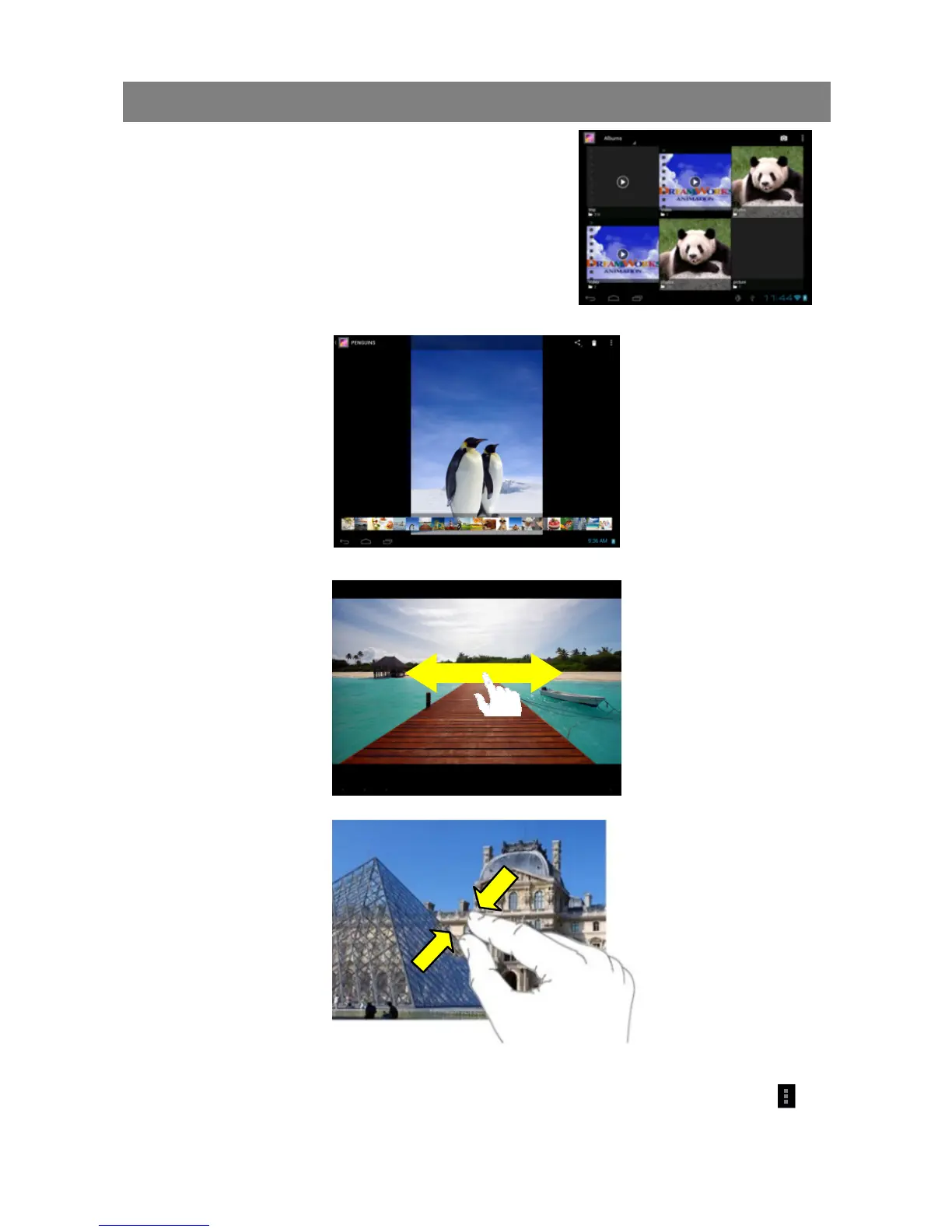
Tap the Gallery icon in the application page to
launch the Photo Gallery.
Viewing Photos
(1) Photos should be listed in thumbnail. You can
slide your finger on the screen left or right to
browse photos.
(2) Tap a photo thumbnail to view the photo in full
screen.
(3) To display the previous/next picture, slide your finger on the screen horizontally.
(4) To zoom in or out the picture, pinch your finger on the picture.
Display Menu
When you are viewing the picture, you can tap on the screen or the Menu icon to
show a menu.



 To Next Page